Target image
Photo with face to replace
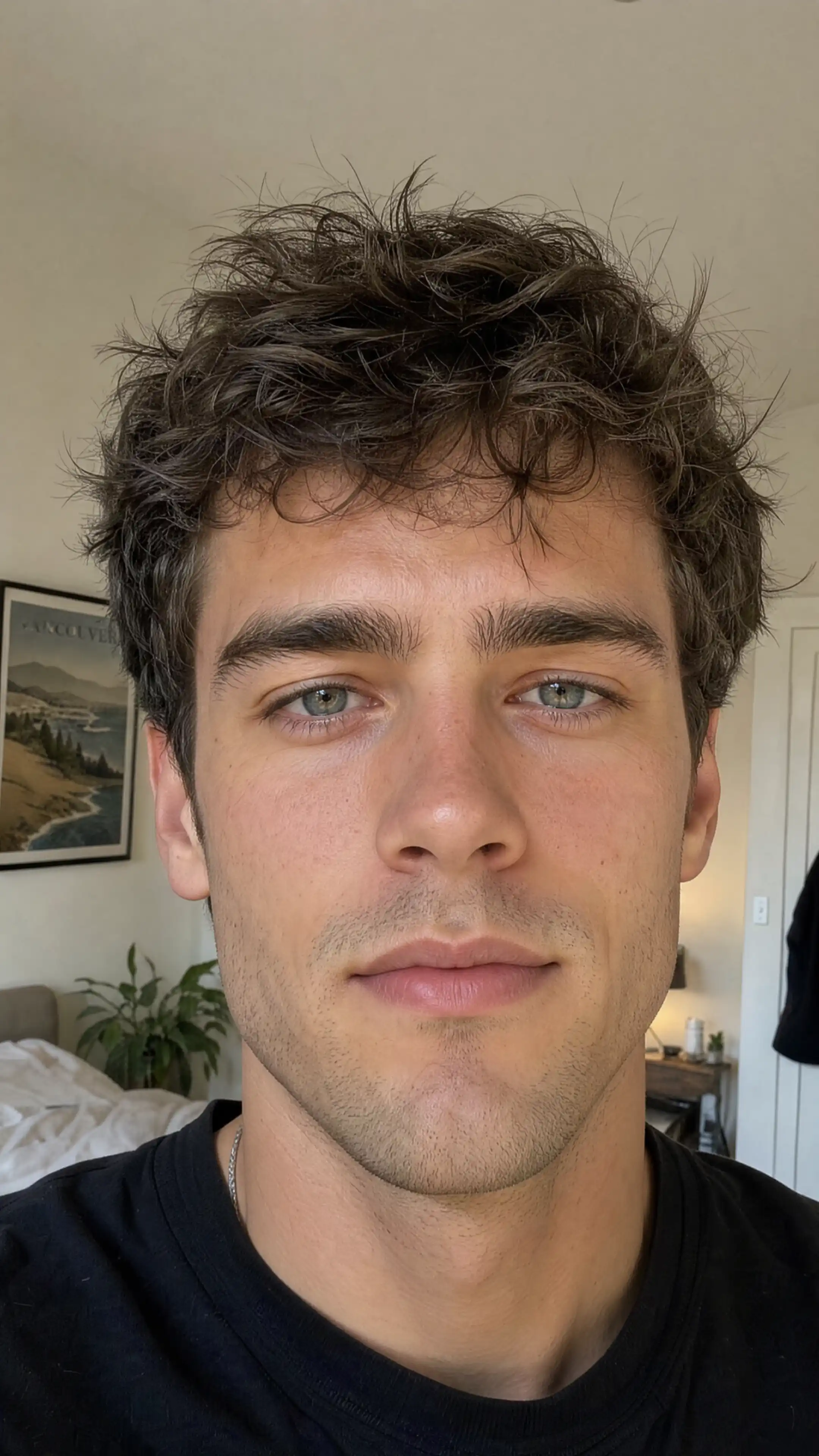
Upload your target photo
Choose the photo containing the face you want to replace.
The best instant AI face swap technology for photos and videos
Generation type
Checking your free face swap...
Target image
Photo with face to replace
Choose the photo containing the face you want to replace.
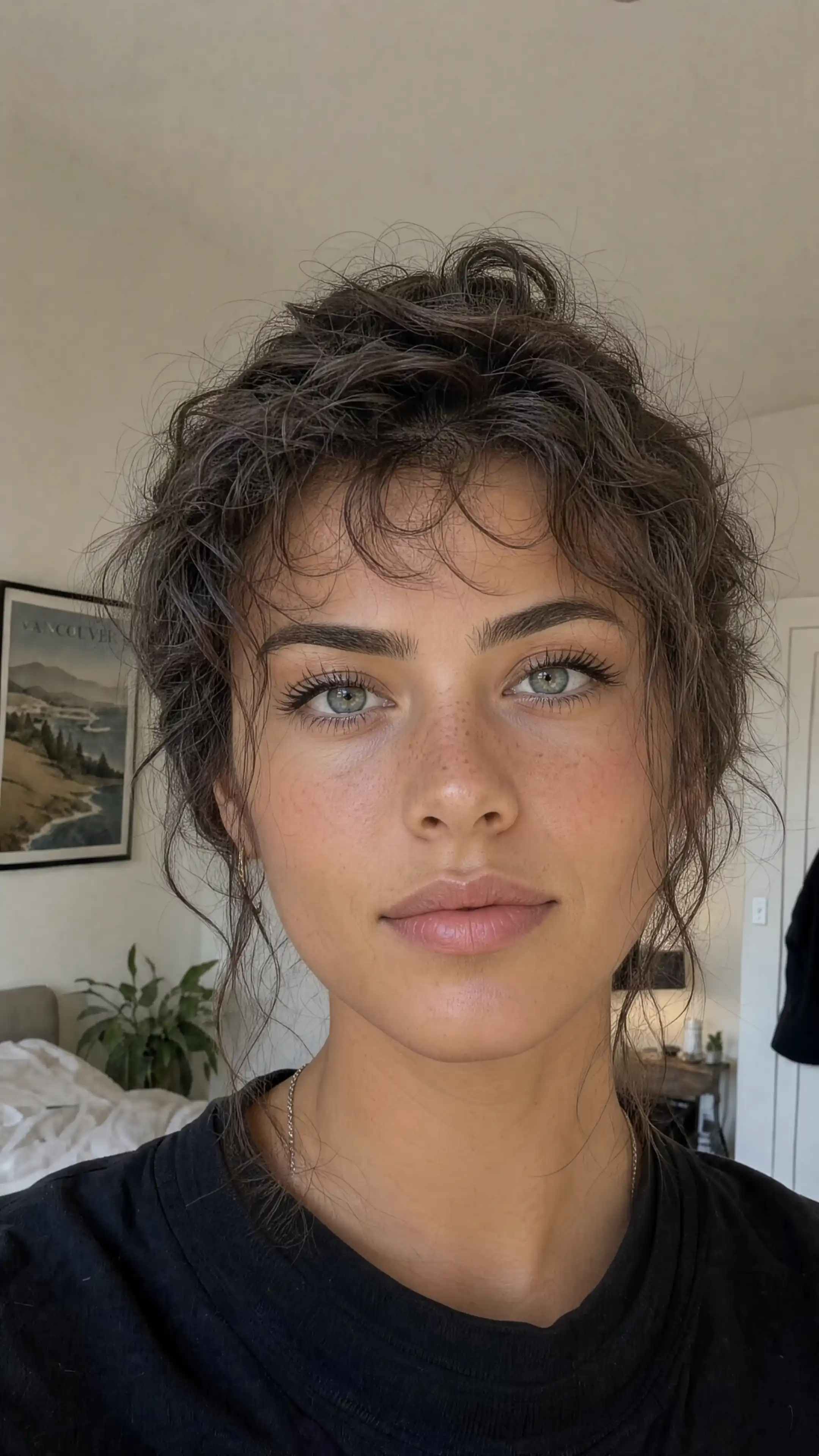
Your photo
Upload the face you want to insert
Select a clear portrait of the face you want to add to the target photo.
Click "Generate", then review the identity, hairline, and scene before downloading your result.
Photo examples
Compare the face, hairline, and lighting in these examples, then review the same details in your own output. Results depend on the source portrait and target scene.
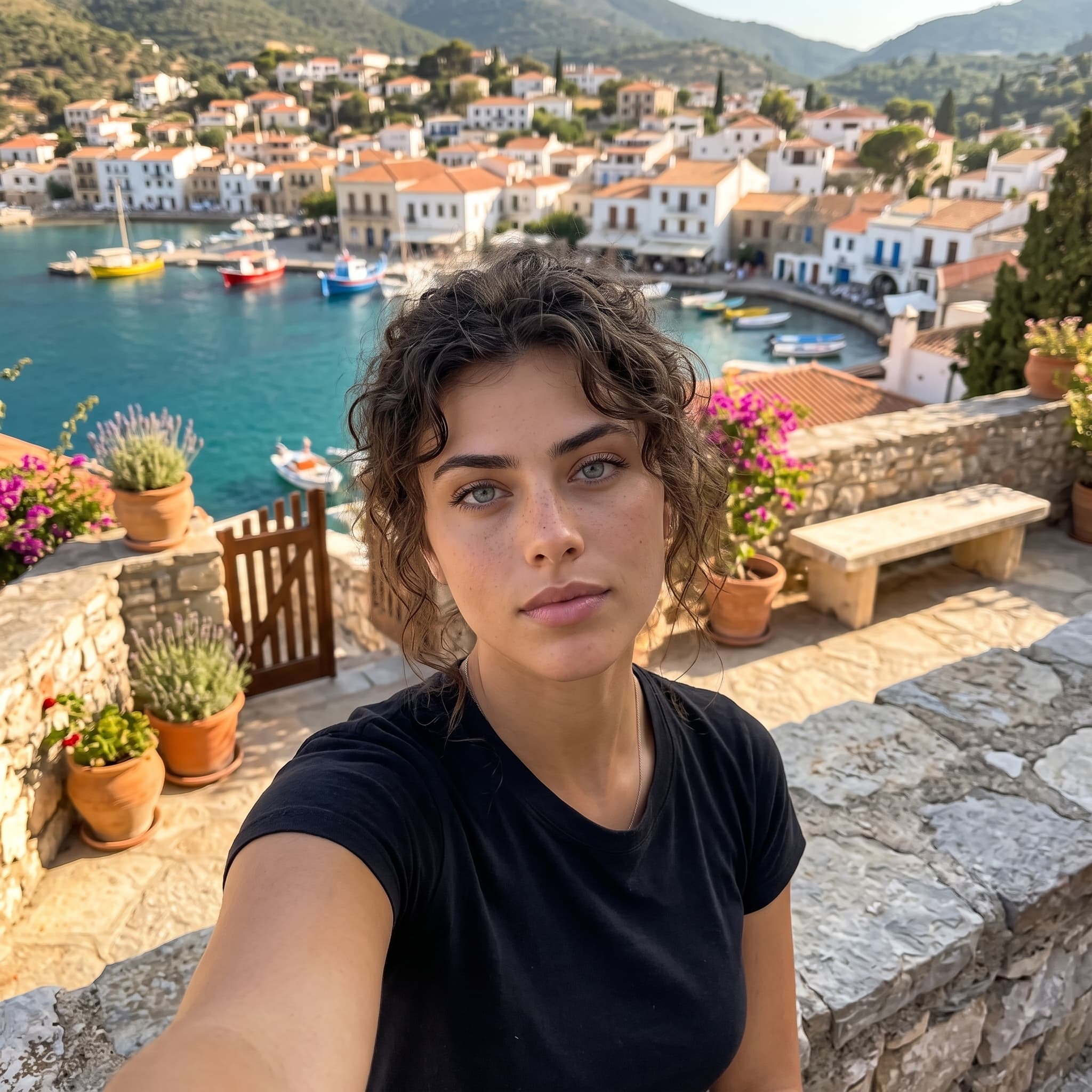
Editorial finish

Light matched
Expression aware
Core technology
Prepare your references and inspect the generated image with these practical checks.
Use a clear source portrait to guide the new identity, then compare the result with the target pose and expression.
Similar lighting in both uploads helps the generated identity fit the target scene. Review highlights and shadows after generation.
Inspect hairlines, eyes, and facial contours in the result. Start with sharp photos so those details are clearly visible.
Go from two photo uploads to a polished face swap without masks, keyframes, or complex editing software.
The two modes use different inputs. Photo mode edits the identity in a still image. Video mode uses Kling Motion Control to generate a clip from a character image and a reference performance.
| What to prepare | Photo face swap | Video face swap |
|---|---|---|
| Inputs | One target photo and one source portrait | One character image and one motion reference video |
| Accepted files | JPG, PNG, or WebP images | JPG, PNG, or WebP image; MP4 or MOV video, 3–30 seconds and up to 100 MB |
| Output settings | 1K image, square 1:1 format | 1080p motion-controlled video; original sound is kept |
| Credits | One free photo generation per account, then 2 credits per generation | Priced from your uploaded clip length; the tool shows the cost before generation |
The photo workflow replaces the full head identity, including hair and the hairline, while asking the model to keep the target pose, clothing, and scene. It is a generated edit: small details may change. Compare the result with your target before using it.
Video mode generates a new performance guided by your reference clip. It can change more than the face. Review the whole clip for changes to the character, clothing, background, and movement.
Creative directions
Put talent into a new creative direction while keeping the art direction coherent.
Explore alternate casting for fictional characters, portraits, and concept art.
Create playful, scroll-stopping edits sized for feeds and profile moments.
Plans
Photo face swaps use 2 credits. Video face swaps use Kling 3.0 Motion pricing, calculated dynamically from the uploaded clip length. Your credits work across every model in Unify.
$9.99/mo
or $9.49/mo billed yearly
$24.99/mo
or $22.49/mo billed yearly
$49.99/mo
or $42.49/mo billed yearly
$149.99/mo
or $119.99/mo billed yearly
FAQ
Use a sharp source portrait with one clearly visible adult face. Even lighting, minimal occlusion, and an angle similar to the target image usually produce the cleanest result.
Yes. Sign in to use one free photo face swap per account. Further photo generations use 2 credits each. Video generation is priced separately from the uploaded clip length; review its cost in the tool before generating.
Upload a character image and an MP4 or MOV reference video between 3 and 30 seconds, up to 100 MB. The app uses Kling Motion Control at 1080p and keeps the original sound. It generates a new video guided by the reference movement, so details outside the face can change.
Yes. This workflow replaces the complete head identity, including the face, hair, and hairline. It asks the model to preserve the target scene and pose, but the generated result can still change fine details. Review the image before publishing.
Upload JPG, PNG, or WebP images. Photo mode uses a 1K output setting in square 1:1 format. Choose reference images with enough space around the subject for that framing.
Only use media you have the rights and consent to use. Your permitted commercial usage also depends on the source material, the selected model, and your Unify plan, so check those terms before publishing.
Face-swap tools should only be used with the clear permission of the people depicted. Deceptive, harmful, non-consensual, or identity-abusive content is not an acceptable use of the product.
This guided workflow is designed around one source face and one target face at a time. Working one identity at a time also makes it easier to review the result carefully.
Free online face swap
Upload a target image and source portrait to create a realistic face swap online with Unify.