
Example image
4K resolution
Model Profile
The Seedream lineup on Unify, covering Seedream 4.5 and Seedream 5.0 Lite for fast, high-fidelity image generation across multiple styles.
Provider
ByteDance
Workflow
AI Image Generation
Key features
4
Media below is reused from the Unify landing page model viewer so each model page has a concrete example section instead of text alone.
Example image
4K resolution
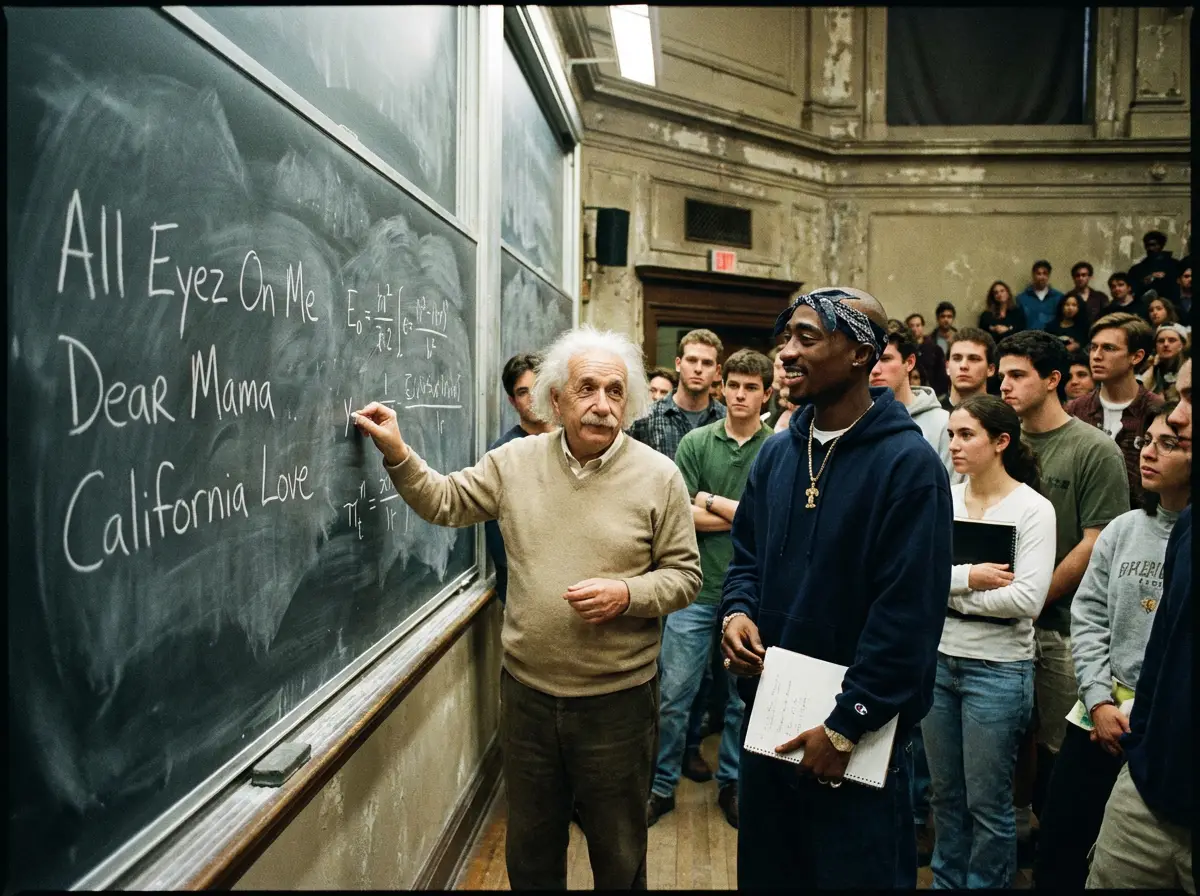
Example image
Super detailed
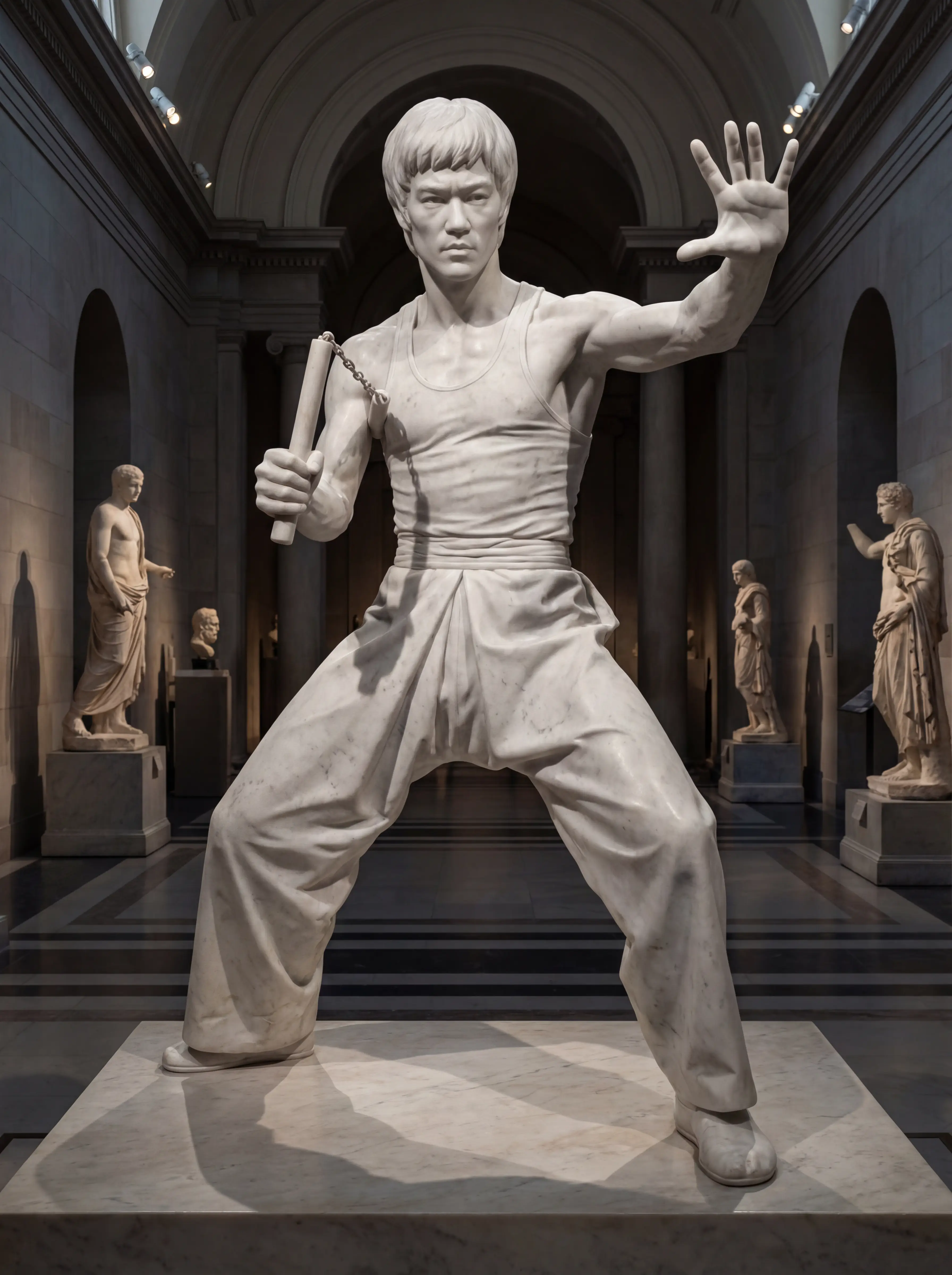
Example image
Fast results
This page is the Seedream family overview. Seedream 5.0 Lite is the main recommendation, and the models below cover the specific Seedream variants we aggregate on Unify.
ByteDance
Seedream
The Seedream lineup on Unify, covering Seedream 4.5 and Seedream 5.0 Lite for fast, high-fidelity image generation across multiple styles.
ByteDance
Seedream 5.0 Lite
ByteDance's newer Seedream model focused on fast, high-quality image generation with flexible aspect ratios and lightweight production workflows.
Seedream on Unify is the ByteDance image lineup, centered on Seedream 4.5 and Seedream 5.0 Lite. Rather than treating Seedream as a single version, this page covers the Seedream family you can access on Unify. Seedream is known for fast, high-fidelity generation, strong visual style flexibility, and a clean workflow for creators who want polished image output without a heavy setup. Seedream 5.0 Lite is the newer streamlined option, while Seedream 4.5 remains a strong high-fidelity choice.
Seedream 5.0 Lite
Seedream 4.5
High fidelity
Fast generation
Choosing the right Seedream model
Fast image generation
High-fidelity creative work
Social and marketing visuals
Multiple Seedream versions available
Fast generation
High fidelity
Versatile styles
Version choice can add decision overhead
Less text rendering capability
Less control over specific details
Create your Unify account in seconds. No credit card required.
Choose Seedream from the model selector in the image interface.
Enter your prompt and let Seedream generate amazing results.

Nano Banana Pro
Google's advanced image generation with support for up to 4K resolution and sharp text rendering.

OpenAI
GPT Image 2
OpenAI's newest image model with flexible aspect ratios, up to 4K output, and strong prompt adherence for both generation and editing.
OpenAI
GPT Image
OpenAI's latest GPT Image model for sharper detail, richer textures, and reliable prompt adherence.

xAI
Grok Imagine
Generate images from text or edit one reference image with Grok Imagine. Choose 1K or 2K output, set the aspect ratio, and review generation credits in Unify.
AI E-Commerce Product Image Generator
Generate product images, lifestyle shots, marketplace creati...
AI Brand Ad Creative Generator
Create brand ad concepts across copy, images, video, and mus...
AI Fashion Design Generator
Explore fashion concepts with AI. Generate clothing designs,...
Join thousands of creators using Unify to access the best AI models in one place.