Kling 3.0 in Unify
From your first prompt to a usable shot
Start with one subject and one movement. Kling 3.0 accepts a text prompt or a starting image, with audio, resolution, and shot controls in the video workspace. Generate a short draft, inspect it, then expand the sequence.
1. Choose what defines the scene
Use text when you are exploring a new scene. Add a starting image when the composition, character, or product already exists. In image-to-video, describe what should move instead of rewriting every detail of the image.
2. Set the shot and its cost
Choose a duration from 3 to 15 seconds, then select resolution and audio. Start with a short 720p draft to review motion. Check the credit estimate before each generation, especially when changing duration or resolution.
3. Review before extending the idea
Watch the full clip for changes to faces, hands, product labels, or backgrounds. Simplify conflicting actions if the result drifts. Use Multi-Shot when you need separate shot prompts and durations within a sequence.
How many credits does Kling 3.0 use?
Compare a five-second Kling 3.0 generation at each resolution. These are standard credit costs; check your plan and the estimate in the workspace for any included allowance.
Standard credits for a five-second Kling 3.0 video| Resolution | Audio off | Audio on |
|---|
| 720p | 11 credits | 16 credits |
|---|
| 1080p | 14 credits | 21 credits |
|---|
| 4K | 53 credits | 53 credits |
|---|
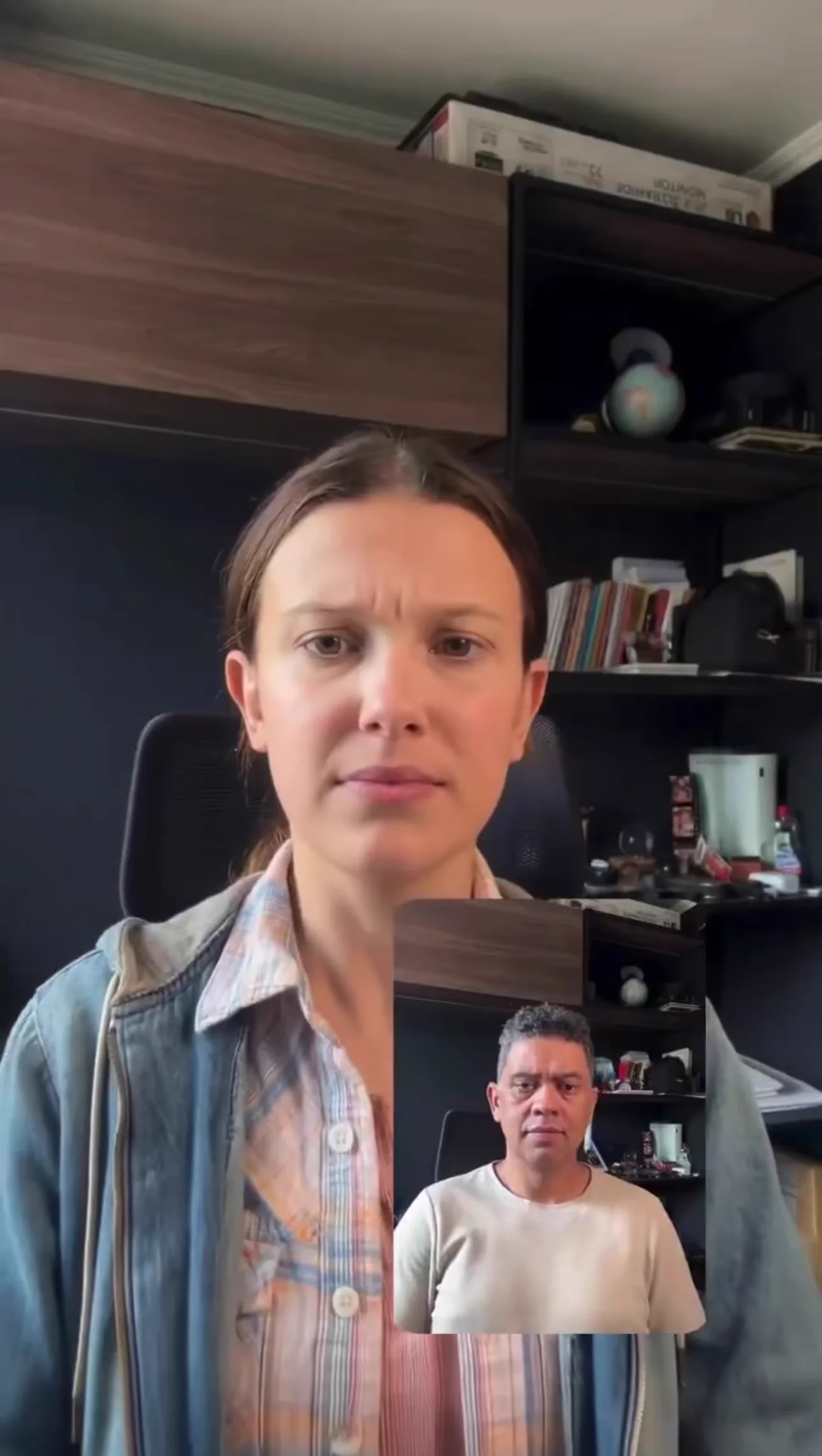
Have a movement you want to copy?
Choose the separate Kling Motion Control workflow when you have a driving video and a character image. It transfers a reference performance; ordinary text-to-video starts from your written direction.
For a guided identity change, the face swap app provides photo and motion-controlled video modes with their own upload requirements.
Three prompts to adapt for your project
These are suggested starting prompts, not the prompts used for the showcase videos below. Results vary with your inputs and settings.
Product detail from a starting image
Slow camera push toward the product on the table. A soft reflection moves across its surface. Keep the product shape, label, and background unchanged. One continuous shot, no cuts.
Review: Compare the label and silhouette with your starting image. If either changes, try a simpler camera move before adding more action.
A portrait with restrained movement
A medium close-up of a person beside a window. They glance toward the camera and give a small smile. Soft daylight, fixed camera, natural breathing, one continuous shot.
Review: Check the eyes, mouth, and hairline throughout the clip. Start with a small expression change before attempting a large head turn.
An establishing shot from text
Wide shot of a quiet coastal village at sunrise. The camera moves slowly forward above the harbor. Small ripples move across the water and a light mist hangs over the rooftops. No people in the foreground.
Review: Look for stable buildings and a smooth camera path. Change either the setting or the movement on your next attempt so you can compare the effect.