No overall credits deducted for eligible Wan 3.0 generations
Wan 3.0UnlimitedAI video generator
Create more Wan 3.0 takes without spending overall credits on eligible Scale and Ultra plans. Direct the picture, motion, and sound in one workspace.
10 to 35 daysUnlimited access window
Scale & UltraAvailable on eligible plans
Up to 1080pMaximum eligible quality
Wan 3.0 creative control
Give every beat a direction.
Shape the opening, the motion, and the sound of a scene. Unlimited gives you room to try the next take while your access window is active.
A visual anchor
Guide the subject and composition with supported frames or references.
Sound in the brief
Describe the ambience and sounds that make the moment feel complete.

Creative direction / 01
Make the next shot feel intentional.
Why Wan 3.0 Unlimited
More room for every version.
Make room for every version of your scene. Wan 3.0 Unlimited lets eligible Scale and Ultra subscribers create within their plan's included settings without drawing from overall credits. When you need other supported settings, the studio shows a regular credit quote before you submit.
Scale and Ultra include the same access windows and starting output limits as Seedance 2.5 Unlimited
Direct picture, movement, and sound with supported prompts and references
Keep creating through the dedicated Unlimited queue during your active window
Your next video starts here
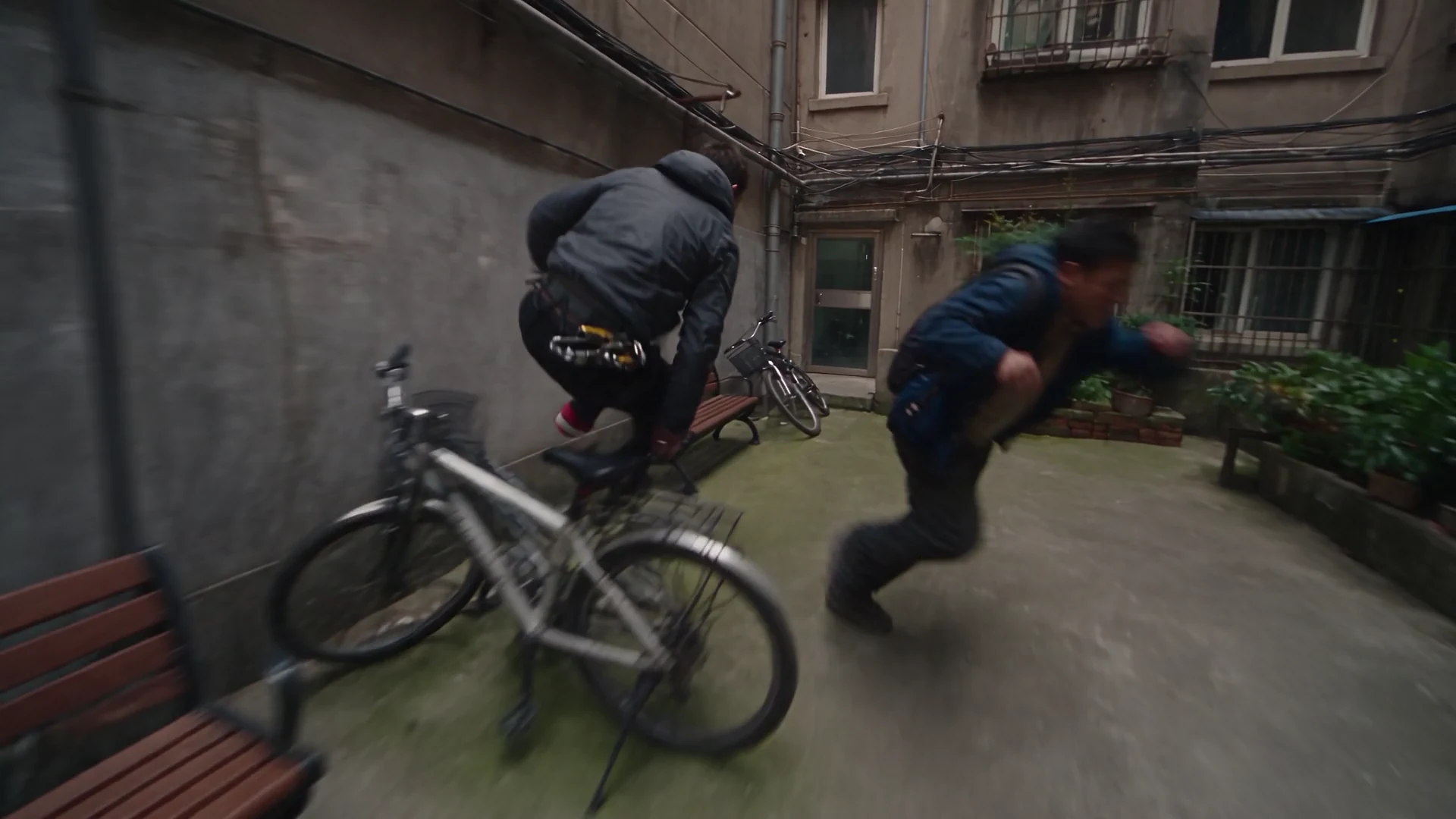
A cinematic action beat
Unlimited plan eligibility
Choose your Wan 3.0 Unlimited plan
Scale and Ultra plans include a dedicated Wan 3.0 Unlimited access window; compare monthly and yearly options below. Maximum resolution, duration, and availability depend on your plan and billing period.
Yearly
Scale
$42.49/mo
Monthly equivalent, billed yearly
Included Unlimited settings
20 days; 720p, up to 8 seconds
No overall credit deductions on eligible jobs
Dedicated Unlimited generation queue
Yearly
Ultra
$119.99/mo
Monthly equivalent, billed yearly
Included Unlimited settings
35 days; 720p, up to 12 seconds
No overall credit deductions on eligible jobs
Dedicated Unlimited generation queue
Monthly and yearly plans at a glance
These are the included settings for new subscriptions at each plan's starting credit level. Higher Ultra credit levels can include different limits; compare the selected option on pricing. The access window starts with an eligible grant and does not cover the entire subscription term.
| Plan / billing | Subscription price | Access | Included settings |
|---|---|---|---|
| Scale / Monthly750 credits/month | $49.99/moBilled monthly | 10 days | 480p, up to 8 seconds |
| Scale / Yearly750 credits/month | $42.49/moMonthly equivalent, billed yearly | 20 days | 720p, up to 8 seconds |
| Ultra / Monthly2,400 credits/month | $149.99/moBilled monthly | 22 days | 720p, up to 8 seconds |
| Ultra / Yearly2,400 credits/month | $119.99/moMonthly equivalent, billed yearly | 35 days | 720p, up to 12 seconds |
One Unlimited offer redemption per account per campaign; cancellation or resubscription does not restart the original access window. An active subscription is required; requesting cancellation ends Unlimited access. Credits remain available after the window ends.
The Unlimited difference
What Unlimited really means.
Repeated eligible iteration for Wan 3.0, with the access rules clear before you subscribe.
Keep iterating
No overall credits are deducted and there is no fixed cap on eligible generations during the access window.
One video at a time
One Unlimited video can be submitted or processing per account at a time across eligible video models. Unlimited images use a separate slot.
A dedicated queue
Unlimited uses a dedicated queue. Access removes eligible credit deductions.
Fair use applies
An active eligible subscription is required. Offer-frequency, cancellation, and fair-use terms still apply.
Wan 3.0 Unlimited explained
One plan page. Every important detail.
Understand the Wan 3.0 allowance, supported settings, and when a generation moves to the regular credit path.
Direct a complete scene
Give Wan 3.0 a clear subject, action, camera path, and sound direction. Start with a short clip inside your plan's included settings, then refine the details that matter. Supported frames and references can help anchor the result when you need a particular product or character.
- Describe the subject and one clear action
- Set a deliberate camera movement and lighting direction
- Use supported images, video references, or audio direction where available
- Review each take, then adjust the prompt for the next one
Know the Unlimited boundary
Your plan sets the active access window, maximum resolution, and maximum duration for credit-free Wan 3.0 generations. The studio identifies eligible jobs before submission. Supported settings beyond those limits remain available through the regular credit path with the quote shown in the workspace.
- Scale and Ultra monthly and yearly options have different access windows
- Eligible generations use no overall credits during the active window
- One Unlimited video can be active per account across eligible video models
- A dedicated queue and fair-use terms apply
Unlimited versus credits
Choose the right generation path.
Wan 3.0 Unlimited pricing is included in eligible subscriptions. Credit mode remains available for settings or additional work outside the active allowance.
FeatureUnlimited modeCredit mode
Generation charge
Unlimited:No overall credits deducted for eligible jobs
Credits:Uses the credit quote shown before generation
Access
Unlimited:Available during the plan's active access window
Credits:Available while the account has sufficient credits
Output
Unlimited:Plan-specific resolution and duration limits
Credits:Other currently supported settings use the displayed quote
Queue
Unlimited:Dedicated Unlimited queue; one active Unlimited video per account
Credits:Regular credit-based generation path
Wan 3.0 prompt starters
Start with a production-ready brief.
Adapt these starting prompts to your own references. Choose settings within your included allowance and use the review notes to refine the result.
Product film
01A reveal worth waiting for

Use the supplied pale-blue running shoe as the product reference. In a clean white studio, begin on a macro of the woven upper and laces. Glide past the sole, then pull back as fine lines converge behind the shoe. Preserve its color, logo, silhouette, and tread. Smooth controlled motion, airy sound design, one continuous reveal, no titles.
Suggested setup: Start at your plan's included resolution and duration. Add the product image as a reference when that input is available in the selected mode.
Check the result: Check the shoe's silhouette, logo, and tread throughout the reveal.
Use this promptCharacter motion
02A walk with purpose
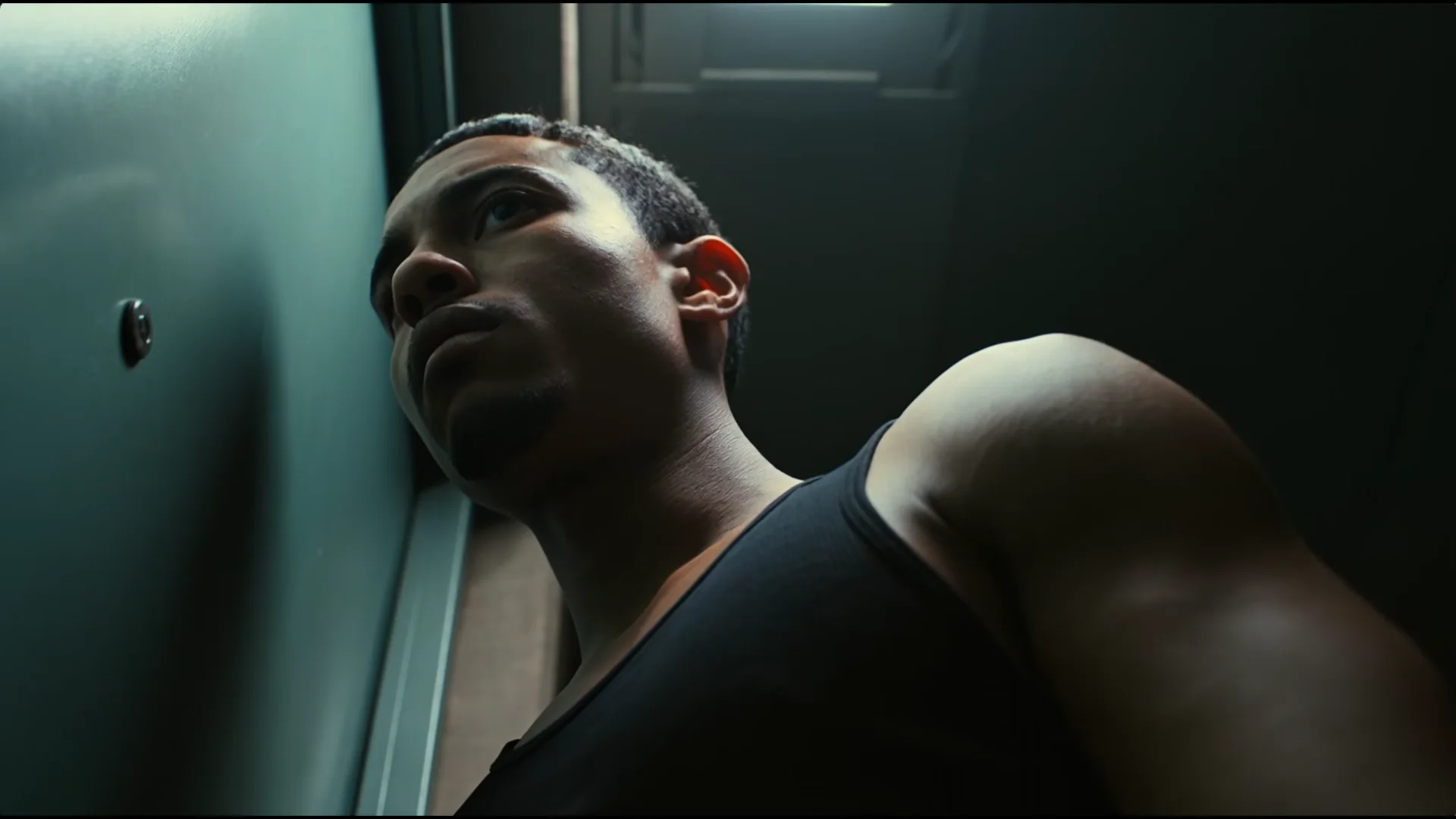
Keep the man and wardrobe from Reference Image 1. In a dim apartment corridor, hold on the closed teal door for a beat. The character approaches and pauses beneath a cold ceiling light. One controlled tracking move, quiet room tone, and subtle footfalls. Keep his face and clothing consistent. No cutaways or dialogue.
Suggested setup: Use a character reference where supported. Keep the first attempt to one action and one continuous camera move.
Check the result: Check the face, clothing, and weight of the approach.
Use this promptSound and atmosphere
03The city after dark
A single car follows a wet city street at night. Hold a low camera beside the rear wheel, then rise into a wider view as it turns beneath the lights. Let reflections and passing street signs create the rhythm. Layer tire noise, soft rain, and a distant siren into the scene. Keep the movement continuous and the mood restrained.
Suggested setup: Begin within your plan's included duration. Keep the camera path and action continuous, then refine ambience in the next take.
Check the result: Watch for a consistent camera path and sound that follows the action.
Use this promptFrom plan to prompt
Start creating in three moves.
Move from an eligible plan to your first Unlimited Wan 3.0 generation without changing workspaces.
Choose Scale or Ultra
Pick an eligible monthly or yearly subscription and check its Wan 3.0 Unlimited window and included settings.
Open Wan 3.0 Prime
Choose Wan 3.0 Prime in the video workspace, then set a resolution and duration within your plan's allowance.
Create through Unlimited
Submit eligible videos through the dedicated Unlimited queue without deducting overall credits. You can run one Unlimited video at a time across eligible video models.
FAQ
Still have questions?
We’ve answered the most frequently asked questions about Wan 3.0 Unlimited
Which plans include Wan 3.0 Unlimited?
+
Wan 3.0 Unlimited is included with eligible Scale and Ultra subscriptions. The access window and starting output limits depend on the plan and billing period you choose.
Do eligible Wan 3.0 videos use my credits?
+
Eligible Unlimited jobs do not deduct from your overall credit balance. If your settings exceed the active Unlimited allowance, the studio shows a regular credit quote before you submit.
How long does Unlimited access last?
+
Scale includes 10 days with monthly billing or 20 days with yearly billing. Ultra includes 20 days with monthly billing or 35 days with yearly billing. The window starts with an eligible grant and does not cover the entire subscription term.
Can I work with frames, references, and audio?
+
Wan 3.0 can work from a prompt, first and last frames, image and video references, and supported audio direction. Available inputs depend on the selected generation mode. Check the controls in the studio before submitting.
Can I run several Unlimited videos at once?
+
One Unlimited video can be submitted or processing per account at a time across eligible video models. Submit the next one after the active job finishes. Regular credit generations follow your plan's concurrency rules.
Is there a fixed generation cap?
+
There is no fixed total-generation cap on eligible jobs during your active window. The dedicated queue, one-active-video rule, output limits, and fair-use terms still apply.
Keep the idea moving.
Start creating with Wan 3.0, or compare every Unlimited plan before you choose.
Continue exploring