CREATE
Text and image to video
Direct the scene, camera, light, timing, dialogue, music, and effects in one prompt.
Generate, extend, and edit video in one multimodal conversation—with synchronized audio and output from fast 360p drafts to 4K.
Explore the Omni prompt guide →Plans
The same credits work across Omni 1.1 and every other model on Unify. The estimates below use a 10-second 720p generation at about 22 credits; resolution, duration, and reference inputs can change the total, and you always see the exact quote before rendering.
$9.99/mo
or $9.49/mo billed yearly
$24.99/mo
or $22.99/mo billed yearly
$49.99/mo
or $44.99/mo billed yearly
$149.99/mo
or $130.49/mo billed yearly
Motion made on Unify
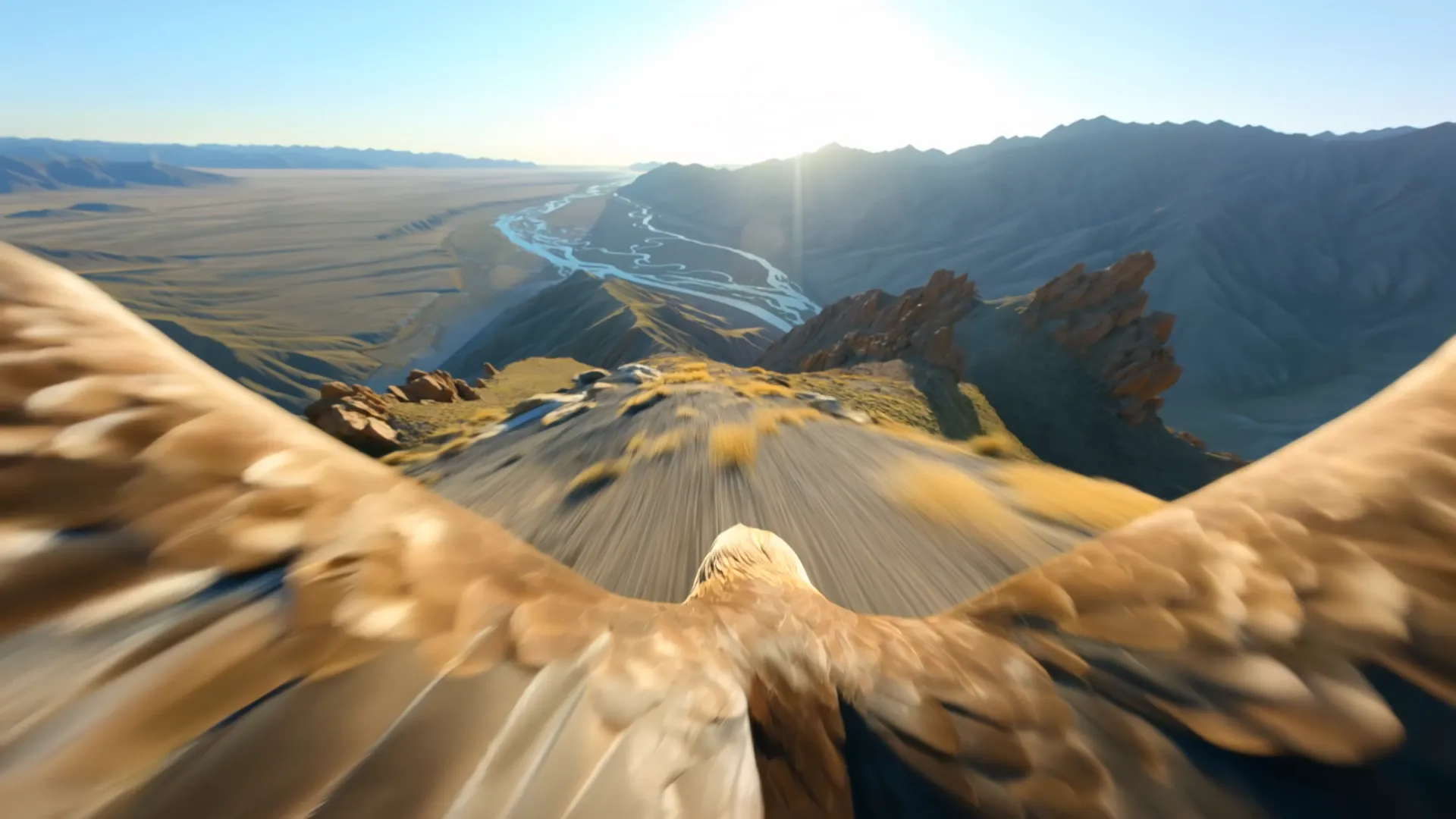
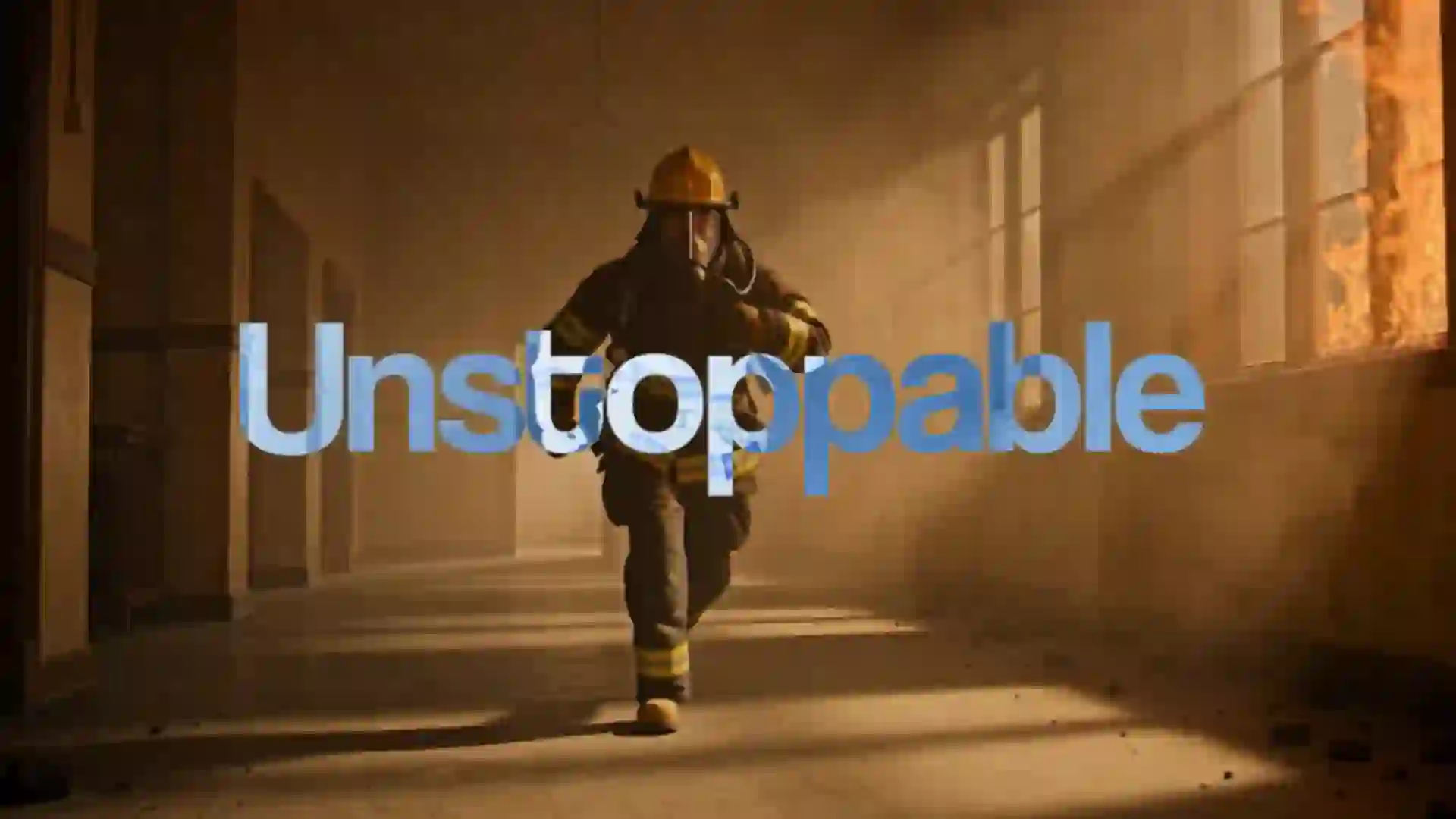
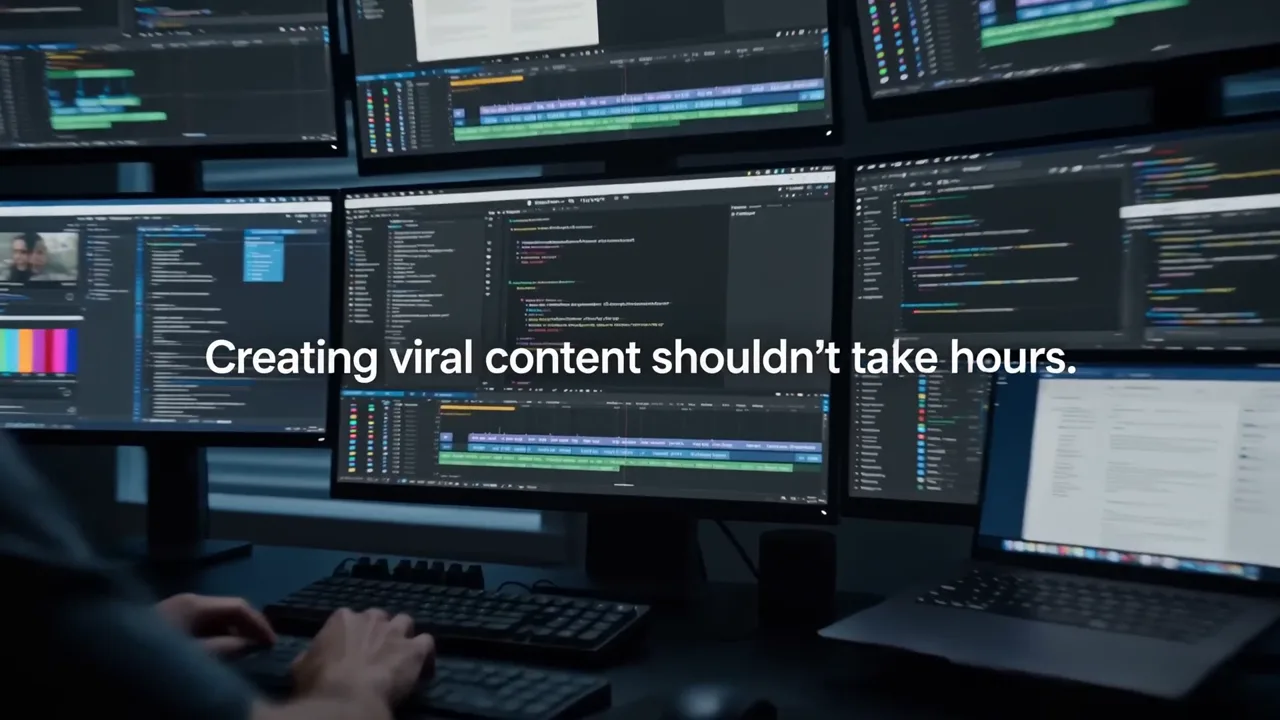
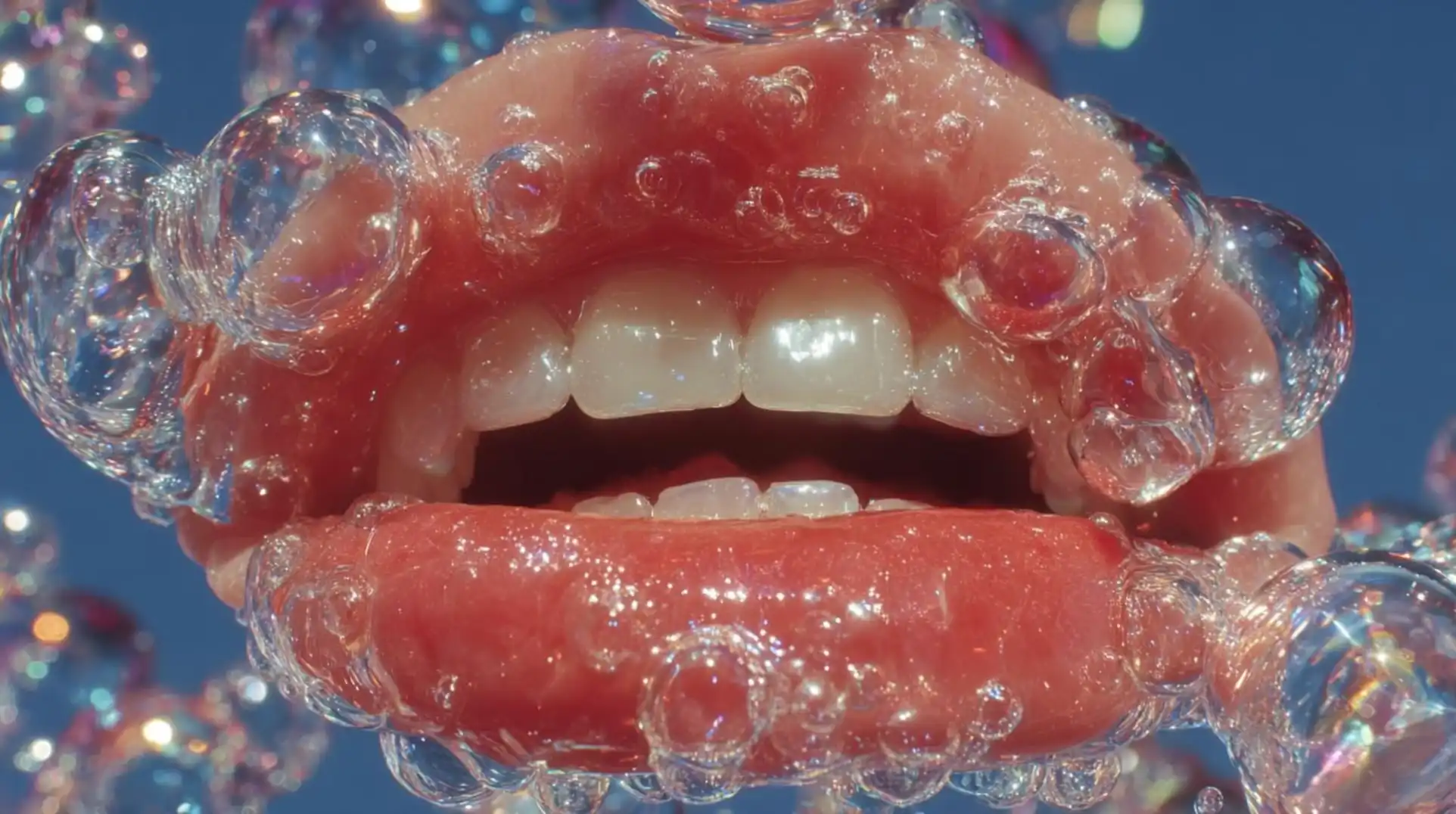
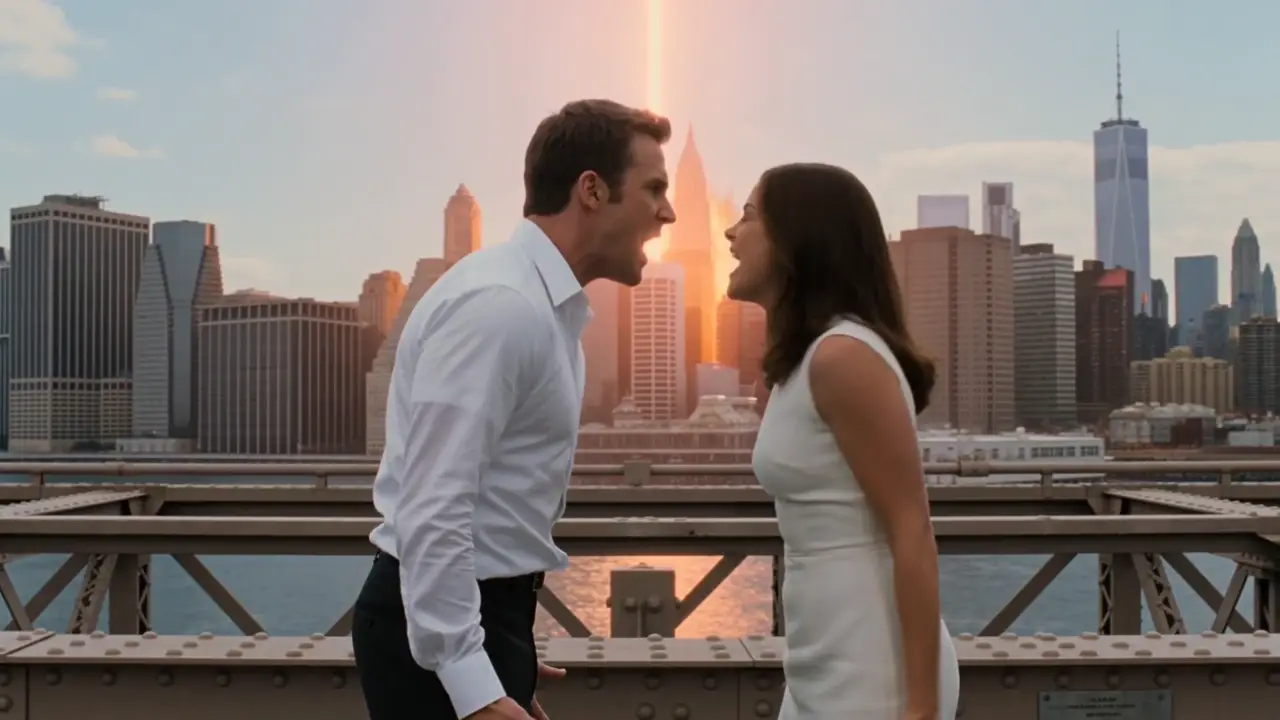
A wall of creative directions—from product films to surreal worlds. Open Omni 1.1 to generate, refine, and extend your own sequence.
-web_poster.webp)




Multimodal conversation
Start with text or a frame, then ask for the next shot, a tighter camera move, a new detail, or a longer ending. Omni keeps the creative context inside one evolving conversation.
One model, one conversation
Omni 1.1 understands text, images, video, and audio context together. That lets generation and revision live in the same workflow instead of becoming disconnected tools.
Direct the scene, camera, light, timing, dialogue, music, and effects in one prompt.
Select an Omni result and describe the one change you want while preserving everything else.
Append coherent 3-to-10-second scenes while carrying motion, characters, and audio forward.
Use opening and closing frames, subject images, or short video references for tighter continuity.
Generate speech, ambience, foley, and music as part of the same video response.
Iterate economically in draft resolution, then move selected concepts to a higher-resolution output.
Built for the work you ship
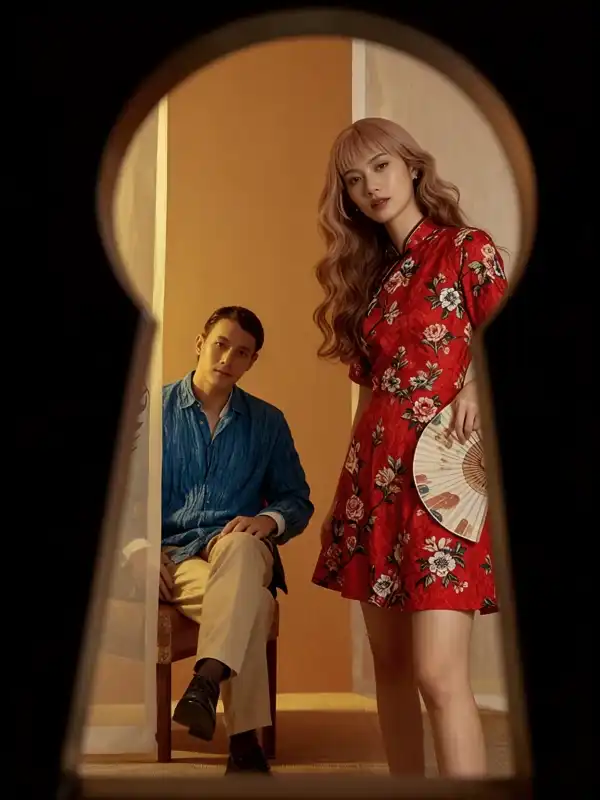
Build polished product motion, musical timing, and native sound into a single directed sequence.
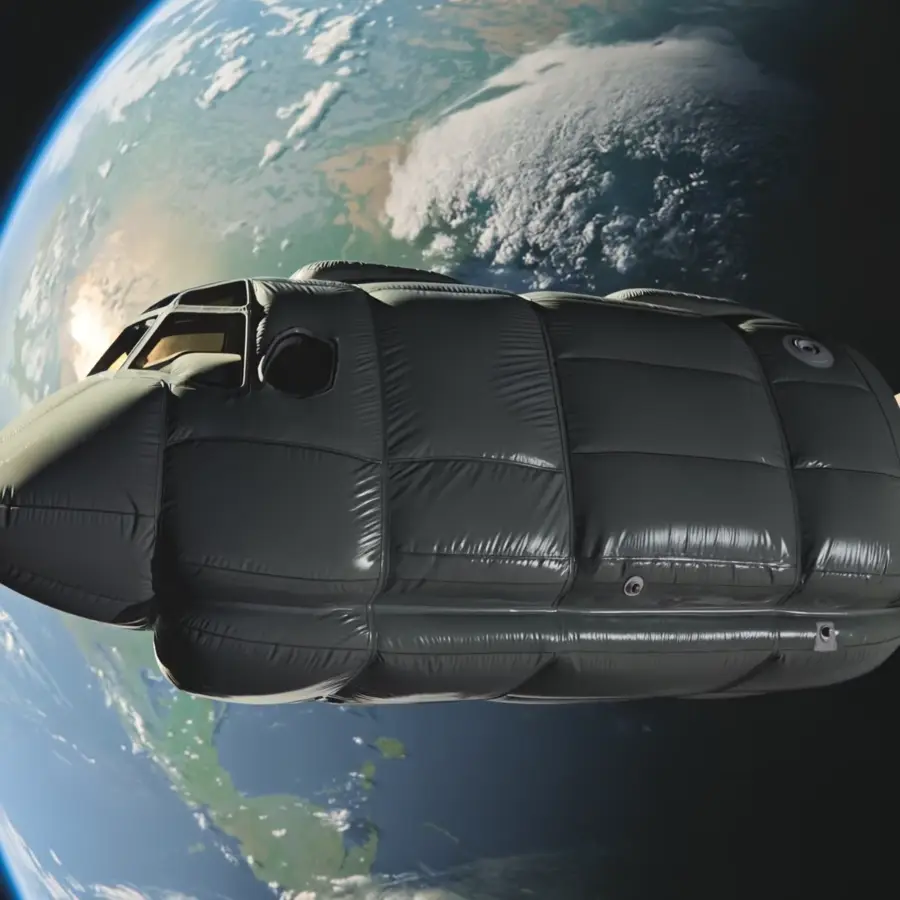
Carry a character, atmosphere, and camera language forward as the conversation evolves.

Move from fast portrait drafts to sharp final exports for feeds, launches, and vertical campaigns.
Resolution is the main cost lever. Compare Unify credit prices for a 10-second clip, start with an efficient draft, and spend more only on the shots you want to finish.
Rounded estimates for video output only. Image or video inputs can add a small metered amount. The generator displays the final credit quote before submission.
A practical Omni workflow
Define subject, action, camera movement, lighting, mood, timing, and audio. Use time ranges when the scene changes.
Optionally attach a start frame or reference images. Give each source a clear role in the prompt.
Start at 360p for exploration, then choose 720p, 1080p, or 4K when the concept is ready.
Pick the generated result, name the exact change, and explicitly list the details that must remain untouched.
Prompt tip: describe motion and audio, not just appearance. “A slow dolly-in as fabric moves in the wind; distant city ambience” gives the model more direction than “make this image move.”
See prompt examples →Current capabilities, Unify pricing, and regional limitations.
Gemini Omni 1.1 Flash is Google DeepMind's preview video model for text-to-video, image-to-video, frame interpolation, reference-driven generation, conversational editing, and extension with synchronized audio.
A generation or extension can be 3 to 10 seconds. You can extend videos created by the model across turns up to a total duration of 40 seconds.
Choose 360p, 720p, upscaled 1080p, or upscaled 4K output. Landscape 16:9 and portrait 9:16 are supported.
For a 10-second output, the current Unify price is about 8 credits at 360p, 22 at 720p, 32 at 1080p, and 64 at 4K. Reference inputs can add a small amount, and the exact Unify credit quote is shown before generation.
The model supports prompt-led editing of uploaded videos up to 10 seconds, but Google does not currently make uploaded-video editing or extension available in the EEA, Switzerland, or the United Kingdom. Editing and extending videos generated by Omni remains supported there.
Yes. It can generate synchronized speech, music, ambience, and sound effects. Voice editing and standalone audio-reference uploads are not supported in the current API.
Gemini Omni 1.1 uses Unify credits. The exact credit cost appears before each generation so you can compare resolutions before rendering.
Choose Gemini Omni 1.1 Flash in Unify's Video Generator and see the exact credit quote before you render.