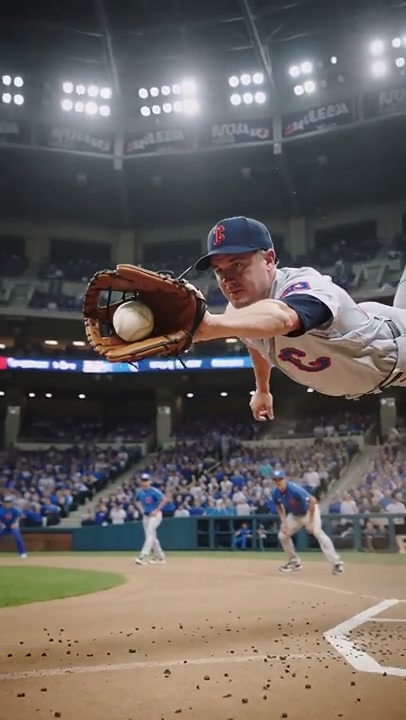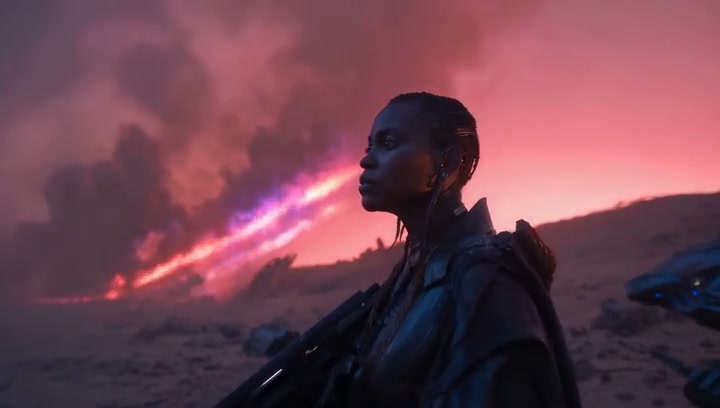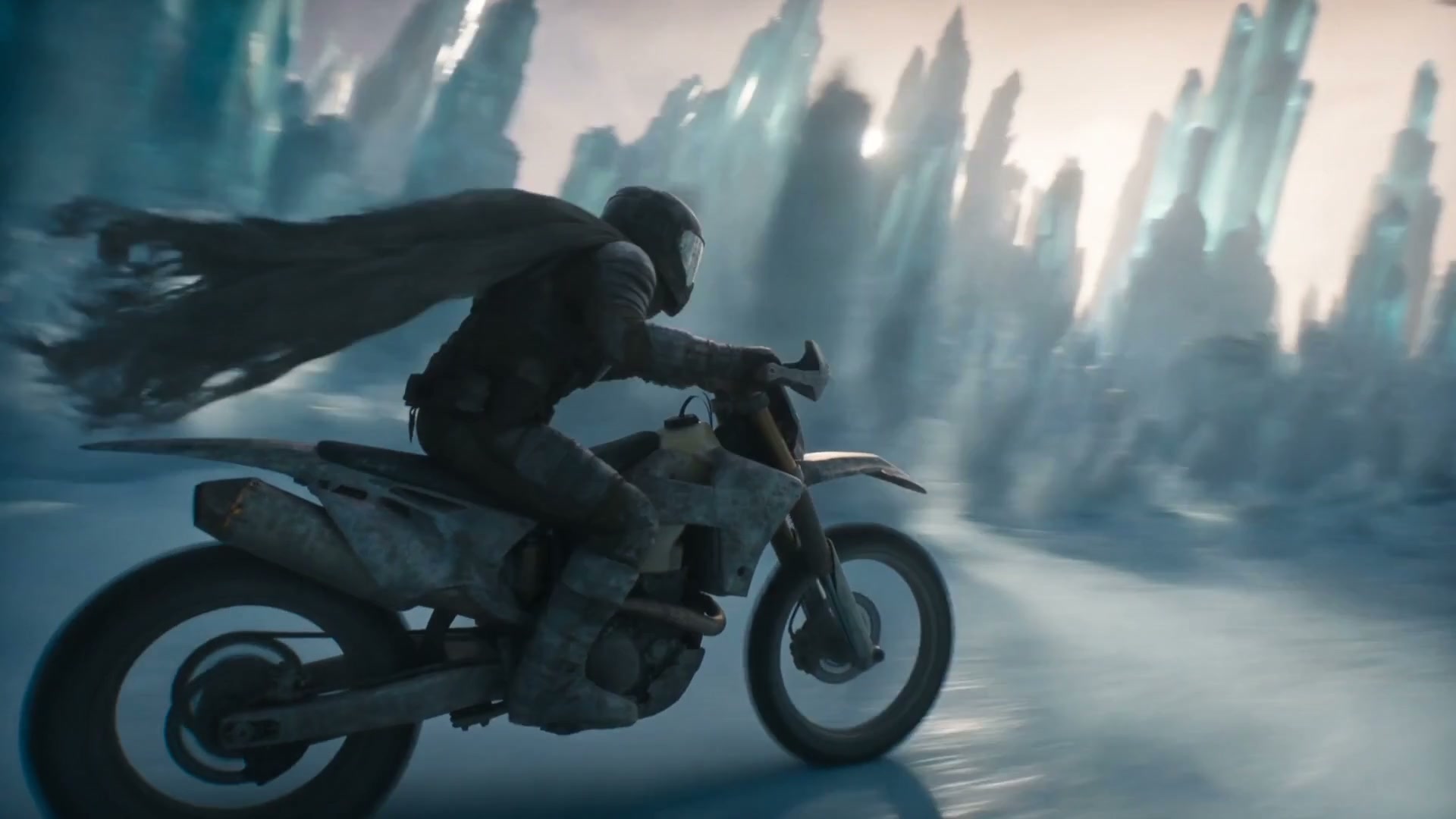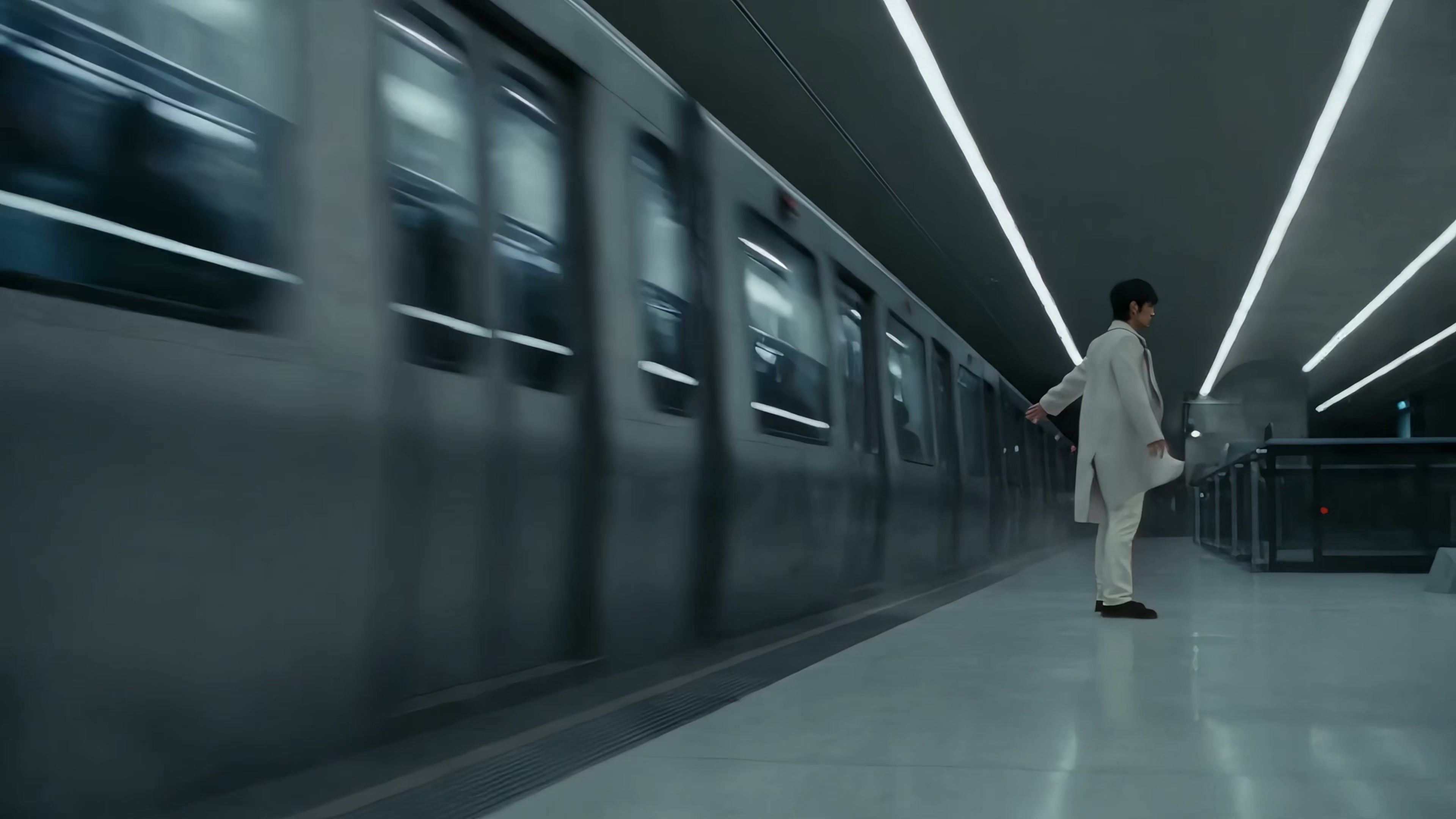
Macro world
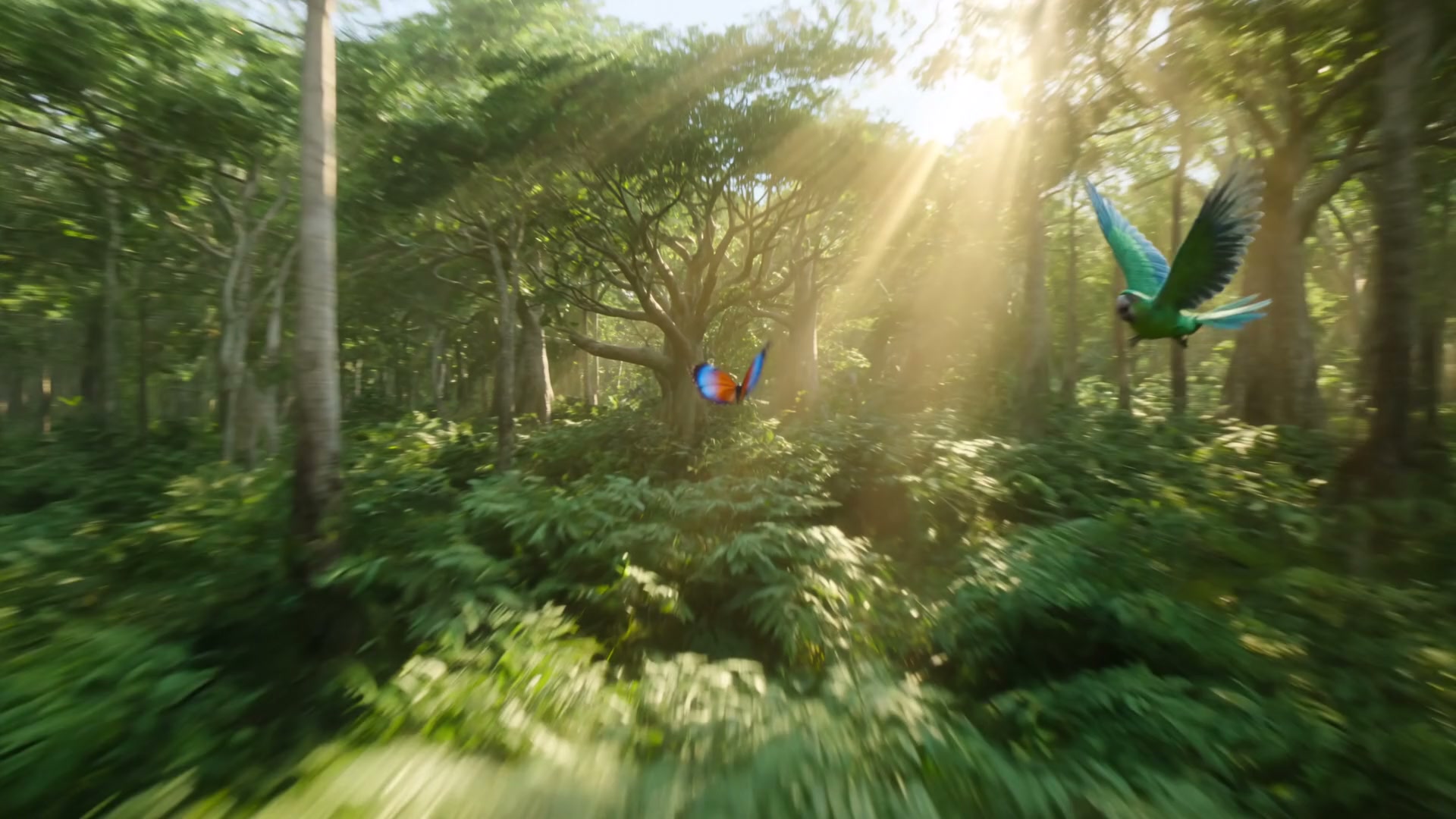
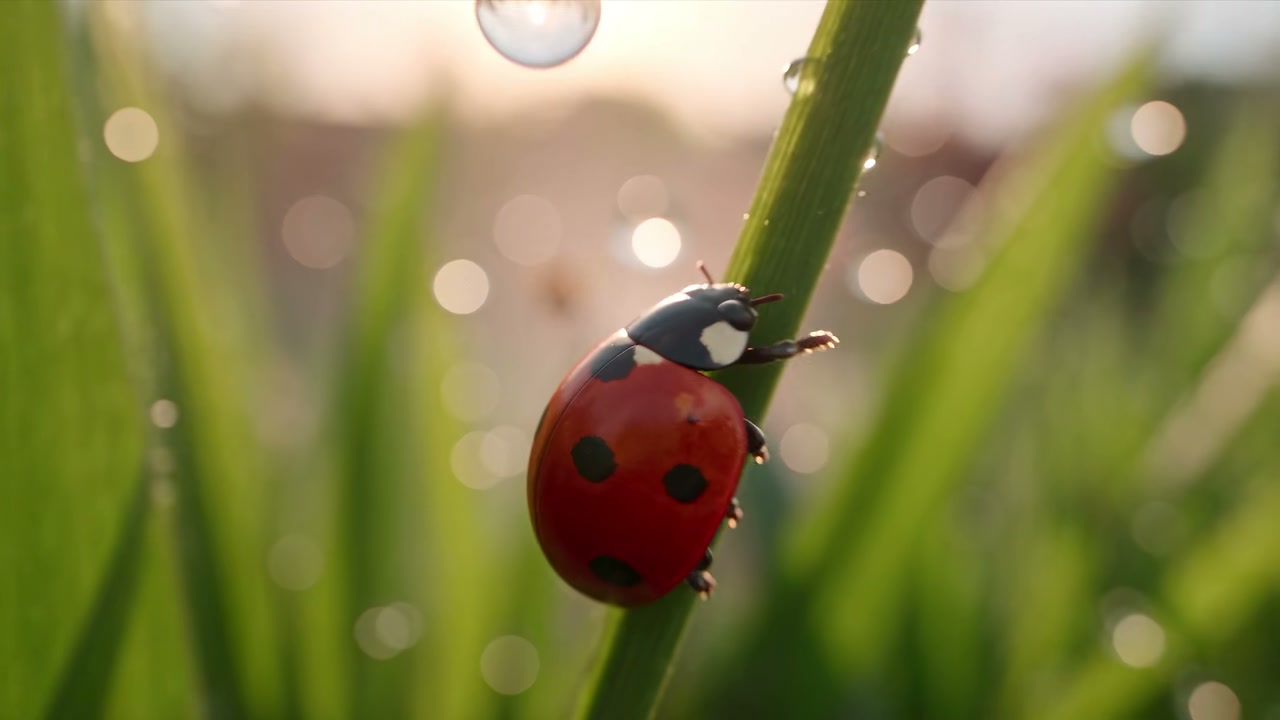
A cinematic macro journey through morning grass, natural movement, water droplets, and warm backlight.
Turn text or images into cinematic AI videos with the world’s leading video models. Generate, edit and compare every shot in one workspace.
Free credits on signup · no card required · see pricing
Inside the generator
Build the prompt, add references, choose a model and preview the finished result without leaving your workflow.
Macro world
A cinematic macro journey through morning grass, natural movement, water droplets, and warm backlight.
Creative control
Use one AI video generator for text-to-video, image-to-video, AI video editing, product ads and social campaigns. Move between leading video models without rebuilding your creative workflow.
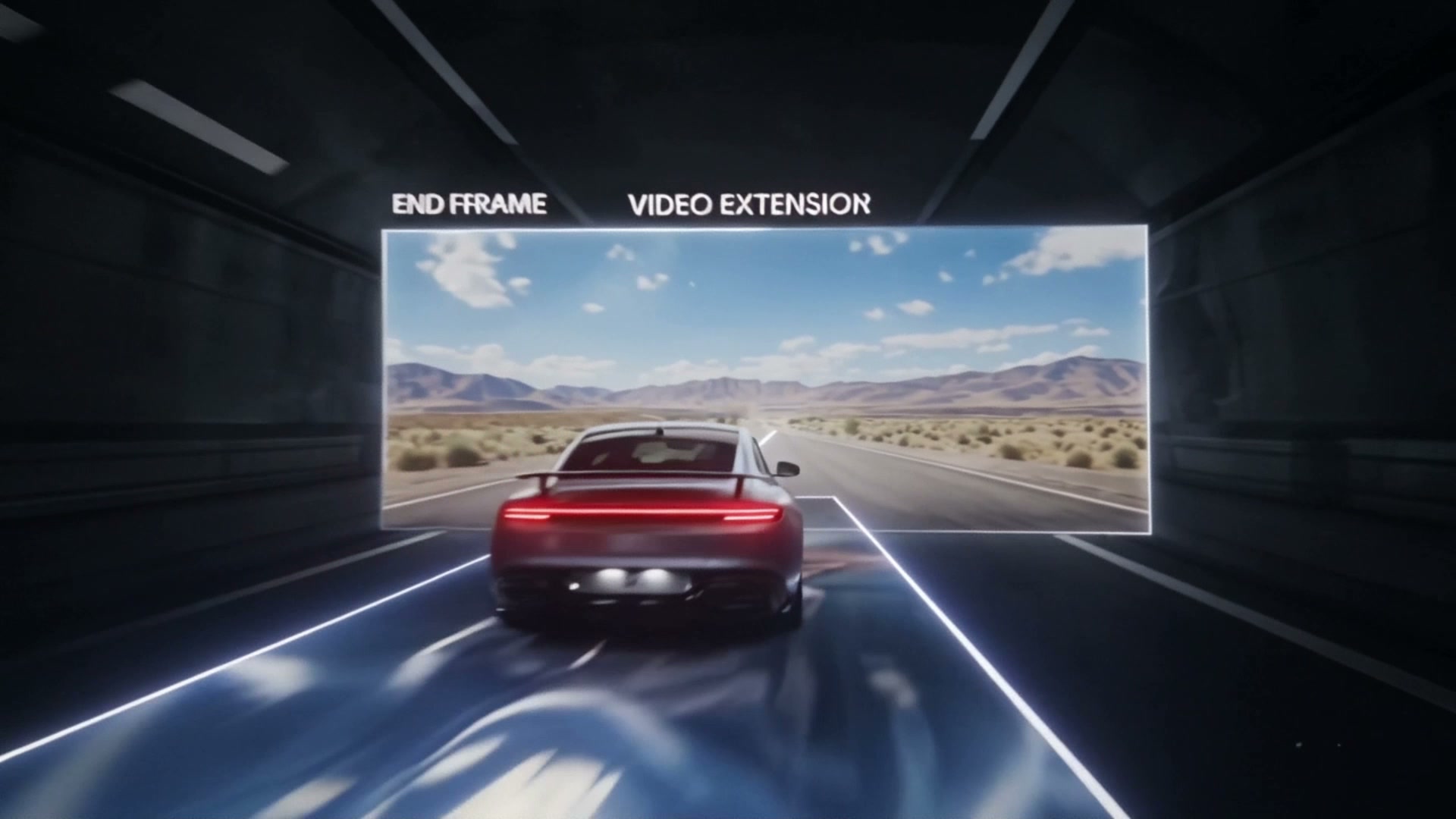
Guide image-to-video AI with a clear opening and final frame for smoother transitions and more consistent scenes.
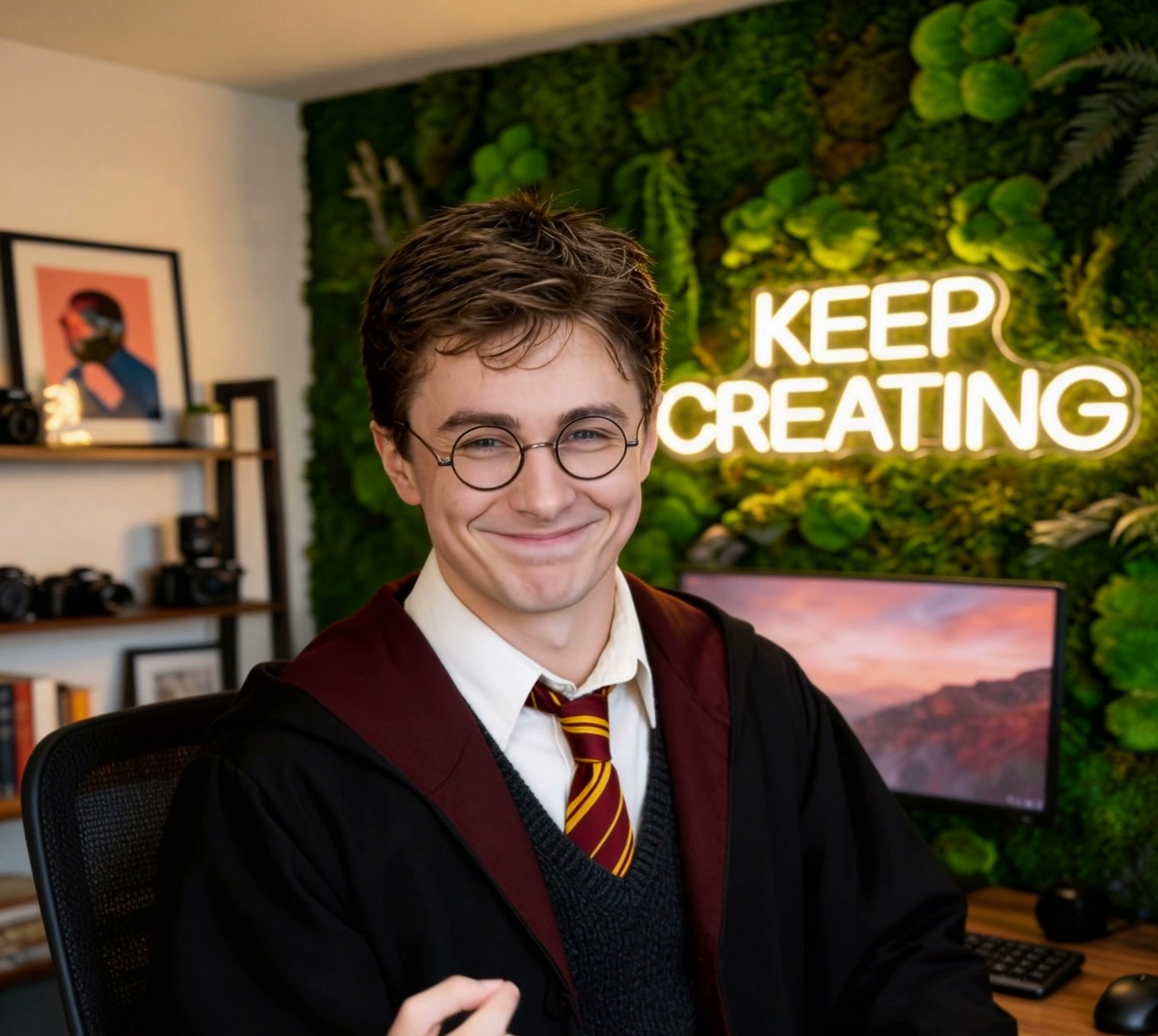
Upload existing footage to restyle a scene, refine details or create a new variation without shooting from scratch.
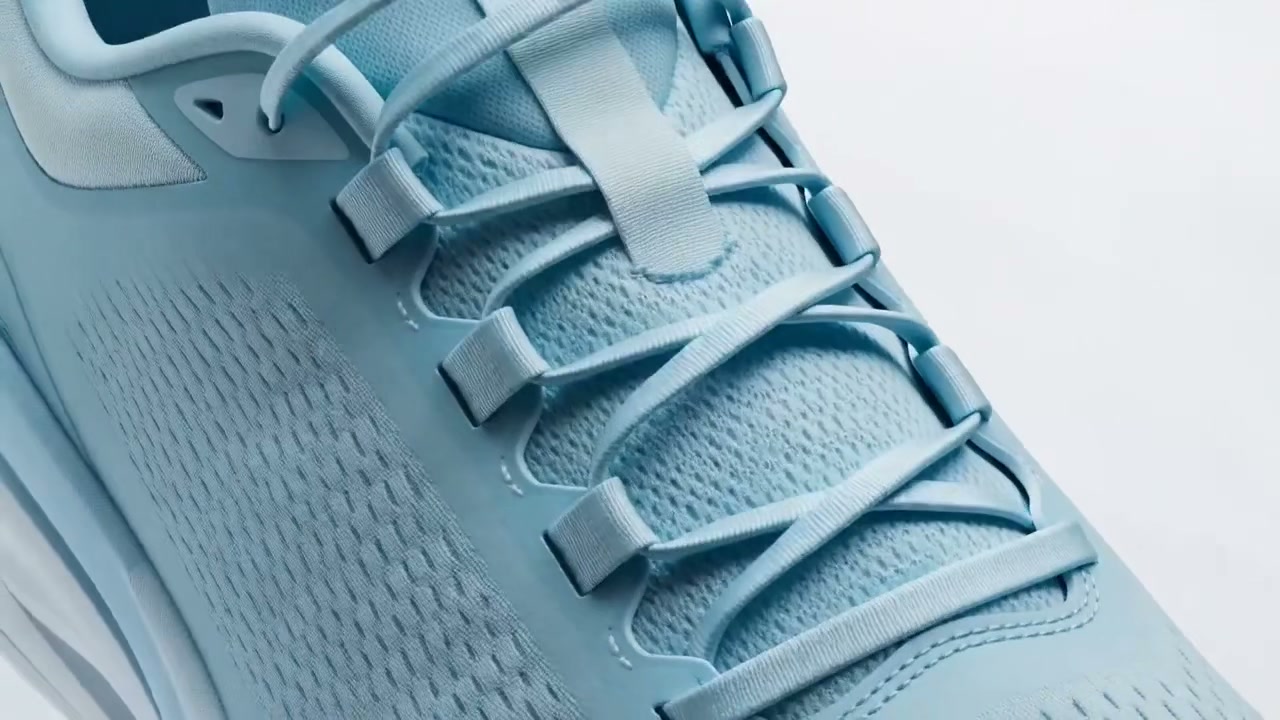
Create product ads, campaign films and social media videos from a prompt or reference image—without a full production shoot.
Compare Seedance, Veo, Kling, Sora, Runway, Luma, Wan and Grok with one account and one credit balance.
New models. One workspace.
Compare the best AI video generators side by side. Use one or use them all with a single creative workspace and credit balance.
Explore all modelsChoosing an AI video generator normally means committing to one provider and hoping it handles every shot. Unify puts the whole field behind one login. Sora 2 and Sora 2 Pro from OpenAI handle complex motion and multi-part prompts with strong scene coherence, and Pro extends duration and resolution. Google's Veo 3.1 is the strongest all-rounder for cinematic material with native audio. Kling 3 excels at human motion and physical realism. Seedance 2.5 is fast and remarkably consistent for its cost. Runway Gen-4 gives directors the most control, and Luma Ray produces fluid, naturalistic camera movement. You can render the same prompt through two of them and pick the winner rather than arguing about benchmarks.
Text-to-video is how most people start: describe a shot and the model builds it. Image-to-video is how most people finish. Supply a still — a product photo, a character render, a frame you already approved — and the model animates it while preserving what you locked in. That workflow matters because character and product consistency is the hardest problem in generated video, and starting from a fixed reference sidesteps most of it. Generate your key frame with an image model, approve it, then animate. Unify supports both directions on the models that offer them, and you can move a reference between models without re-uploading.
Match the model to the hardest thing in the frame. If a person has to move convincingly — walking, gesturing, speaking — start with Kling 3, which handles human motion and weight better than the alternatives. For a landscape, an establishing shot, or anything where the camera is the performer, Veo 3.1 and Luma Ray produce more natural movement. If the prompt has several instructions that all need to land — a specific action, in a specific place, with a specific mood — Sora 2 follows multi-part direction most reliably. When you are iterating on timing or blocking and do not need final quality, render on Seedance 2.5 first; it is fast and cheap enough to treat as a previz pass, then re-render the approved shot on a higher-tier model.
Not every model does everything, and planning around the limits saves credits. Veo 3.1 generates native audio alongside the picture, so dialogue and ambience arrive with the shot rather than in a separate pass. Others are silent by default and expect you to add sound afterwards — Unify includes ElevenLabs for music and voice, so that stays in one workspace. Clip length runs from a few seconds up to twenty on the longer-form models, and resolution ranges from 720p to 1080p and beyond depending on tier. The practical consequence is that you build sequences from short generated shots and cut them together, the same way real footage is shot and assembled.
Prompt starters
Cinematic establishing shot
01“Slow aerial push toward a lighthouse on a rocky headland at dawn, low sea fog, warm rim light on the tower, waves breaking below, anamorphic, steady drift, no cuts.”
Image to video
02“Animate this still: gentle handheld drift toward the subject, hair and fabric moving in a light breeze, background bokeh shifting, keep the face identical to the reference, four seconds.”
Plans and pricing
One subscription gives you credits for AI video generation and every other model on Unify. Choose a monthly plan now, or save with annual billing on the full pricing page.
$9.99/ month
$9.49/month billed yearly
170
Credits every month
$24.99/ month
$22.49/month billed yearly
365
Credits every month
$49.99/ month
$42.49/month billed yearly
750
Credits every month
$149.99/ month
$119.99/month billed yearly
2,400
Credits every month
Get the inputs, settings, and practical steps for the result you want to make.
Choose text or a starting image, compare credit costs, and build a prompt around one clear shot.
Use a character image and a driving video when you already have the movement you want to transfer.
Compare a two-photo identity edit with a motion-controlled video workflow, then upload your references.
Still have questions?
AI video FAQ
AI video generation creates video clips with artificial intelligence instead of a traditional camera shoot. Describe the scene with a text prompt, add a reference image, or use supported video input, and the selected AI model generates or transforms the footage. Different models specialize in areas such as realistic motion, prompt following, native audio, visual effects, and fast iteration.
Unify brings leading AI video models into one workspace, including Seedance 2.5, Kling 3.0, Kling 3.0 Omni, Veo 3.1, Wan 3.0, Sora 2 Pro, Gemini Omni 1.1 Flash, Grok Imagine Video 1.5, Luma Ray 3.2, and Runway Gen 4. You can switch models without leaving the platform and choose the one that best fits each shot.
No. You can start with a simple text prompt or image and generate a video in minutes. More experienced creators can choose a specific model, duration, resolution, aspect ratio, reference input, and other supported controls when they need a more precise result.
Yes. Use a reference image to guide the subject, composition, or visual style of an image-to-video generation. Models with video input can also transform or restyle existing footage. Available reference options, including start and end frames or motion guidance, depend on the model you select.
AI-generated video works well for film previsualization, short-form storytelling, product ads, campaign concepts, fashion content, social media clips, music visuals, training material, and explainers. It is especially useful when you need to test visual ideas quickly or produce multiple creative variations without a full shoot.
Many AI video tools are built around a single model. Unify gives you access to multiple leading models through one account, one creative workspace, and one credit balance. You can move between text-to-video, image-to-video, video editing, and model-specific controls without maintaining separate provider subscriptions.
Resolution, duration, aspect ratio, audio, and input support vary by model. Common output options include HD landscape, portrait, and square video, while selected models offer higher resolutions or longer clips. The generator shows the available settings and final credit quote before you submit a generation.
Yes. New accounts receive free credits and do not require a card to get started. Some models, higher resolutions, and additional usage require credits or a paid plan, so you can test the workflow before choosing an upgrade.
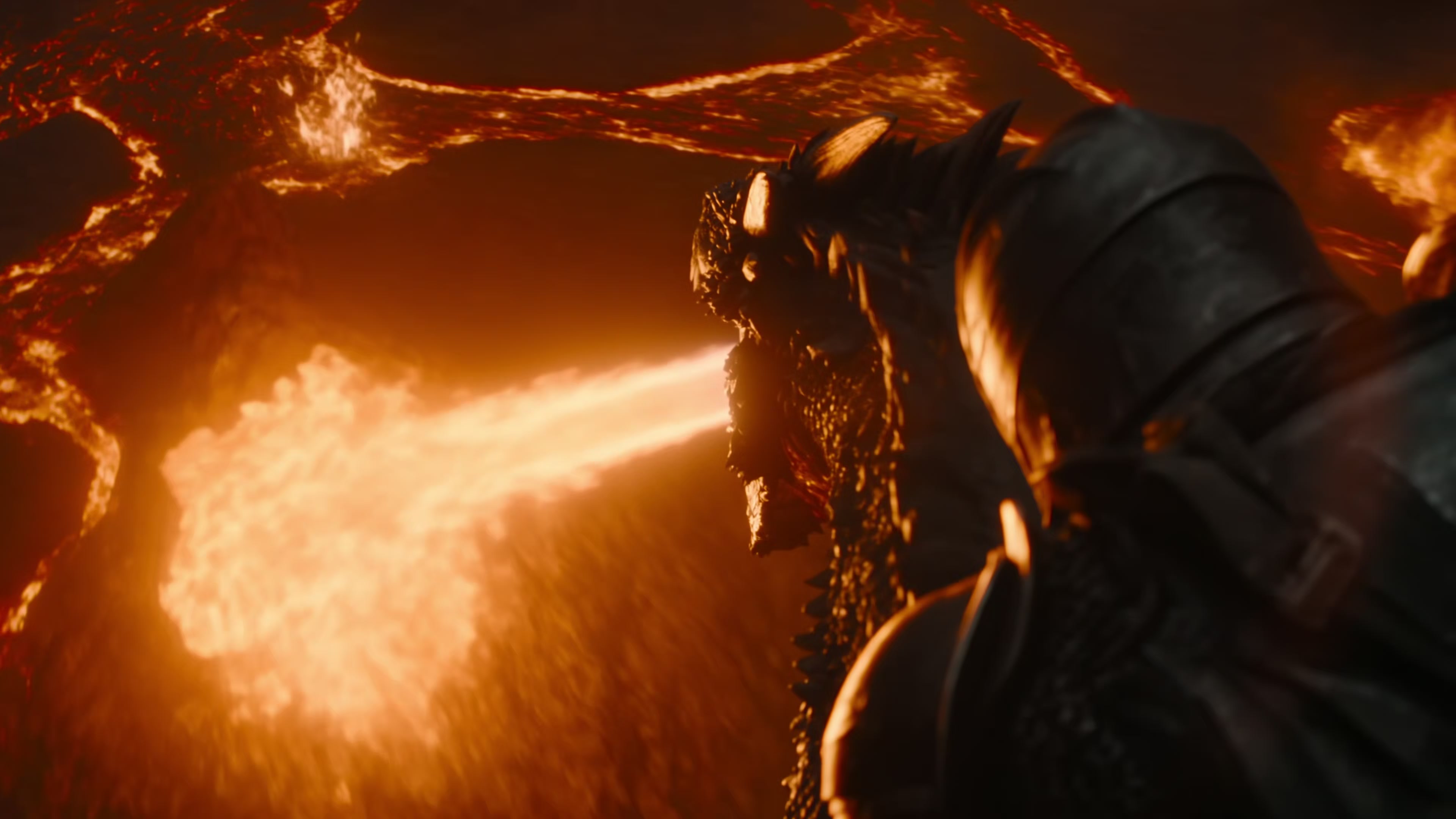
New accounts start with free credits and no card. Pick a model, run a prompt, and compare the output against a second model before you commit.
Generate video