Start with a scene
Describe one subject, one action and a camera move. Use text to explore an opening shot, a short atmosphere clip or a visual concept.
Text to video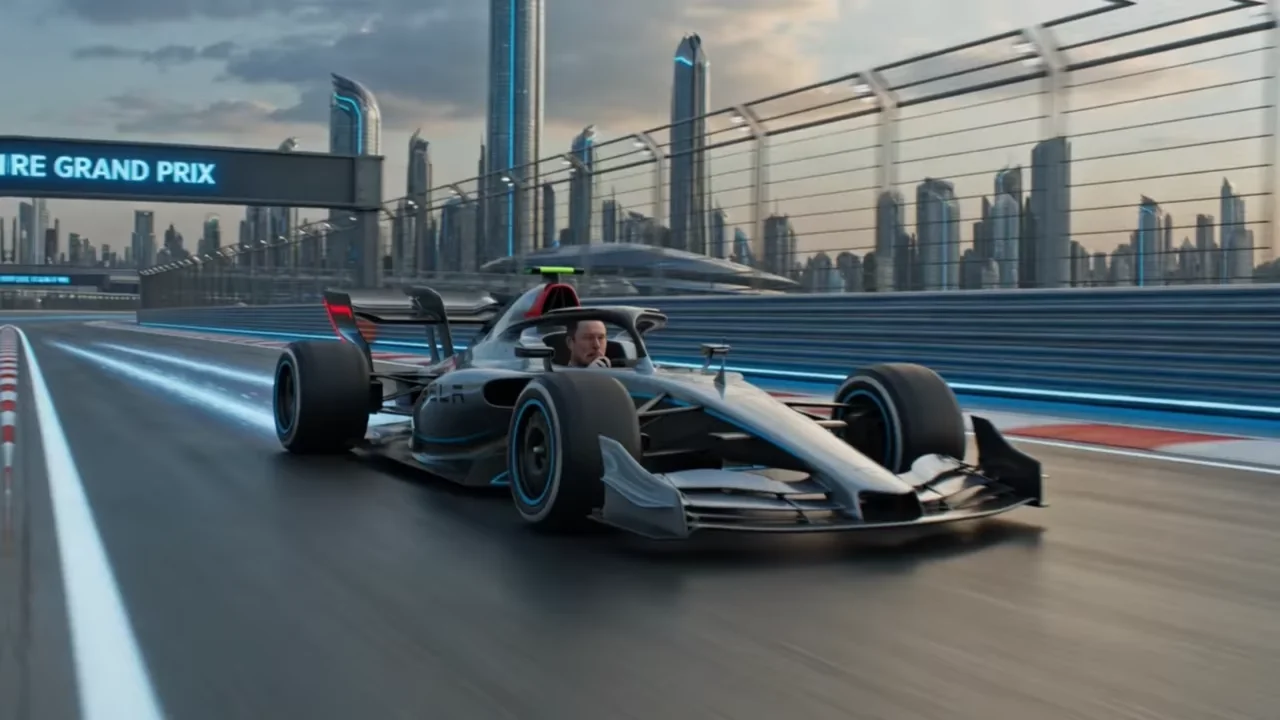 VISUAL INSPIRATION / CINEMATIC MOTION
xAI / GROK IMAGINE VIDEO
Turn a written scene or a starting image into a short video. Explore Grok Imagine on Unify, with clear settings and a credit quote before you generate.
FROM FIRST FRAME TO FINAL CUT
Choose the input that gives you the most control over the shot you have in mind.
Describe one subject, one action and a camera move. Use text to explore an opening shot, a short atmosphere clip or a visual concept.
Text to videoBring a product photo or a created image into the workspace. Describe what should move and which details should stay consistent.
Image to videoUse an existing short video as the input for an edit. Specify the change clearly, then review the result against the original.
Open the video toolsKNOW YOUR SETTINGS
A short first attempt lets you check composition and movement before committing to a longer generation.
TEXT-ONLY ESTIMATES
Image and video inputs can change the quote. The workspace shows the charge for your exact request before generation.
View plans & creditsTHE FIRST SHOT IS YOURS
Adapt these starting prompts to your subject. Set the duration and resolution in the workspace before generating.
One continuous six-second shot of a silver concept car moving slowly through a rain-soaked city at night. Low tracking camera beside the front wheel, blue reflections on wet asphalt, subtle water spray. Keep the car shape consistent. No cuts, pedestrians or text.
Start at 480p, 6 seconds and 16:9. Review wheel motion and reflections before making a longer clip.
Animate the supplied product image as one continuous six-second shot. A very slow camera push-in with soft light moving across the surface. Keep the product silhouette, color and position consistent. No rotation, added objects, captions or scene change.
Upload your own product image first. Compare details and any lettering with the source before publishing.
A SIMPLE WORKFLOW
Keep the first prompt focused. Name the subject, its movement, the camera and the light.
Set your format, check the quote and generate. Inspect motion, edges and the first and last frames.
Change one instruction at a time. Assemble your selected clips and add final titles in your editor.
THE DETAILS
From your first idea to the final result.
Grok Imagine Video is xAI’s video model, available in the Unify video workspace. Start from text or an image, or choose the supported editing, reference or extension workflow for an existing asset.
This page covers the base Grok Imagine Video model, with text-to-video and image-to-video generation at 480p or 720p. Grok Imagine Video 1.5 is a separate option in Unify: it requires a starting image and also offers 1080p.
Yes. Choose the editing workflow and upload a source clip between 1 and 8.7 seconds. Editing keeps the source dimensions and duration. Generation, editing and extension have different input requirements; select one workflow for the request.
The charge depends on the duration, resolution and inputs. The examples on this page use Unify’s shared credit calculator for text-only clips. Review the final quote in the workspace for your chosen settings. New attempts use additional credits.
YOUR NEXT IDEA STARTS HERE