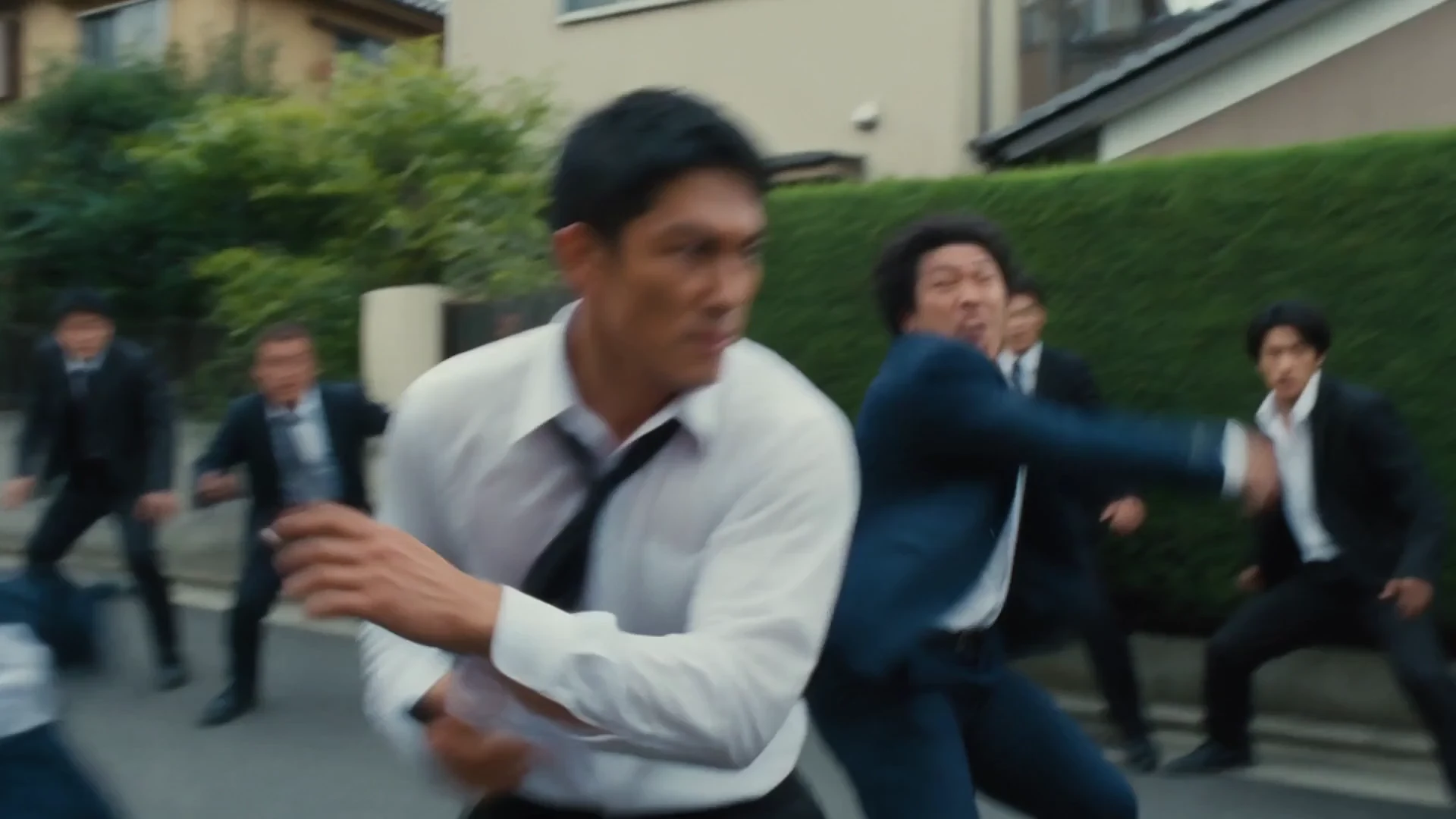
Example video
Action packed

Model Profile
Luma AI video generation with text, image, interpolation, extend, and loop workflows up to 1080p.
Provider
Luma AI
Workflow
AI Video Generation
Key features
4
Media below is reused from the Unify landing page model viewer so each model page has a concrete example section instead of text alone.
Example video
Action packed

Example video
VFX and explosions

Example video
Long videos and 4K
Ray 3.2 by Luma AI supports text-to-video, image-to-video, frame interpolation, looping, and single-keyframe extension. It produces 5- or 10-second standard-range clips from 360p through 1080p, with flexible cinematic aspect ratios.
5s or 10s video
Up to 1080p
Frame interpolation
Video extension
Cinematic videos
Image animation
Frame interpolation
Video extension
Multiple generation workflows
Up to 1080p
Flexible aspect ratios
5- and 10-second output
Looping is limited to 5-second clips
Higher resolutions cost more
Create your Unify account in seconds. No credit card required.
Choose Ray 3.2 from the model selector in the video interface.
Enter your prompt and let Ray 3.2 generate amazing results.

Google DeepMind
Veo 3
Google DeepMind's third-generation video model for cinematic text-to-video and image-to-video generation.
Google DeepMind
Veo 3 Fast
A faster Veo 3 variant built for quicker iterations, drafts, and lower-friction video generation.

OpenAI
Sora 2
OpenAI's standard Sora 2 model for realistic motion, strong scene generation, and general text-to-video work.
OpenAI
Sora 2 Pro
OpenAI's premium video generation model with extended duration and enhanced quality.
AI Video Ads Generator
Create professional video advertisements with AI. Generate e...
AI Motion Control Video Generator
Transfer motion from reference videos to still images with A...
AI Avatar Video Generator
Create talking avatars and virtual presenters with AI. Gener...
AI Product Demo Video Generator
Turn product ideas, screenshots, and campaign briefs into AI...
Join thousands of creators using Unify to access the best AI models in one place.