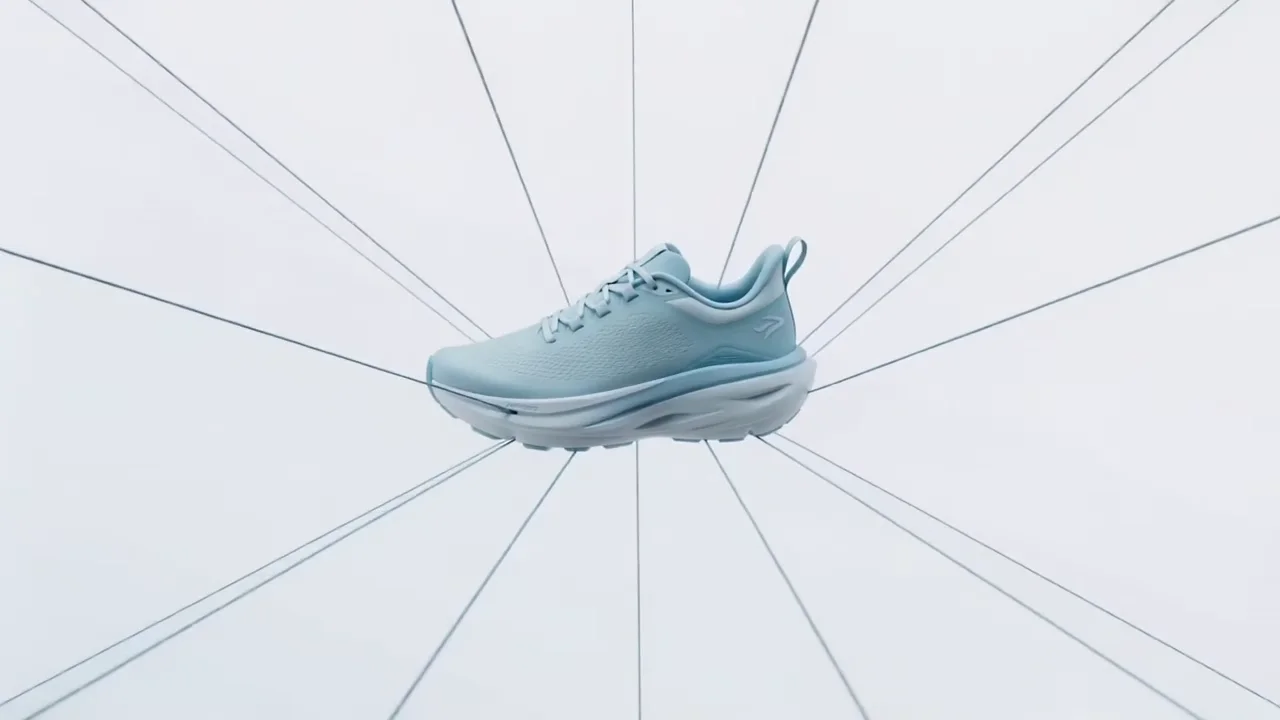
Commercial
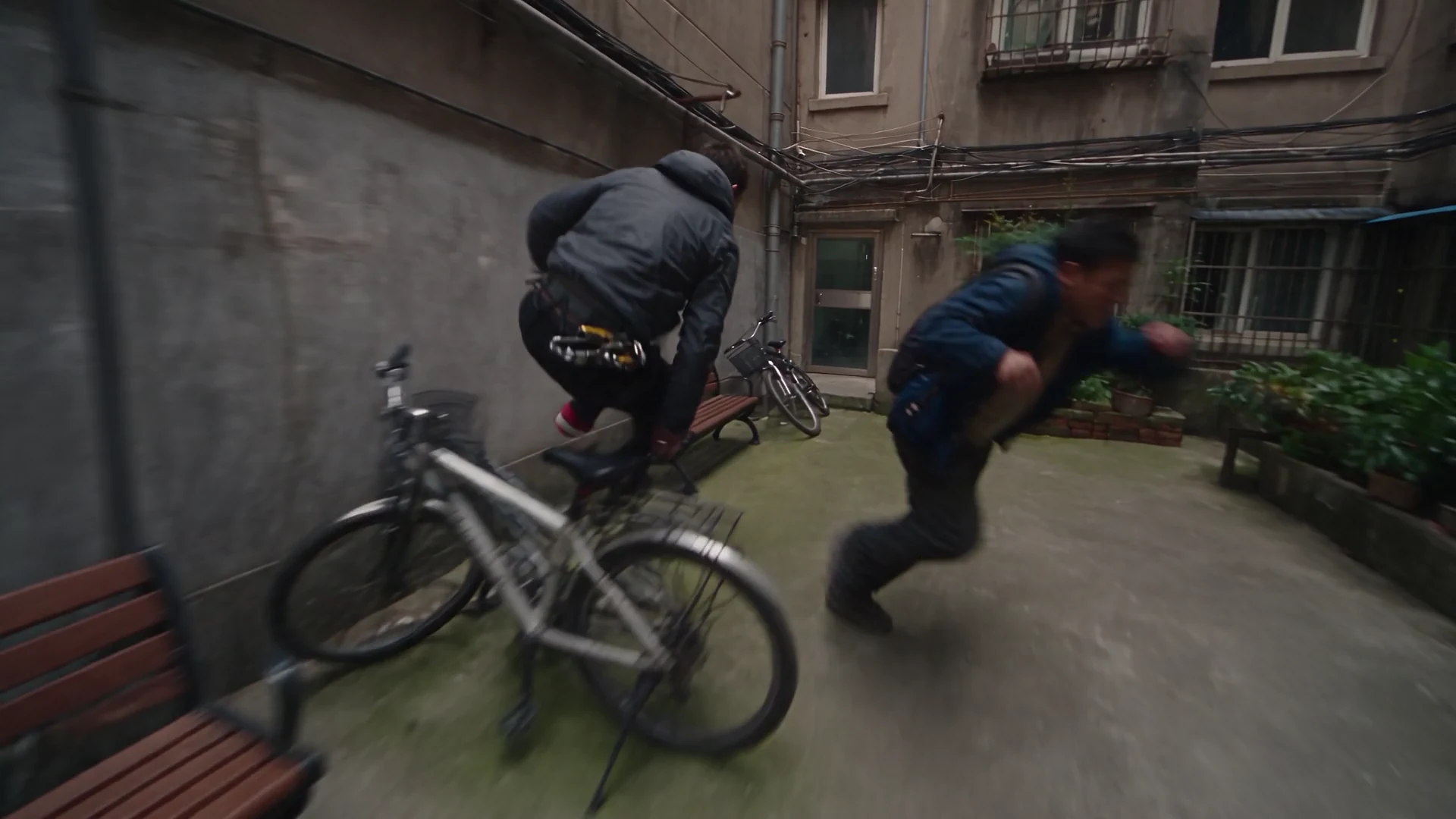
 Wan 3.0 Prime
Generate, edit, and extend complete AI video with native audio, precise frame control, and up to twenty multimodal references.
Interactive Wan 3.0 workspace
Explore the actual Wan 3.0 controls, assemble a shot, then open the complete generation workspace in Unify.
Generate
Source setup
Prompt-only generation
No source media required. Describe subject, motion, camera, light, and sound below.
Model intelligence
This page previews the workflow. Source files are selected securely again inside the generator.
Creative direction board
Explore the visual formats available across Unify, then use Wan 3.0’s text, frame, video, image, and audio controls to direct your own version.
Commercial
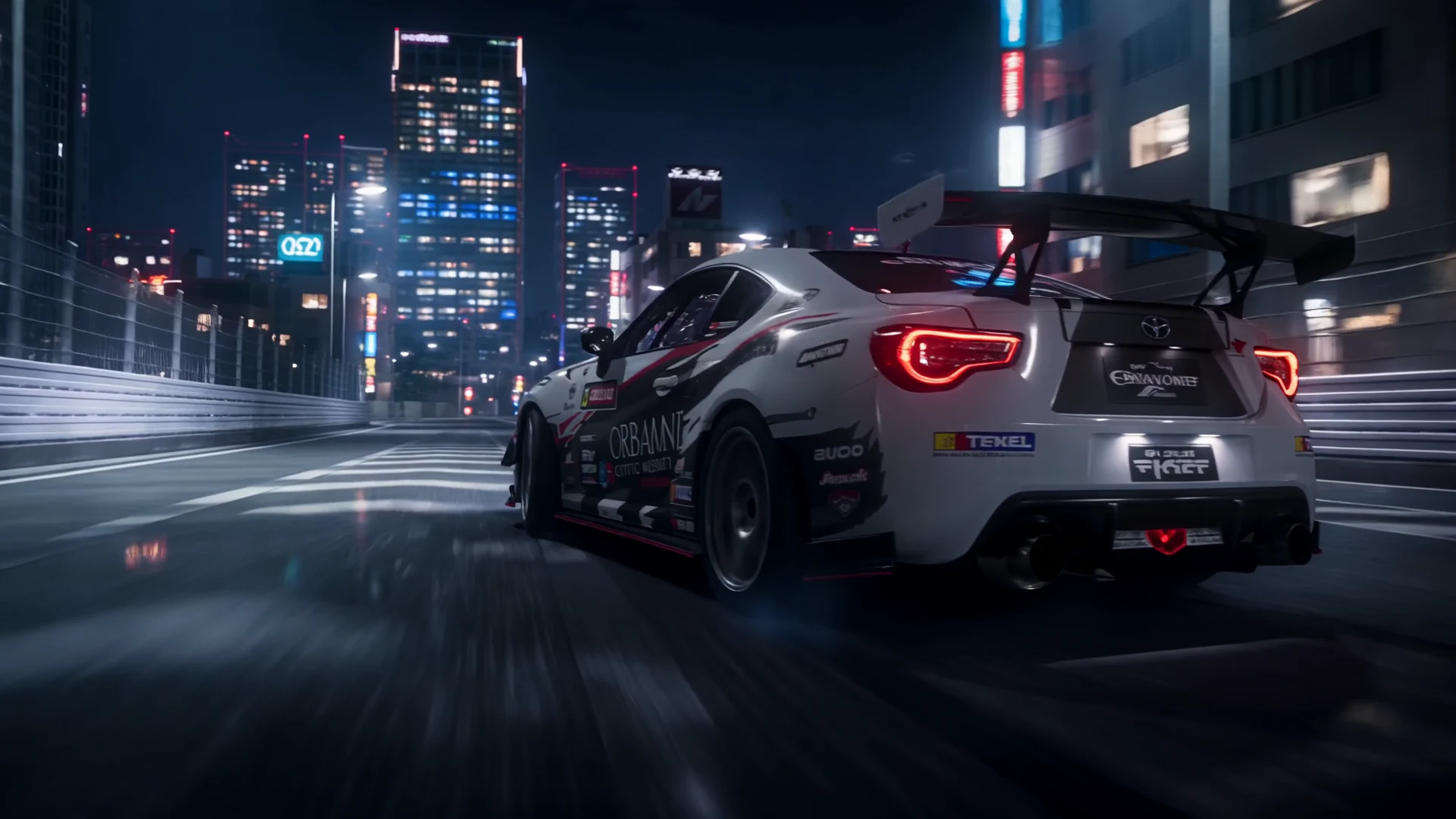
Consistent motion
Complete capability map
Wan 3.0 uses one model for new generation, multimodal direction, editing, and extension—without splitting the workflow across separate tools.
Create a complete scene from a prompt, including subject, action, camera, pacing, and sound.
Use reference images to preserve a person, product, environment, or visual language.
Define the opening frame alone or pair it with an ending frame for controlled transitions.
Combine as many as 10 images, 5 short videos, and 5 audio clips in one reference-led brief.
Generate dialogue, background music, ambience, and sound effects with the moving image.
Upload a source video and describe the transformation while retaining the material you want to keep.
Continue an existing video with adaptive framing and model-selected duration based on the source.
Supply one supported file as source context when a prompt alone is not enough.
Use one supported link as source context instead of uploading a file.
Move from efficient 480p drafts to 720p or full-HD 1080p delivery.
Choose adaptive, 16:9, 4:3, 1:1, 3:4, or 9:16 for film, feeds, and vertical video.
Select any whole-second duration across the supported range, rendered at 30 frames per second.
Inputs and output
Mix the sources a production actually uses while keeping every hard limit visible before upload.
Up to 10
JPEG, PNG, WebP, or BMP · 20 MB each
Up to 5
MP4 or MOV · 15 seconds and 100 MB each
Up to 5
MP3 or WAV · 15 seconds combined · 15 MB each
Up to 20
Images, video, audio, and one file or link
Up to 20,000 characters
Prompt extension is enabled by default
2–30 seconds
480p, 720p, or 1080p · 30 fps
Edit and extend
Upload a selected take, isolate the change in words, or continue the next beat from the same source video. Wan 3.0 keeps generation, editing, and extension inside one model.
Four-step workflow
Start from text, a first frame, a first-and-last-frame pair, or a set of references. Name each source in the prompt and describe exactly what it controls.
Describe the action, camera path, timing, dialogue, ambience, music, and sound effects. Wan 3.0 can resolve picture and native audio together.
Switch to Edit, provide the source video, and isolate the requested change. State what must remain untouched to protect continuity.
Switch to Extend and describe the next beat. Wan follows the source framing and selects a compatible continuation length automatically.
Wan 3.0 prompts
Use Image 1 as the first frame and Image 2 as the final frame. Begin on an extreme macro of condensation moving across the bottle, then pull back in one smooth arc as the studio light changes from cool blue to warm amber. End precisely on Image 2. Premium commercial lighting, realistic reflections, soft room tone and a restrained bass hit at the reveal.
Keep the lead character identical to Reference Image 1 and use Reference Video 1 only for walking rhythm. She crosses a windswept train platform at night, coat moving naturally, then stops as the train arrives behind her. Slow handheld push-in, realistic weight, distant rail ambience, no dialogue, preserve face and wardrobe in every frame.
Edit the supplied video. Keep the camera movement, product position, hands, timing, and soundtrack unchanged. Replace only the environment with a minimalist gallery made from pale concrete and brushed steel. Match the original shadows and reflections so the product remains grounded in the shot.
FAQ
Wan 3.0 is Alibaba's all-in-one multimodal AI video model for text-to-video, frame-guided generation, reference-led generation, video editing, extension, and native audio. Unify provides the Wan 3.0 Prime quality tier in its video workspace.
A generated output can be any whole-second duration from 2 to 30 seconds. When reference video is supplied, its duration and the requested output must fit within the model's 30-second combined budget.
Wan 3.0 supports 480p, 720p, and 1080p. Available aspect modes are adaptive, 16:9, 4:3, 1:1, 3:4, and 9:16.
Yes. Audio is enabled by default and can include dialogue, background music, ambience, and sound effects generated with the video.
A request can contain up to 20 references overall: as many as 10 images, 5 short videos, and 5 audio clips, plus the supported file-or-link input rules. First/last frame mode cannot be mixed with the multimodal reference mode in the same request.
Yes. Edit and Extend are explicit modes in Unify. Both require a source video and use adaptive framing with smart duration so the model can follow the supplied footage.
Yes. Open the Unify video generator from this page and Wan 3.0 Prime will already be selected. Eligible Pro, Scale, and Ultra plans can generate through Unlimited mode within their included access window and settings; otherwise, the current credit quote is shown before submission.
Current Pro, Scale, and Ultra monthly or yearly offers include Wan 3.0 Unlimited. It shares the Seedance 2.5 access window and the Unlimited video queue, with resolution and duration limits based on the selected plan and billing period.

Choose Wan 3.0 Prime in Unify and move from prompt to reference-led generation, editing, and extension. Eligible Pro, Scale, and Ultra plans also include an Unlimited video lane.