Apps
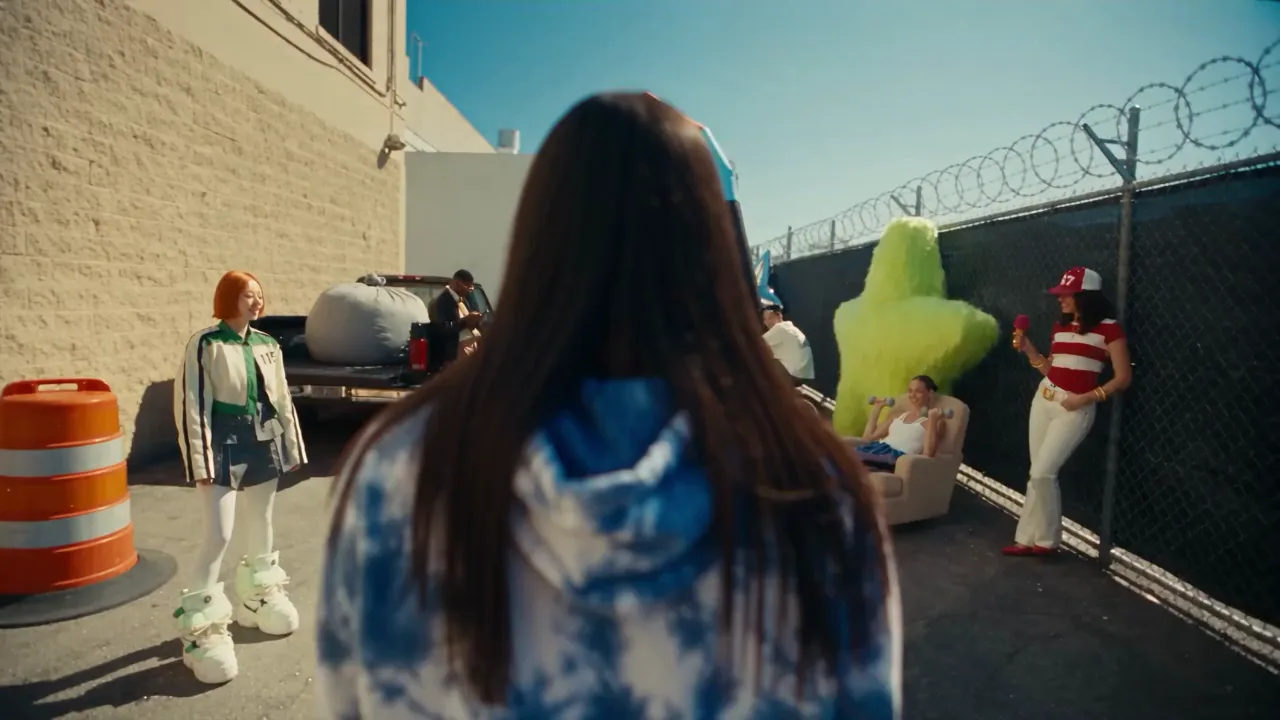
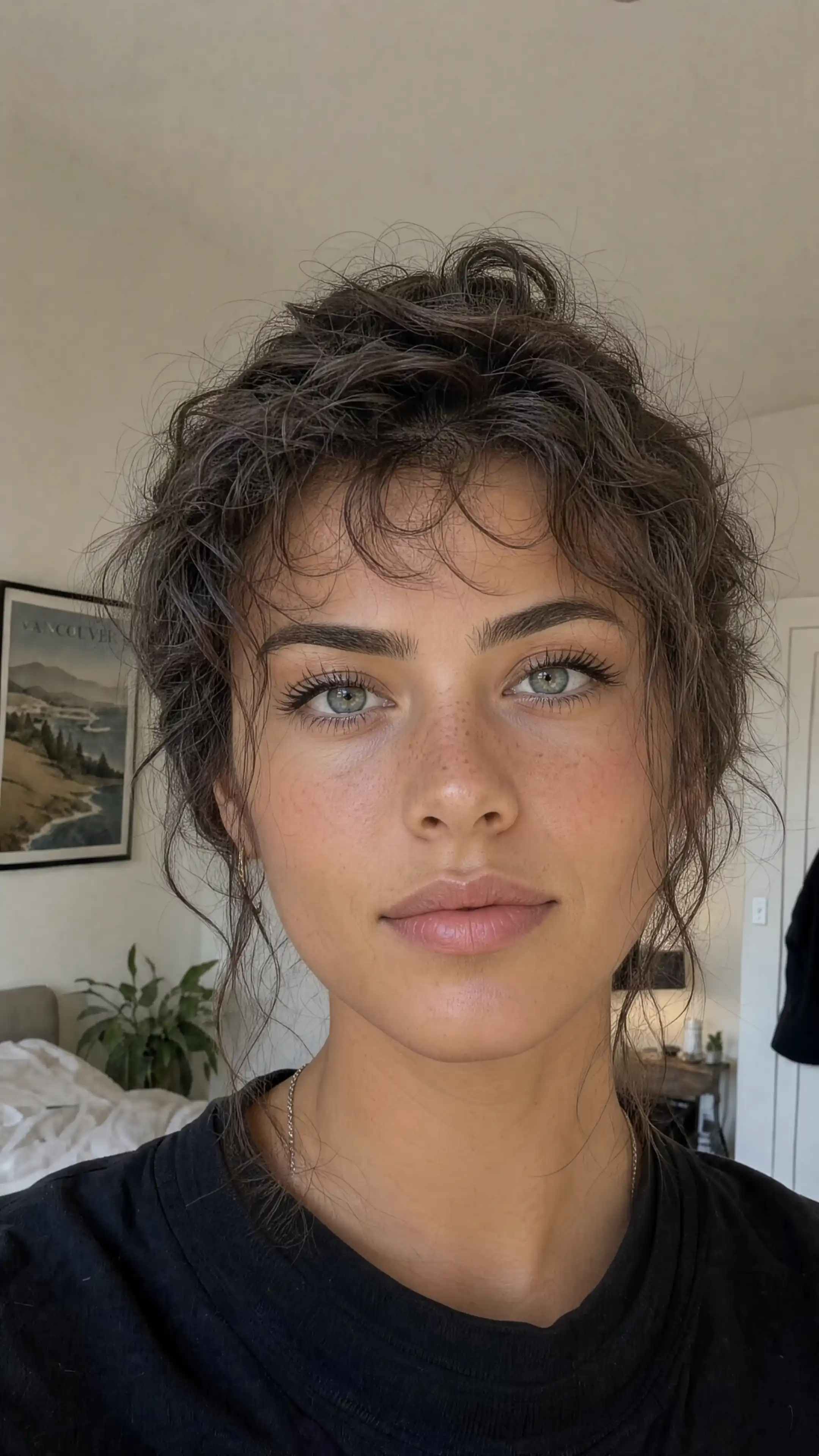
Focused tools for the jobs a prompt alone can't do. Recast a video, swap a face, sharpen footage, create a voice, or generate from ChatGPT.


Good to know
Answers about credits, free use, uploads and getting started with Unify apps.
What is the difference between an app and a generator?
Generators such as Video, Image and Music create from a prompt. Apps are built for one job, like recasting a clip, swapping a face or upscaling footage, and usually start from media you upload.
Do apps use the same credits as the rest of Unify?
Yes. Apps run on your Unify credit balance. Realm, Face Swap, Video Upscaler and Voice Studio show the cost before you generate, and MCP uses the same account and credits from inside ChatGPT.
Can I try an app for free?
Face Swap includes one free photo face swap per account after you sign in. Every other generation uses credits from your balance.
Which files can I upload?
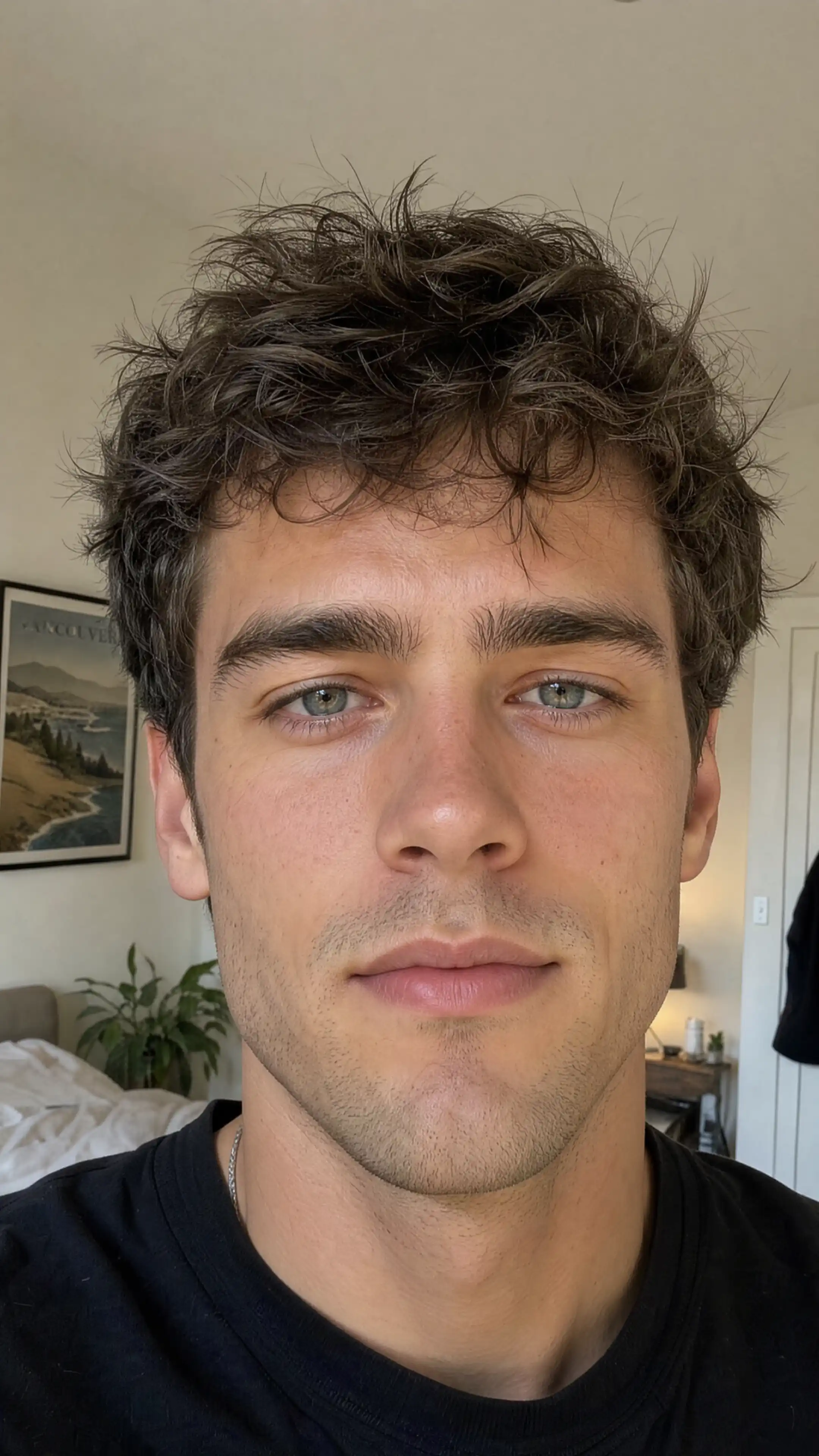
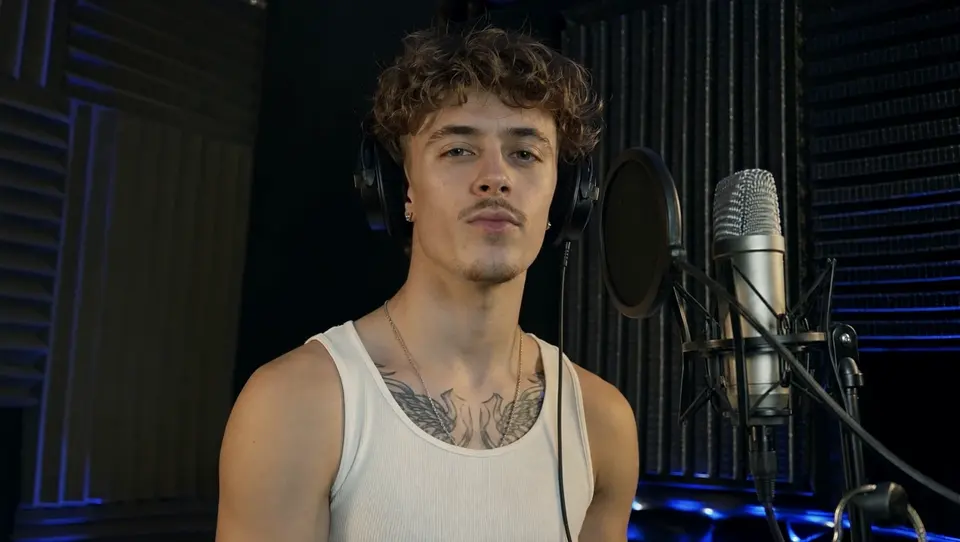
Face Swap takes JPG, PNG or WebP images, plus MP4 or MOV clips of 3 to 30 seconds for video swaps. Video Upscaler takes MP4, MOV or MKV files up to 200 MB. Realm works from a source video and JPG, PNG or WebP reference images, and the Voice Studio voice changer takes an audio recording.
Do I need to install anything?
No. Realm, Face Swap, Video Upscaler and Voice Studio run in your browser. For MCP, you add Unify to ChatGPT and create from your chat.
Starting from a prompt?
The generators create video, images, music and more from a description.