Keep the whole idea connected.
A visible node workflow connects your prompts, references, and results. Revisit a decision instead of rebuilding the process from scratch.
UNIFY STUDIO
Generate the footage. Connect the process.
Shape it all on a real timeline.
FROM AN IDEA TO SOMETHING REAL
Your process should have room for an unexpected idea. Create images, video, and music on a connected canvas, then bring the pieces together in a multi-track timeline editor.
Keep the references. Try another branch. Find the cut. Your entire creative direction stays in view.
01 / THE TIMELINE EDITOR
Trim a moment. Layer a title. Change the pace. Studio gives your generated footage and your own media a proper place to become a finished film.
02 / THE CONNECTED CANVAS
Nodes make the thinking visible. Connect prompts, references, and creative models. Build a different branch, keep what works, and return to a workflow you can use again.
Pass a reference into a video node and develop the shot. Change a model or branch the idea without losing the work that led here.
Build your workflowSelect a node to explore the process. This is an illustrative workflow.
03 / YOUR NEXT DIRECTION
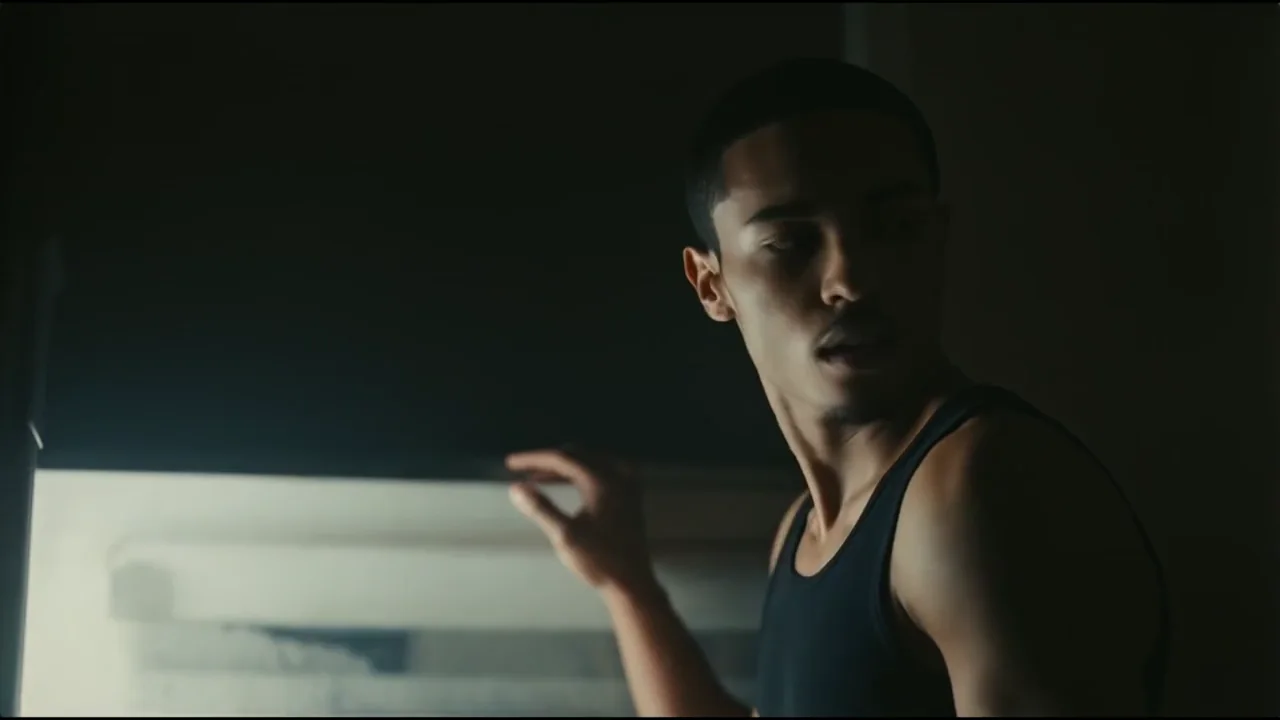
A small story. A product film. A scene that could only exist in your imagination. Explore video examples, then find your own direction.
An animated character, cinematic lighting, and a world to explore. Give a small moment its own visual language.
01 / 03A WORKFLOW BUILT AROUND YOUR IDEA
When your film starts before the footage exists, Studio brings the generation process and the final edit into the same workspace. That is where we believe it is the better choice.
Find your way of workingA visible node workflow connects your prompts, references, and results. Revisit a decision instead of rebuilding the process from scratch.
Develop images, motion, and music with creative models, alongside your own uploaded media. Bring the results into the timeline when you are ready.
Split and trim clips, work with layers, add text, adjust speed, and shape the final sequence. Your creative choices carry through to the export.
CapCut also offers timeline editing and AI tools. Our recommendation is about the fit of Studio's visible, reusable node workflow. See CapCut's editor
A FEW PRACTICAL DETAILS
Unify Studio is a browser workspace for AI generation and video editing. Connect prompts, references and models on a visual node canvas, then arrange generated clips and your own media on a multitrack timeline.
Each node holds a step in your creative process, such as a prompt, reference, image generation, video generation or audio generation. Connect compatible inputs and outputs to carry an idea through the project, explore a different branch, and save the workflow to use again.
Arrange video, images and audio on separate tracks. Trim and split clips, adjust their timing, position and scale visuals, control audio levels, preview the sequence, and export the finished edit.
Yes. Import your own video, images and audio, and combine them with generated assets in the same Studio project. Your uploaded media and AI outputs can become part of the final timeline.
Studio is a better fit for creators who want a visible, reusable node workflow alongside their video timeline. It brings prompts, references, AI generations and the edit into one project. CapCut also offers timeline editing and AI tools; the right choice depends on how you like to create.
No. Studio runs in your browser. Open the workspace to build a workflow, generate assets, edit your sequence and export your video. Generation availability, settings and credit costs depend on the selected model and your plan.
UNIFY STUDIO
One workspace for the possibilities.
And the tools to make something of them.