Camera
The format and texture of the image.
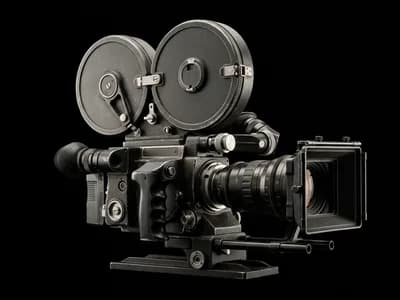
Stop describing.
Start directing.
Make cinematic AI video the way a director does. Choose the genre, the decade, the camera, the move, the color, and the light. Write the scene. Get a shot that looks planned.
Give your AI film a genre, then move along 8 decades of cinema, from the 1950s to the 2020s. This is the real control. Try it.
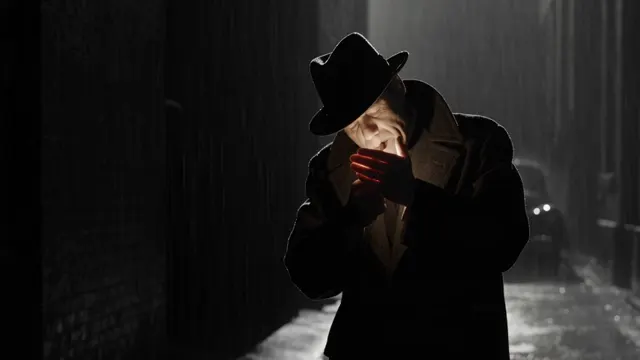
Moody and fatalistic, with hard shadows and urban tension.
From an 8mm home movie to 65mm large format. Every camera, lens, and aperture changes how the shot feels.
The format and texture of the image.
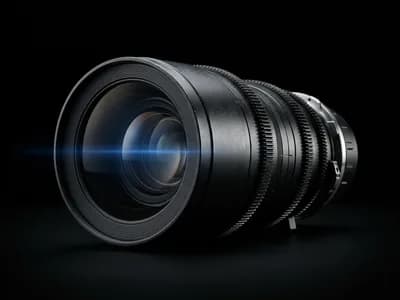
The character of the glass.
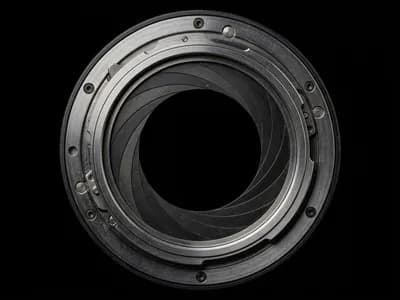
How much of the scene stays sharp.
From dolly zooms and crane shots to drone orbits and bullet time. Pick the move by watching it.
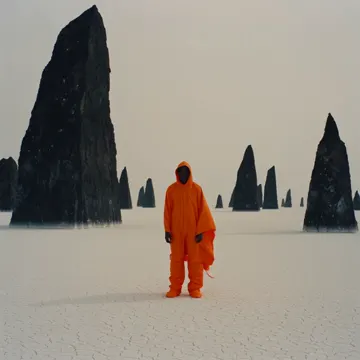
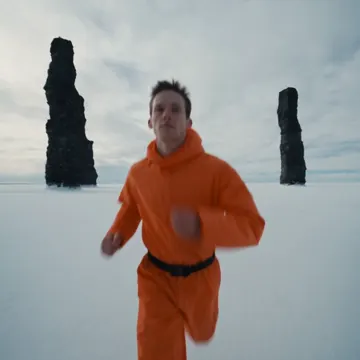
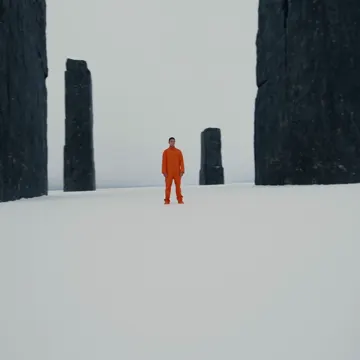
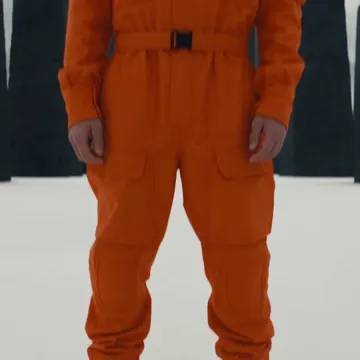
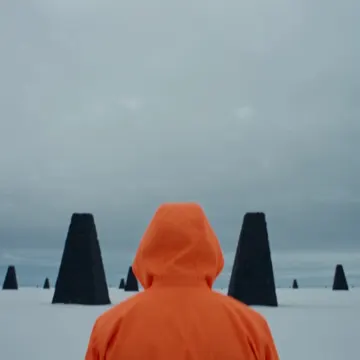
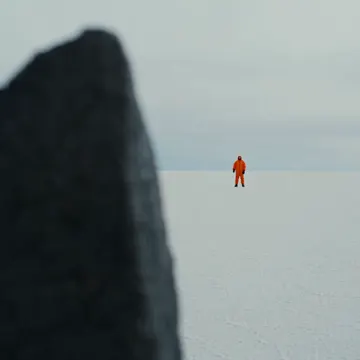
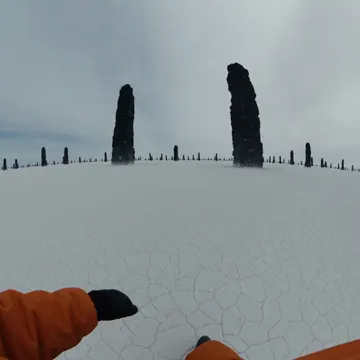
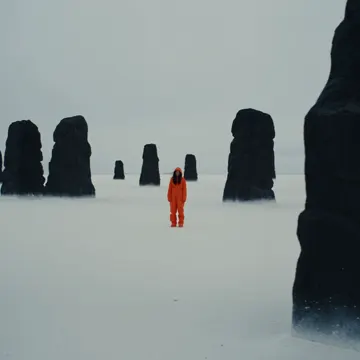
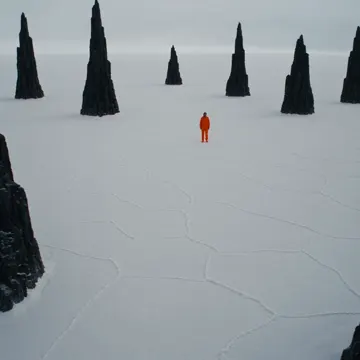
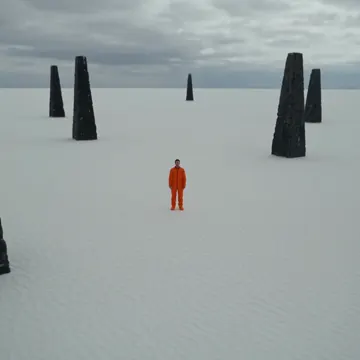
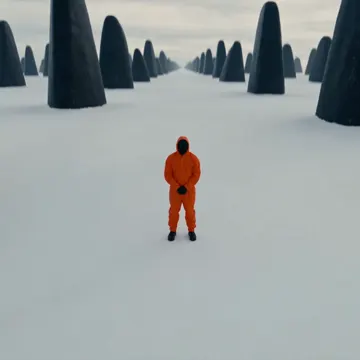
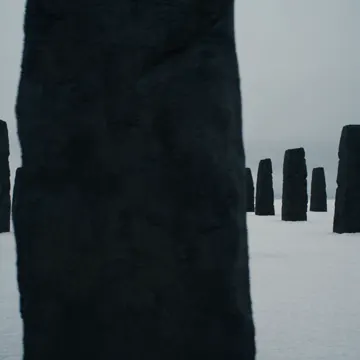
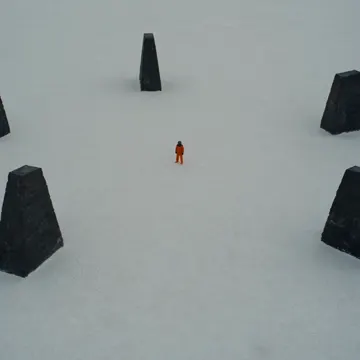
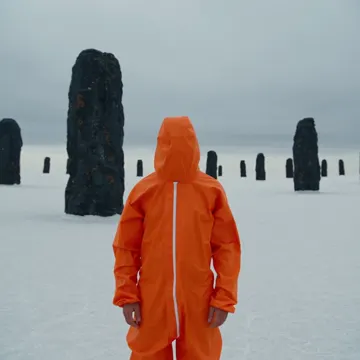
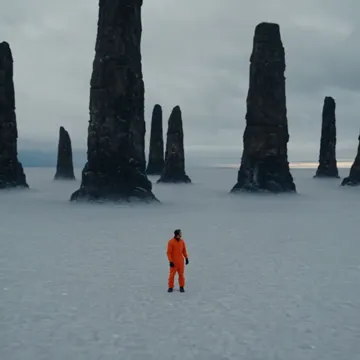
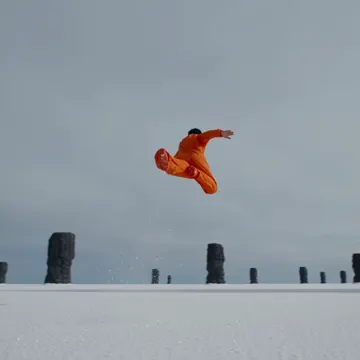
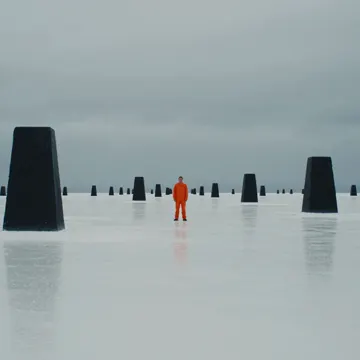
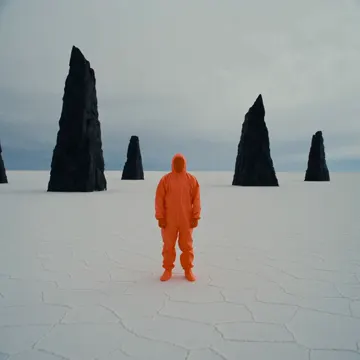
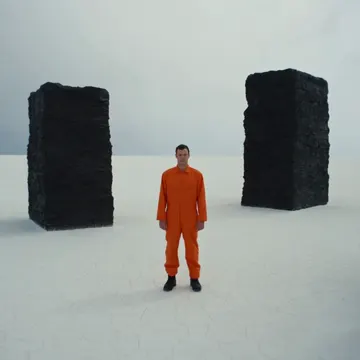
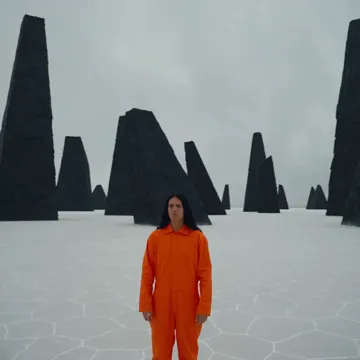
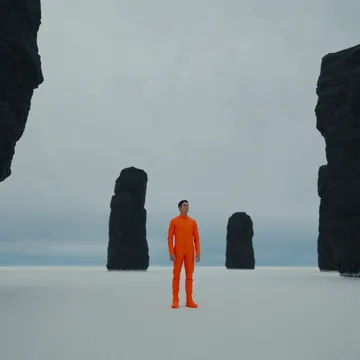
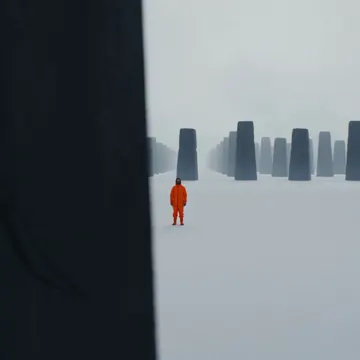
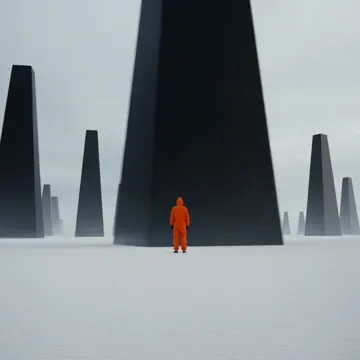
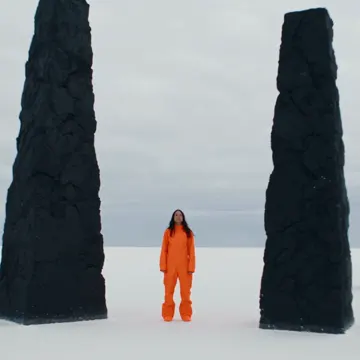
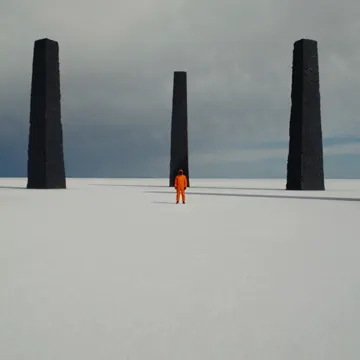
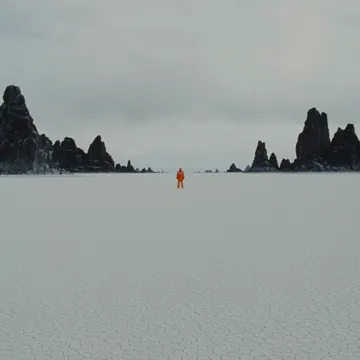
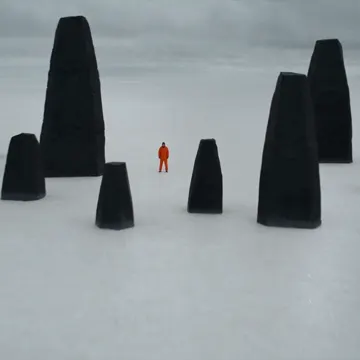
Color grade your AI video with 11 palettes, or build your own from up to 10 colors and save it for the next film.
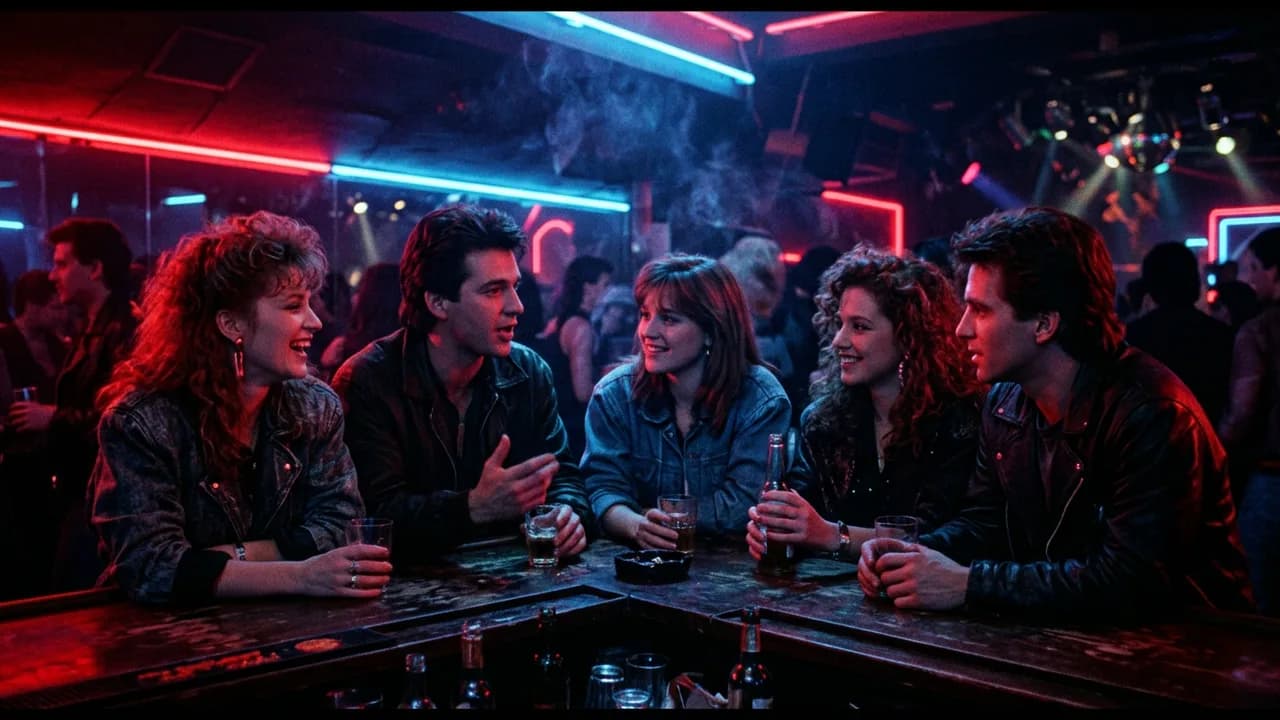
Set the lighting for every shot. Choose a setup, or place up to 3 lights yourself. Warm or cool, hard or soft, exactly where you want them.
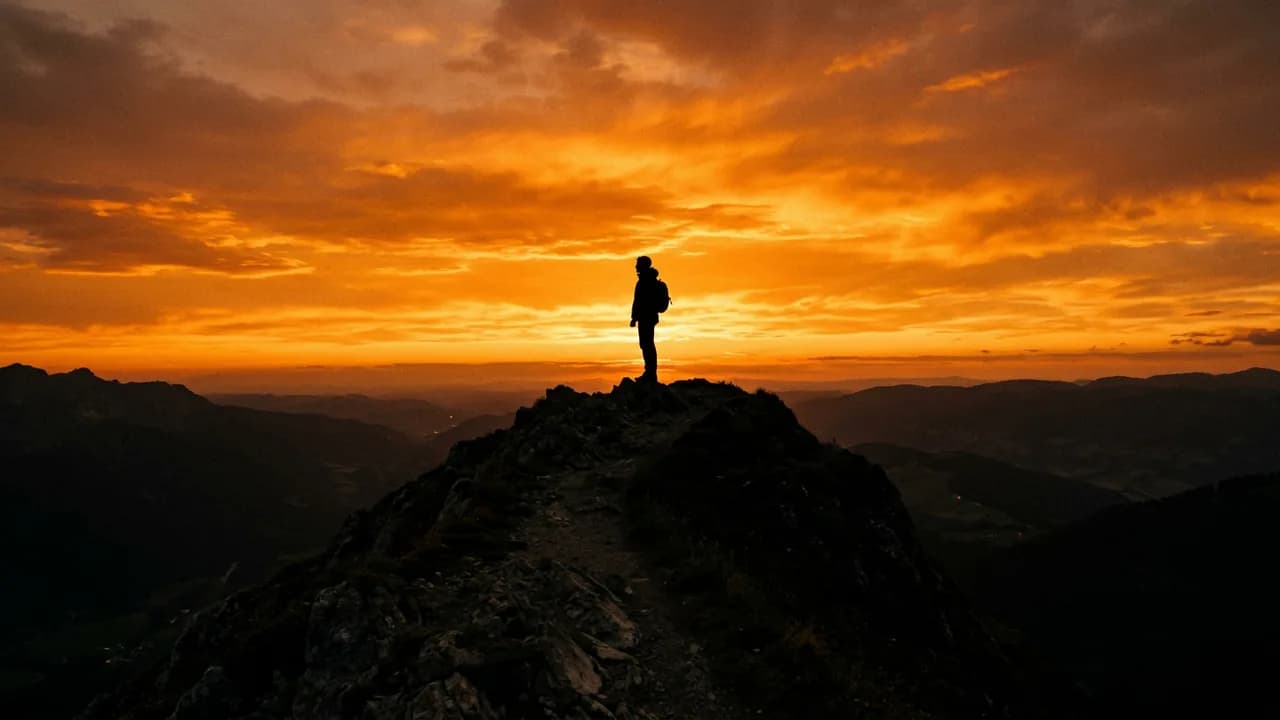
A bright background and a subject that reads as a dark shape.
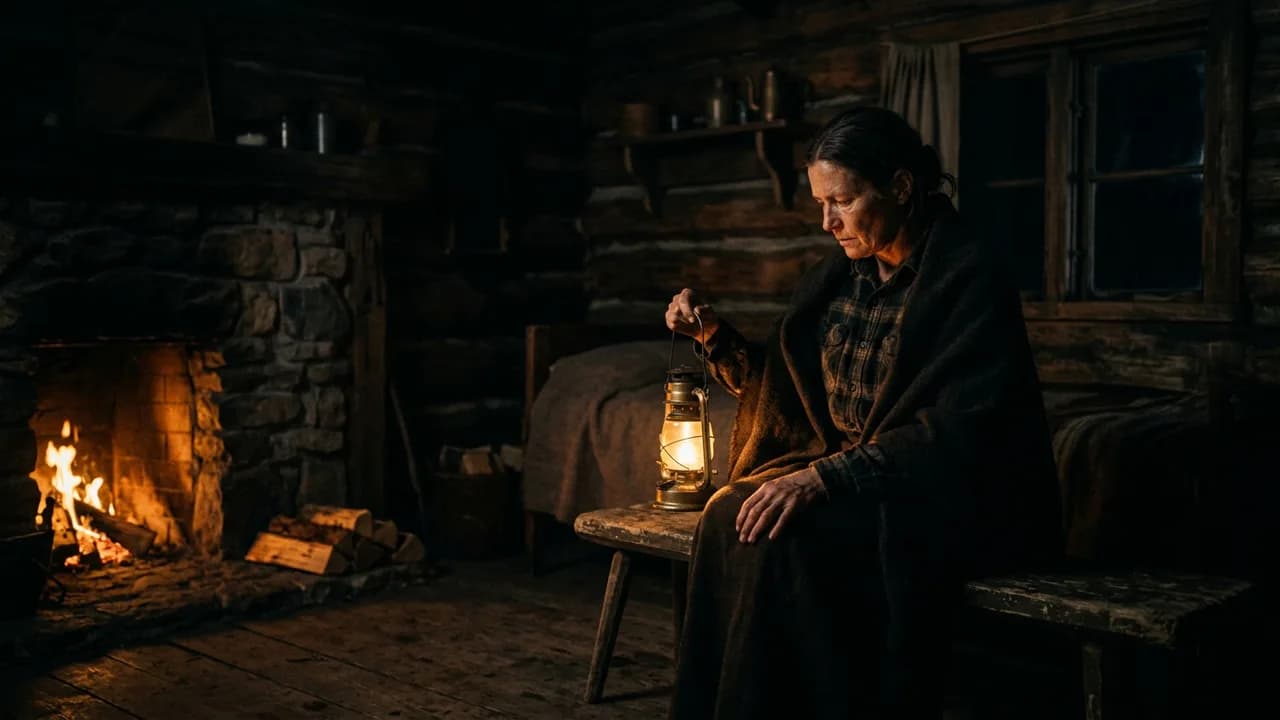
Lit only by what's in the frame: lamps, fire, and screens.
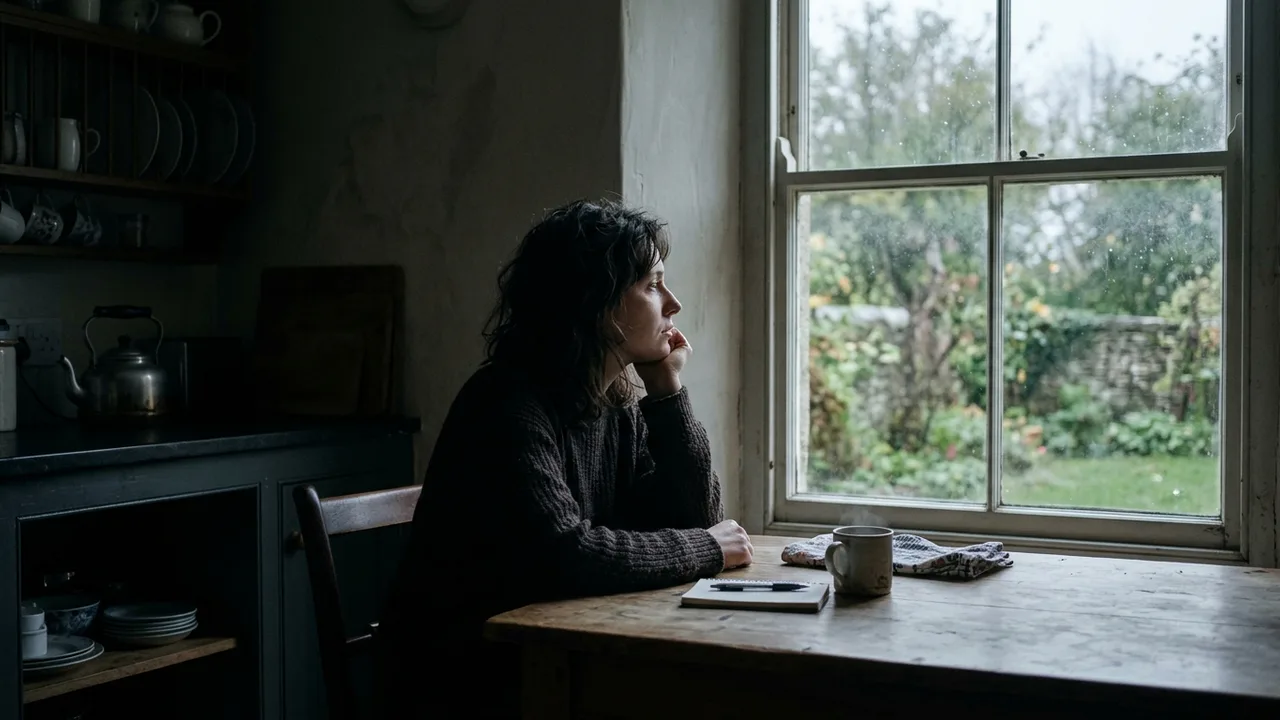
Soft daylight from one side, falling off into shadow.
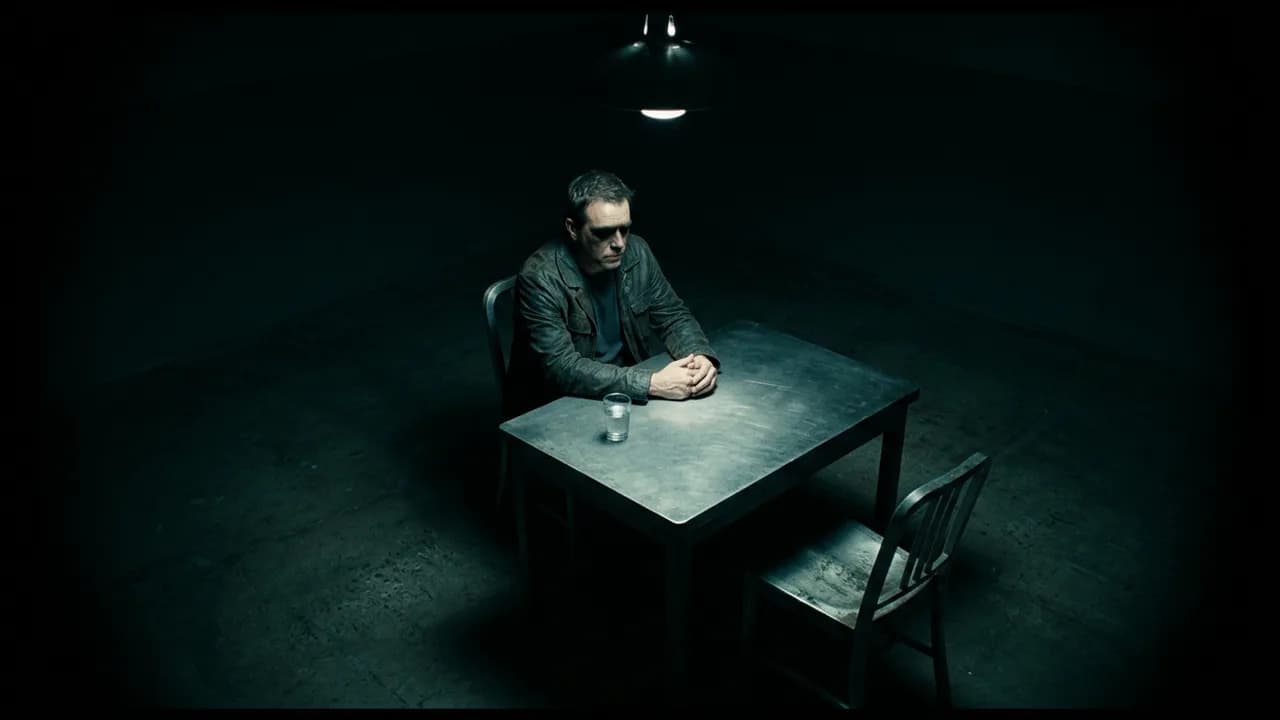
One hard light from above, with darkness at the edges.
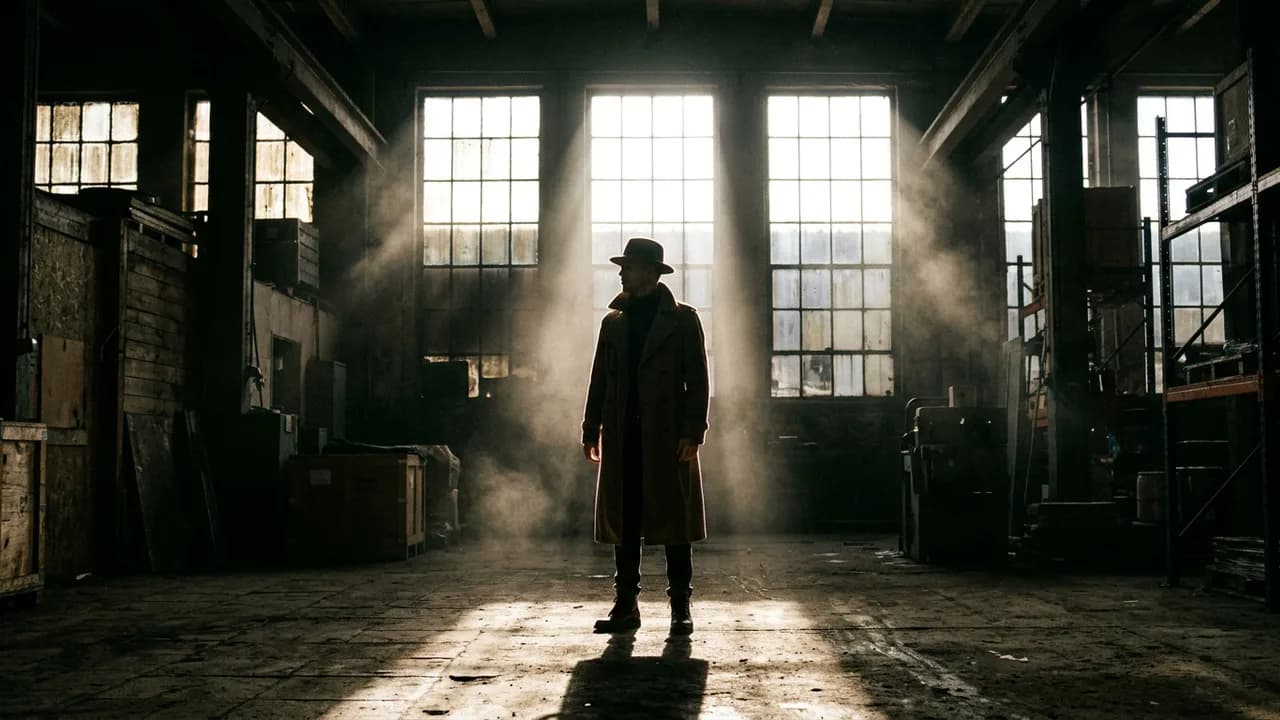
Strong backlight with shafts of light and a glowing rim.
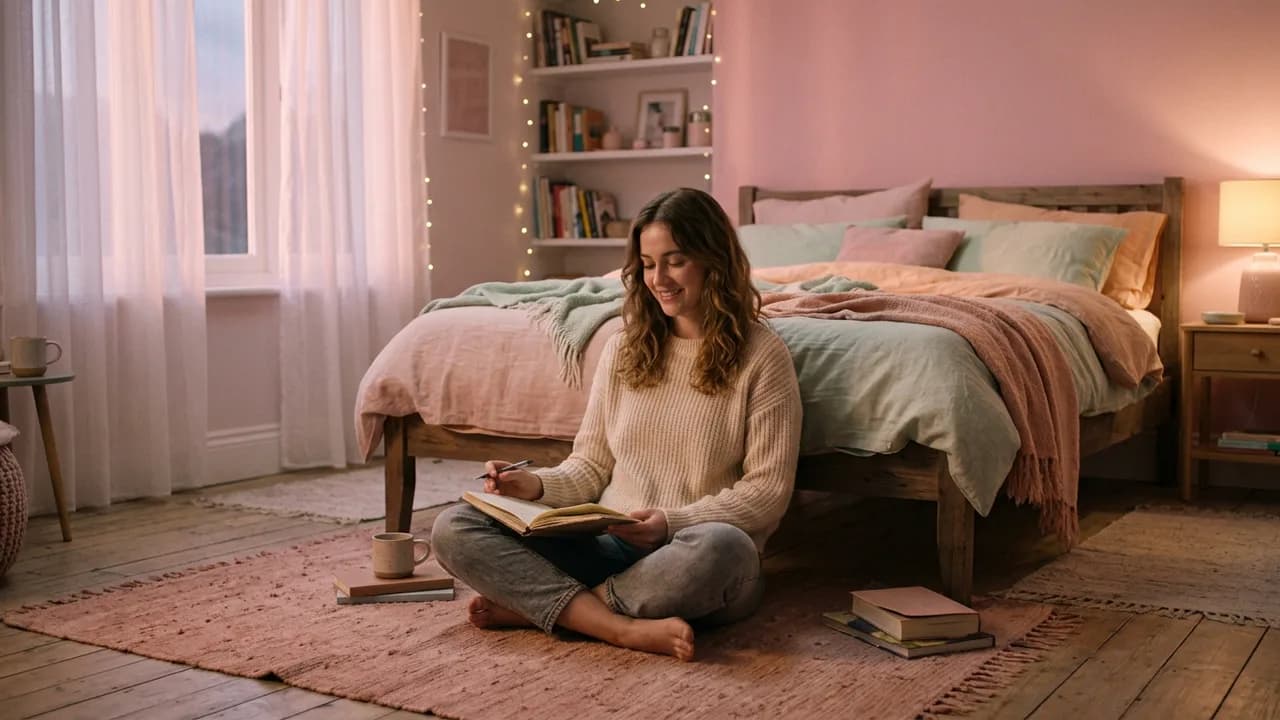
Two broad, soft sources for gentle, flattering light.
Begin with just a sentence, or bring what you already have.
Add up to 30 images, 10 videos, and 10 audio files, then mention them in your prompt.
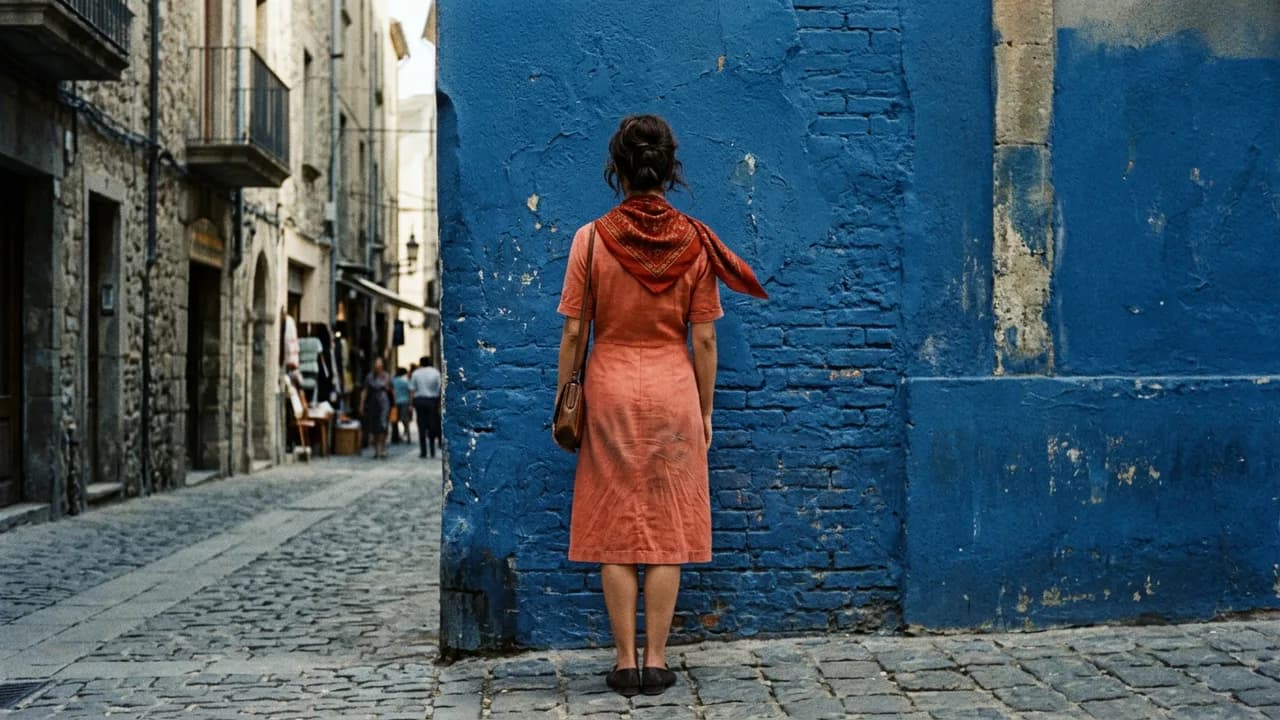
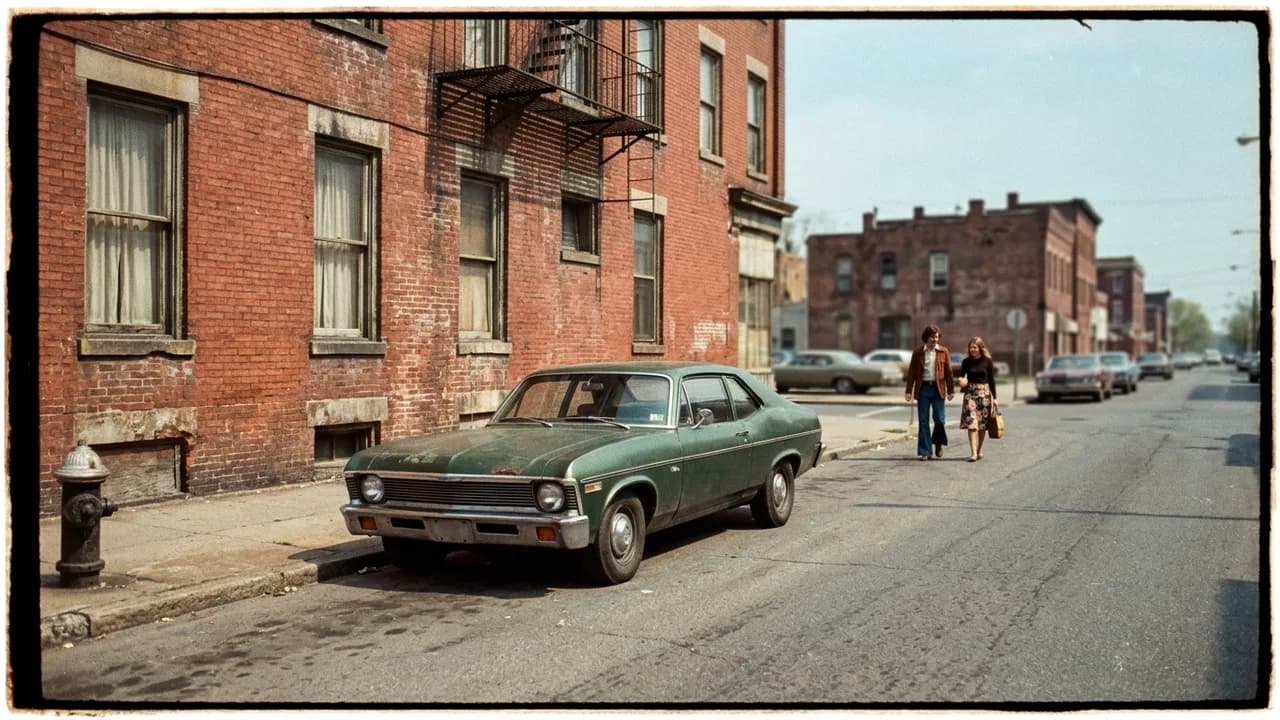
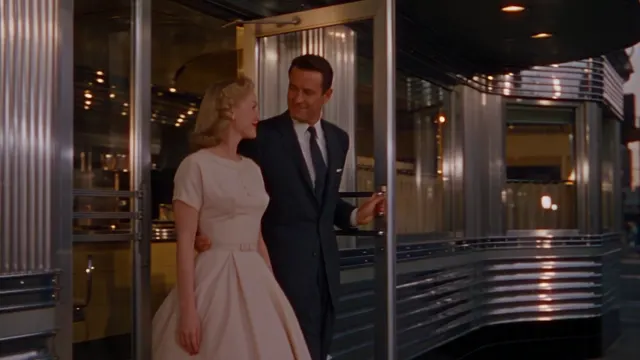
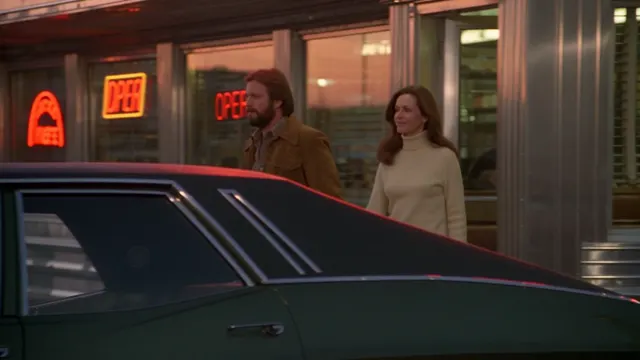
Set the image a shot begins on, and optionally the one it ends on. The video gets from one to the other.
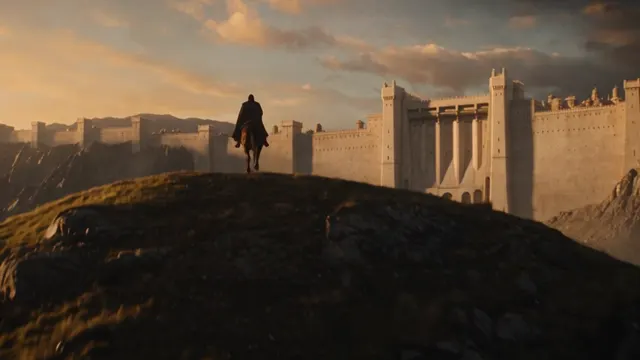
Add a clip of up to 30 seconds and describe what happens next. The new shot picks up from it.
4–30seconds
1080p
Also 480p and 720p
Generated with the video, or off
30seconds
The longest clip you can continue
Save palettes of up to 10 colors and setups of up to 3 lights
Movie Director 1.0 runs on credits from any plan. You see the exact price on the Generate button before every shot.
$9.99 / month
$24.99 / month
$49.99 / month
$149.99 / month
Monthly prices in USD. Annual billing and current offers are on the pricing page. Unlimited plans and passes do not cover Movie Director 1.0.
It is an AI movie maker built around the decisions a film director makes. You set the genre, decade, camera, lens, aperture, camera move, color palette and lighting, then describe the scene. Your choices are added as direction to every shot.
Yes, one scene at a time. Each shot runs up to 30 seconds, so you direct a film shot by shot, continue a scene with Extend, and cut the clips together in Unify Studio, which is included with the Pro, Scale, and Ultra plans.
Pick the move instead of trying to describe it. There are 27 to choose from, including dolly zoom, crane up, drone orbit, whip pan, rack focus, and bullet time, and each one shows you a clip of what it does.
Yes. Set the decade anywhere from the 1950s to the 2020s and choose a format such as 8mm, 16mm, 35mm, VHS, or DV camcorder. The production design, wardrobe, and texture of the image follow your choices.
No. Every genre, decade and camera move shows you a clip, and every palette and lighting setup shows you a picture, so you can choose by eye. Anything you leave on Auto is left to your prompt.
From 4 to 30 seconds, in 480p, 720p or 1080p. You can choose 16:9, 9:16, 1:1, 4:3, 3:4 or 21:9, and sound can be generated with the video or switched off.
Yes. In References you can add up to 30 images, 10 videos and 10 audio files and mention them in your prompt. In Frames you set the image a shot starts on and, if you like, the one it ends on.
Extend continues a video you already have. Add a clip of up to 30 seconds, describe what happens next, and the new shot picks up from it. Your direction still applies.
Yes. Build a color palette of up to 10 colors or a lighting setup of up to 3 lights, name it, and it stays in your menu on that device. Every finished video also keeps its direction, so you can reuse it in one click.
Movie Director 1.0 uses credits from your plan. The cost depends on the length and quality you choose and on any source video, and the exact price is on the Generate button before you start. Unlimited plans and passes do not cover it.

 Start
 End
 Your clip+ What happens next