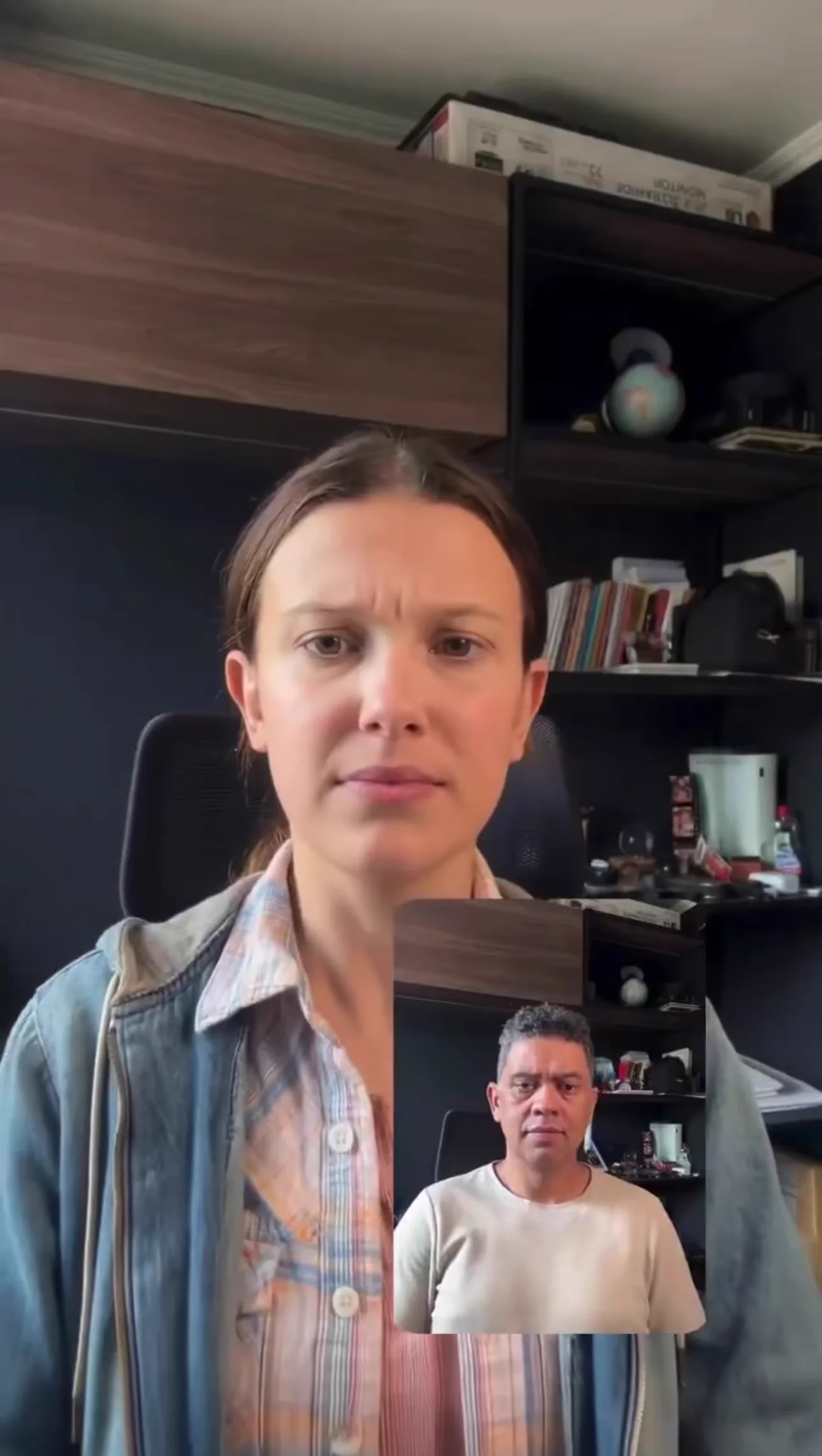
Example video
Motion control

Model Profile
The Kling lineup on Unify, covering Kling 2.6, Kling 3.0, Omni, Motion Control, Video O1, and faster variants for different video workflows.
Provider
Kuaishou Klng
Workflow
AI Video Generation
Key features
4
Media below is reused from the Unify landing page model viewer so each model page has a concrete example section instead of text alone.
Example video
Motion control

Example video
Character consistency
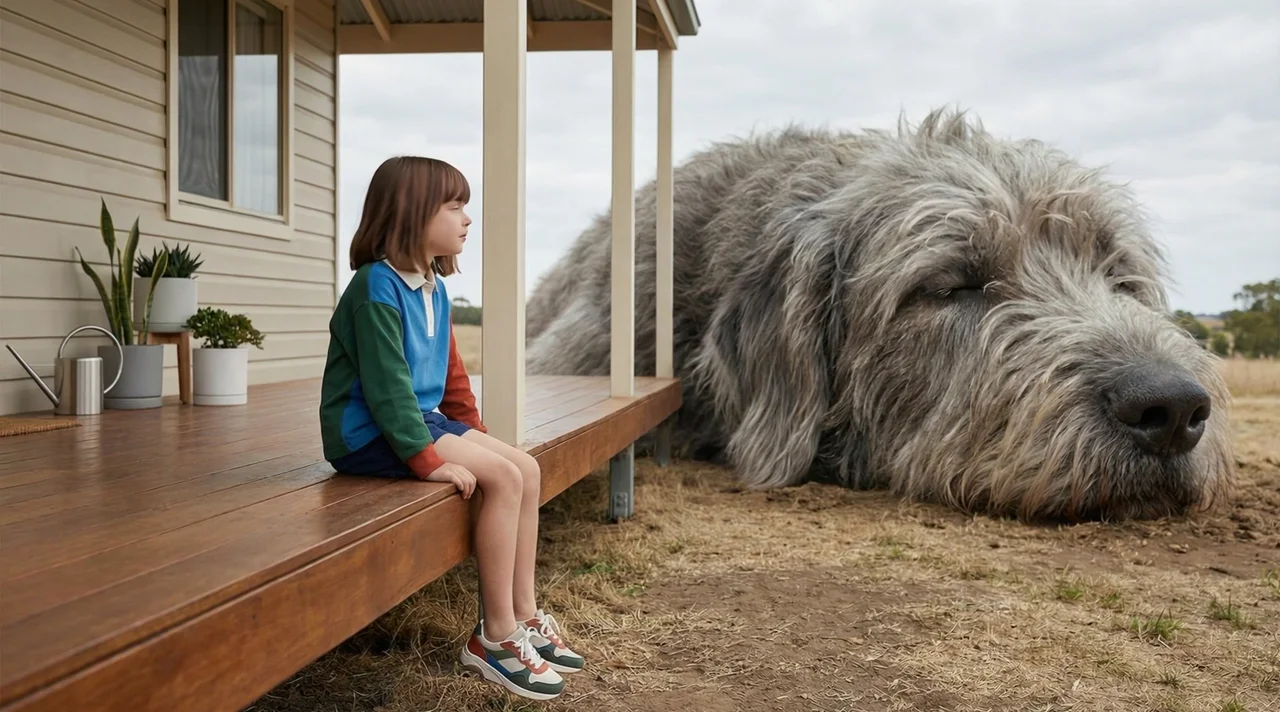
Example video
Multi-shot scenes
This page is the Kling family overview. Kling 3.0 is the main recommendation, and the models below cover the specific Kling variants we aggregate on Unify.
Kuaishou Klng
Kling
The Kling lineup on Unify, covering Kling 2.6, Kling 3.0, Omni, Motion Control, Video O1, and faster variants for different video workflows.
Kuaishou Klng
Kling 3.0
Generate videos from a prompt or starting image with Kling 3.0. Choose audio, resolution, and single-shot or multi-shot direction in Unify.
Kuaishou Klng
Kling 3.0 Omni
Kling's versatile omni model supporting multiple input types and generating high-quality videos with broad creative control.
Kuaishou Klng
Kling Motion Control
Specialized Kling model for precise motion transfer. Apply real-world motion from reference videos to any image or character.
Kuaishou Klng
Kling 2.5 Turbo
Fast and efficient version of Kling for rapid AI video generation. Ideal for quick iterations and high-volume content creation.
Kling on Unify is the full Kuaishou video lineup, with Kling 3.0 as the main flagship, Kling 2.6 as the proven general-purpose option, and additional specialized models for omni workflows, motion transfer, reasoning-heavy prompts, and faster production. Instead of treating Kling as a single model, this page covers the broader Kling family you can access on Unify.
Kling 2.6
Kling 3.0
Motion Control
Omni workflows
Choosing the right Kling model
High-quality video generation
Motion transfer workflows
Avatar, lip sync, and flexible Kling use cases
Covers multiple Kling workflows in one ecosystem
Kling 3.0 is available as the flagship option
Strong motion and avatar tooling
Lets you choose between quality, flexibility, and speed
Different Kling variants suit different jobs
Quality and pricing vary by model
Some workflows are more specialized than general-purpose video models
Create your Unify account in seconds. No credit card required.
Choose Kling from the model selector in the video interface.
Enter your prompt and let Kling generate amazing results.

Google DeepMind
Veo 3
Google DeepMind's third-generation video model for cinematic text-to-video and image-to-video generation.
Google DeepMind
Veo 3 Fast
A faster Veo 3 variant built for quicker iterations, drafts, and lower-friction video generation.

OpenAI
Sora 2
OpenAI's standard Sora 2 model for realistic motion, strong scene generation, and general text-to-video work.
OpenAI
Sora 2 Pro
OpenAI's premium video generation model with extended duration and enhanced quality.
AI Video Ads Generator
Create professional video advertisements with AI. Generate e...
AI Motion Control Video Generator
Transfer motion from reference videos to still images with A...
AI Avatar Video Generator
Create talking avatars and virtual presenters with AI. Gener...
AI Product Demo Video Generator
Turn product ideas, screenshots, and campaign briefs into AI...
Join thousands of creators using Unify to access the best AI models in one place.