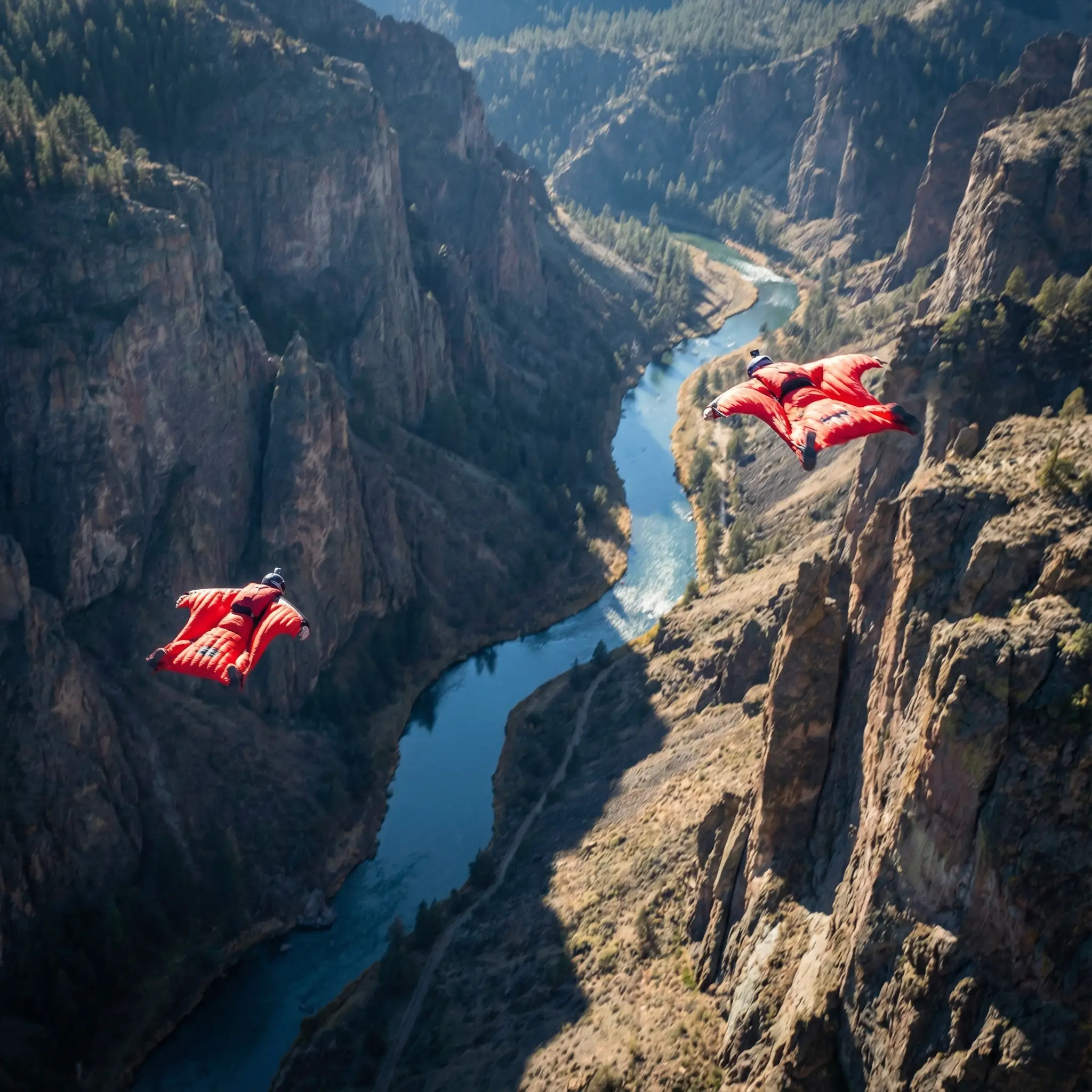
Example image
4K resolution
Model Profile
ByteDance's newer Seedream model focused on fast, high-quality image generation with flexible aspect ratios and lightweight production workflows.
Provider
ByteDance
Workflow
AI Image Generation
Key features
4
Media below is reused from the Unify landing page model viewer so each model page has a concrete example section instead of text alone.
Example image
4K resolution
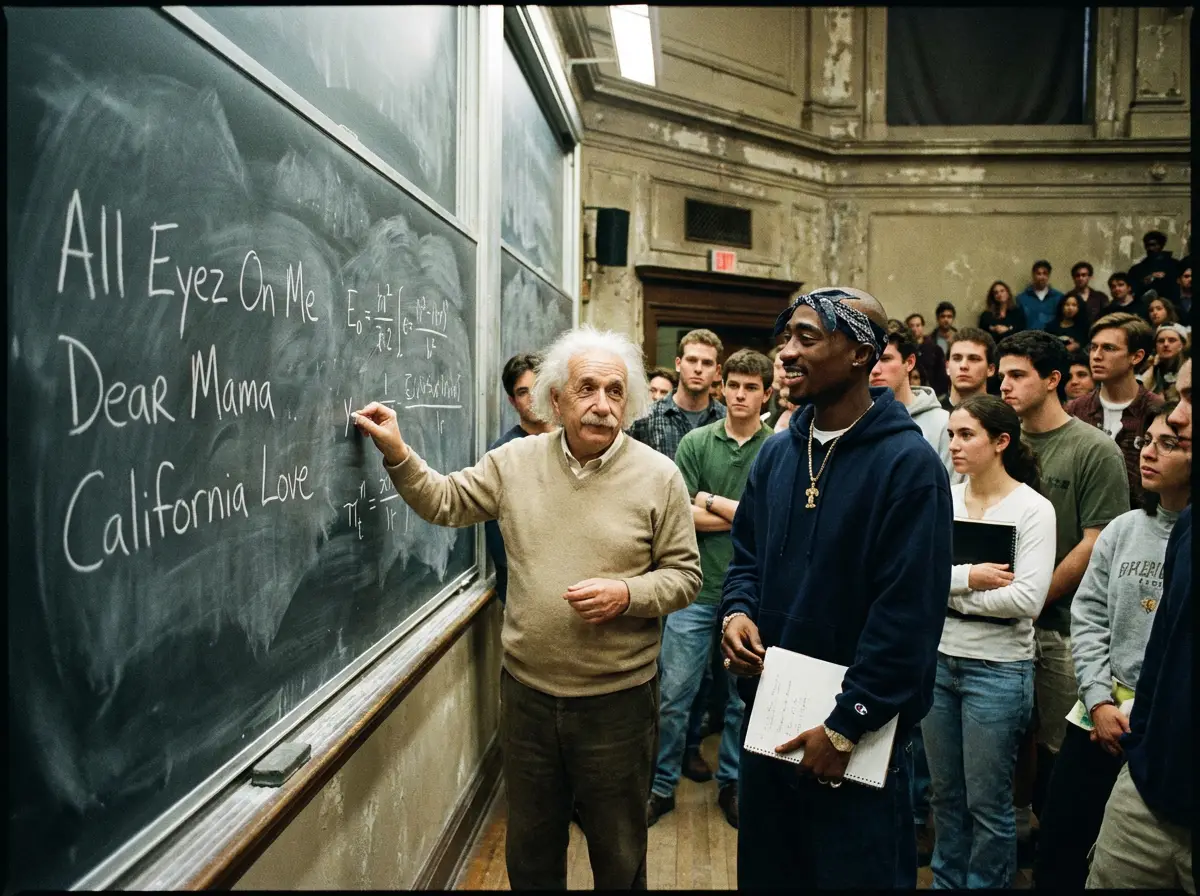
Example image
Super detailed
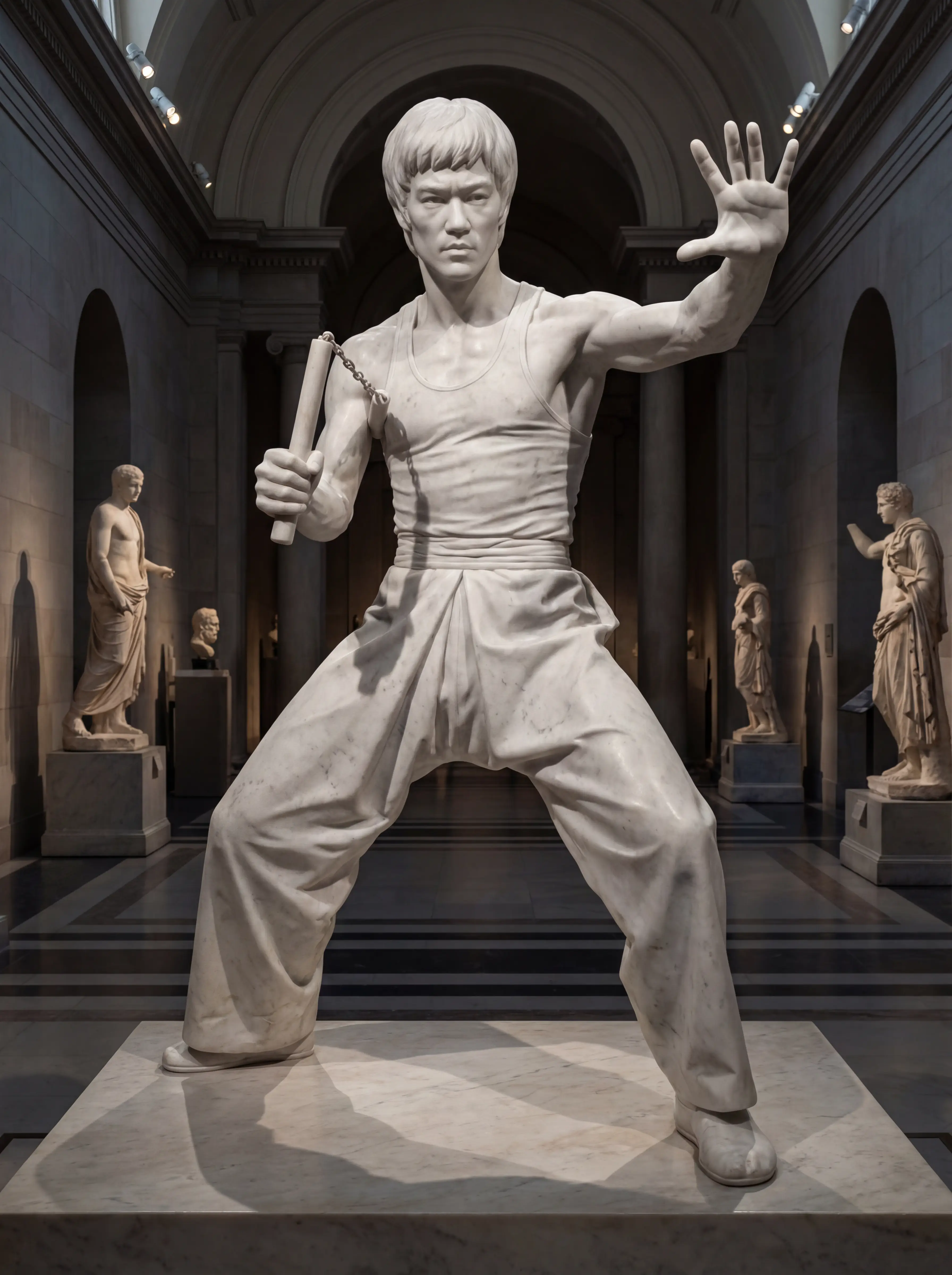
Example image
Fast results
The models below cover the Seedream variants we aggregate on Unify.
ByteDance
Seedream
The Seedream lineup on Unify, covering Seedream 4.5 and Seedream 5.0 Lite for fast, high-fidelity image generation across multiple styles.
ByteDance
Seedream 5.0 Lite
ByteDance's newer Seedream model focused on fast, high-quality image generation with flexible aspect ratios and lightweight production workflows.
Seedream 5.0 Lite is ByteDance's newer fast image generation model available on Unify. It is designed for quick, polished output with flexible aspect ratios and efficient production workflows. Compared with Seedream 4.5, Seedream 5.0 Lite is positioned as the lighter, more streamlined option for teams that want modern Seedream quality with faster turnaround and a simpler operating profile.
Fast generation
High quality
Flexible formats
Creative styles
Fast production workflows
Marketing visuals
Quick creative exploration
Modern Seedream output
Fast turnaround
Modern Seedream variant
Strong image quality
Flexible workflow
Lite variant may not be the best fit for every detailed use case
Fewer established references than older variants
Still part of a family where outputs vary by version
Choose the model and inspect the image size, reference inputs, and credit estimate shown in the composer before generating.
Describe the main subject first, then its placement, surroundings, material, and light. Choose a shape that fits the destination, such as a square product tile or a wide campaign image, from the available settings.
Check object shape, small details, cropping, and any requested text. Keep the brief fixed while changing a single instruction, such as the background or light direction, so you can judge what improved.
Inspect the final image at full size. If exact logos, labels, or product details matter, compare them with the source material and correct mismatches before publishing.
Start with one image brief and change one visual choice at a time. The example below is a prompt to adapt, not a caption for a tested output.
Photograph a plain cobalt-blue ceramic mug on a pale warm-gray surface. Three-quarter view, handle on the right, entire mug visible with generous space above. Soft window light from the left, gentle contact shadow, matte ceramic texture, uncluttered background. No lettering, logos, extra objects, or cropped edges.
Check the handle joins, rim, shadow direction, and crop. To make a second version, change only the surface color and compare the two images.

Nano Banana Pro
Google's advanced image generation with support for up to 4K resolution and sharp text rendering.

OpenAI
GPT Image 2
OpenAI's newest image model with flexible aspect ratios, up to 4K output, and strong prompt adherence for both generation and editing.
OpenAI
GPT Image
OpenAI's latest GPT Image model for sharper detail, richer textures, and reliable prompt adherence.

xAI
Grok Imagine
Generate images from text or edit one reference image with Grok Imagine. Choose 1K or 2K output, set the aspect ratio, and review generation credits in Unify.
AI E-Commerce Product Image Generator
Generate product images, lifestyle shots, marketplace creati...
AI Brand Ad Creative Generator
Create brand ad concepts across copy, images, video, and mus...
AI Fashion Design Generator
Explore fashion concepts with AI. Generate clothing designs,...
Join thousands of creators using Unify to access the best AI models in one place.