Example 01
Fine Line Minimal
A delicate fine-line tattoo design, thin clean linework, minimal detail, elegant subject, black ink on white background, ready as a stencil reference.
For minimal tattoos.
Prompt Guide
AI tattoo prompt examples for designs across styles. Copy-ready prompts with linework, shading, and placement direction.
Use these as starting structures. Replace generic product, audience, channel, and brand details with your real campaign context.
Example 01
A delicate fine-line tattoo design, thin clean linework, minimal detail, elegant subject, black ink on white background, ready as a stencil reference.
For minimal tattoos.
Example 02
A traditional American tattoo design with bold black outlines, limited classic color palette, iconic motif, flat clean presentation.
For old-school style.
Example 03
A striking blackwork tattoo design with heavy solid black areas, geometric or ornamental patterns, high contrast, bold graphic look.
For bold statements.
Example 04
A watercolor-style tattoo design with soft color splashes, loose painterly edges, expressive subject, vibrant and artistic on a white background.
For colorful pieces.
Example 05
A precise geometric tattoo design with symmetrical shapes, clean lines, dotwork shading, balanced sacred-geometry aesthetic.
For geometric fans.
Example 06
A Japanese irezumi-style tattoo design with bold outlines, flowing composition, traditional motifs, dynamic movement, classic detailing.
For large-scale pieces.
Example 07
A detailed floral botanical tattoo design with delicate shading, natural composition, elegant linework, suitable for placement on the forearm.
For nature themes.
Example 08
A tiny minimalist symbol tattoo design, simple clean lines, small scale, single meaningful motif, crisp and balanced.
For small tattoos.
Output produced on Unify, shown with the exact prompt that created it. Copy any of them as a structure for your own scenes.
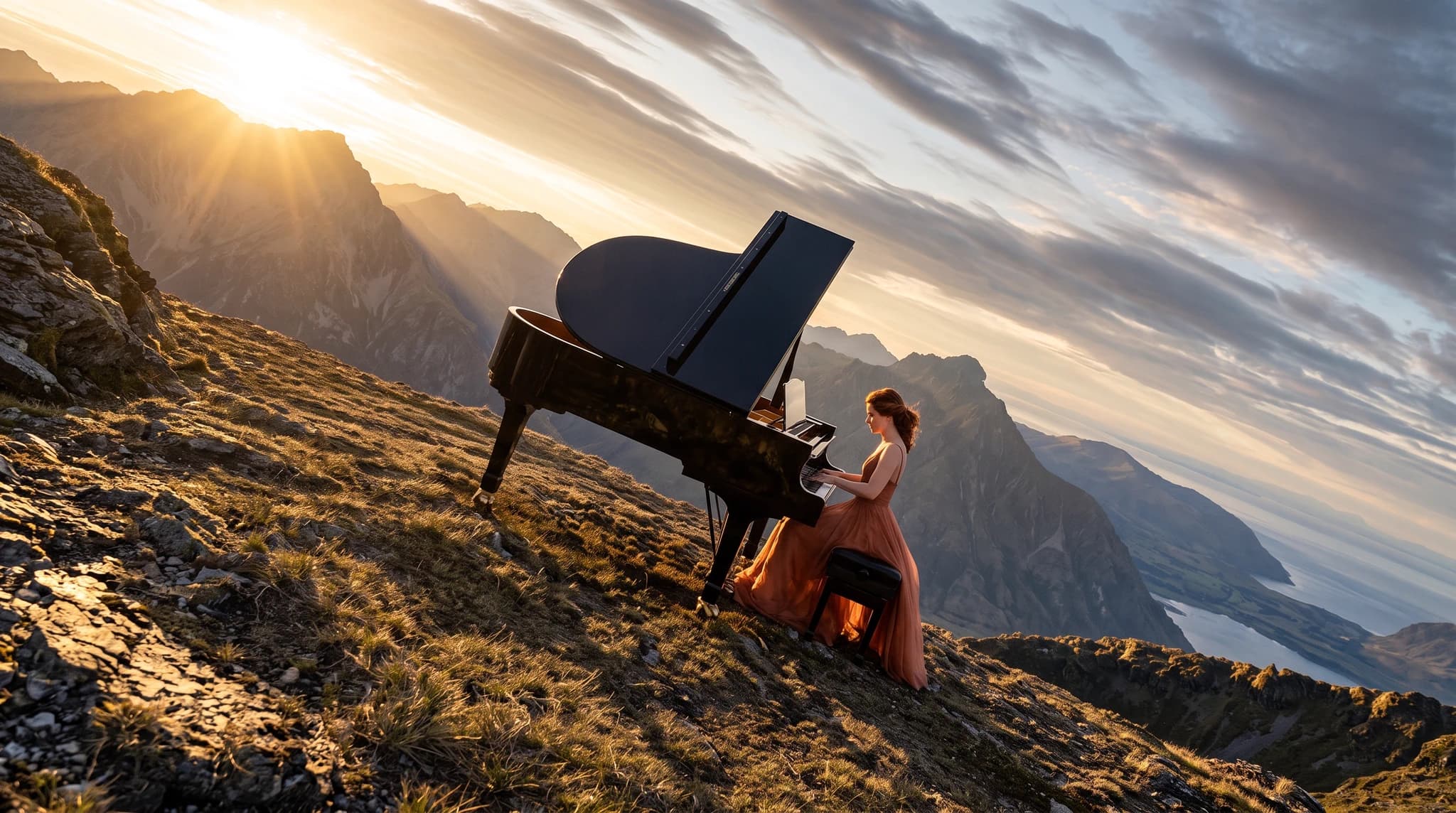
Exact prompt used
A sweeping cinematic wide shot of Janice in a flowing coral evening gown playing a glossy black grand piano on a high alpine ridge above the clouds, warm sunrise rays breaking over dramatic mountain peaks, tilted editorial composition, serene epic atmosphere, photorealistic, 16:9
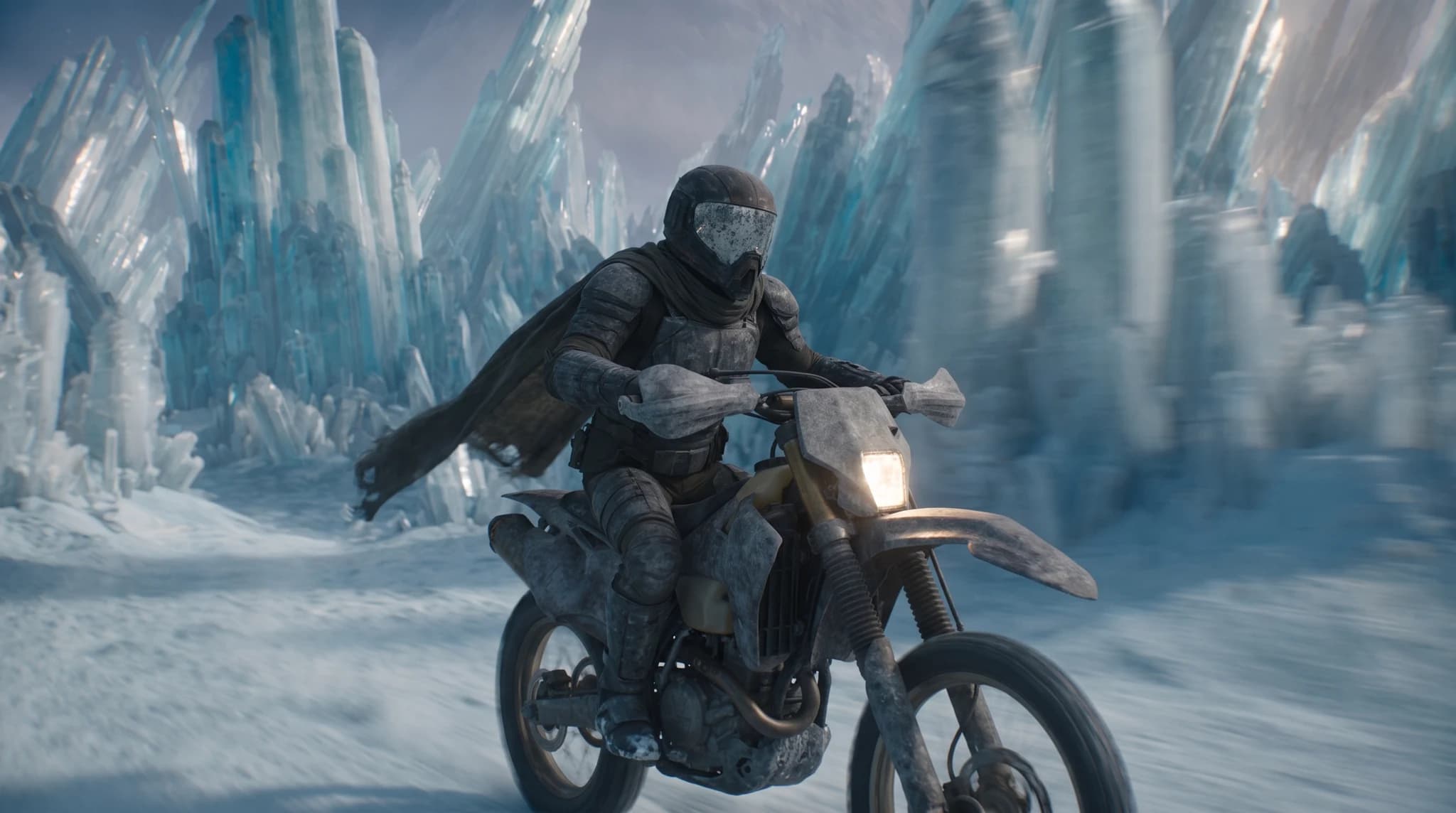
Exact prompt used
A cinematic side-tracking shot of Atlas, a weathered futuristic rider in black armor and a torn cape, speeding on a dirt bike through a frozen crystal canyon with towering translucent blue ice spires, snow spray, strong motion blur, cold diffused daylight, photorealistic, 16:9
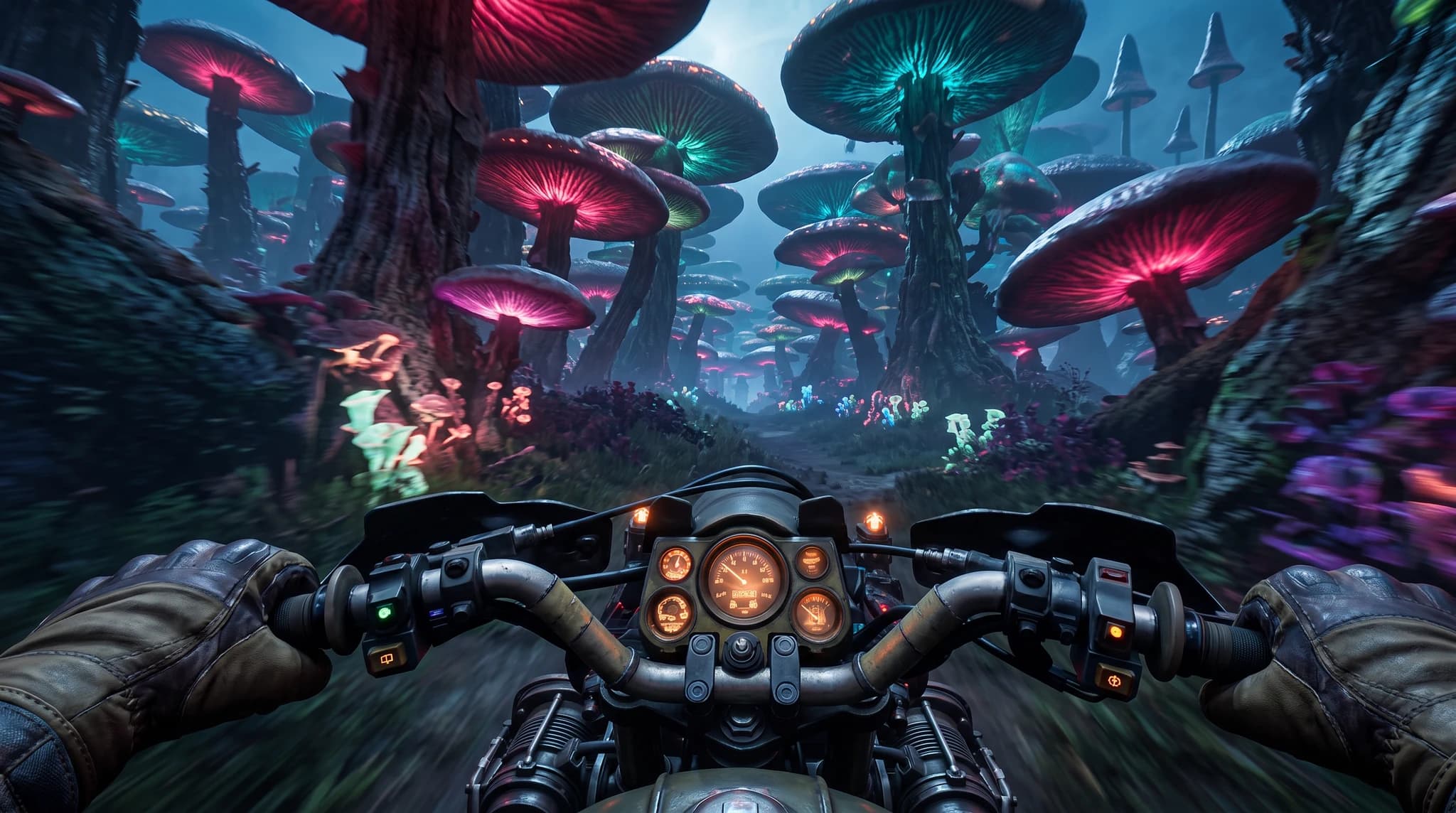
Exact prompt used
First-person POV from Atlas riding a rugged motorcycle at high speed through an alien neon forest of towering bioluminescent mushrooms, cyan and magenta glow, gloved hands gripping the handlebars, motion-blurred foliage, cinematic realism, 16:9
Define the audience, channel, output format, brand tone, and business outcome before generating.
Use the recommended models on this page as the first test set for the prompt style.
Replace the generic product, audience, format, and tone details with your real campaign context.
Use the image workspace to create multiple directions and compare which result is strongest.

OpenAI
GPT Image 2OpenAI's newest image model with flexible aspect ratios, up to 4K output, and strong prompt adherence for both generation and editing.

ByteDance
SeedreamThe Seedream lineup on Unify, covering Seedream 4.5 and Seedream 5.0 Lite for fast, high-fidelity image generation across multiple styles.

AI Character Design
Design unique characters for games, animations, and creative projects with AI-powered generation.
AI Logo Design
Design unique logos with AI assistance. Create professional brand identities quickly and affordably.
AI Social Media Content Creator
Generate engaging social media content with AI. Create posts, images, and videos optimized for every platform.
This guide includes 8 ready-to-use prompt examples. AI tattoo prompt examples for designs across styles. Copy-ready prompts with linework, shading, and placement direction. Copy a prompt, adapt the details to your project, and generate on Unify.
These prompts are tuned for GPT Image 2, Seedream, Grok Imagine, all available on Unify.
Be specific about format, style, audience, and constraints, then generate several variants and keep the strongest. Unify makes it easy to iterate quickly across models.