Prompt Guide

AI Fashion Video Prompts

AI fashion video prompt examples for campaigns and lookbooks. Copy-ready prompts with motion, lighting, and styling direction.

Prompt Examples

Use these as starting structures. Replace generic product, audience, channel, and brand details with your real campaign context.

Example 01

Runway Walk

Video
A slow-motion runway walk with dramatic side lighting, flowing fabric, confident stride, dark backdrop, high-fashion show energy.

For collection reveals.

Example 02

Editorial Film

Video
A moody editorial fashion film with artful framing, atmospheric lighting, stylish poses, cinematic color grade, magazine aesthetic.

For campaigns.

Example 03

Street Style Motion

Video
A dynamic street-style fashion clip in an urban setting, natural light, walking motion, on-trend outfit, authentic energy.

For social content.

Example 04

Detail & Texture

Video
Close-up fashion b-roll of fabric movement and texture, soft directional light, shallow focus, premium tactile feel.

For detail shots.

Example 05

Lookbook Sequence

Video
A clean lookbook video cycling through styled outfits with smooth transitions, consistent lighting, neutral backdrop.

For lookbooks.

Example 06

Seasonal Campaign

Video
A seasonal fashion campaign clip with cohesive color story, atmospheric location, styled model, aspirational mood.

For seasonal drops.

Example 07

Accessory Spotlight

Video
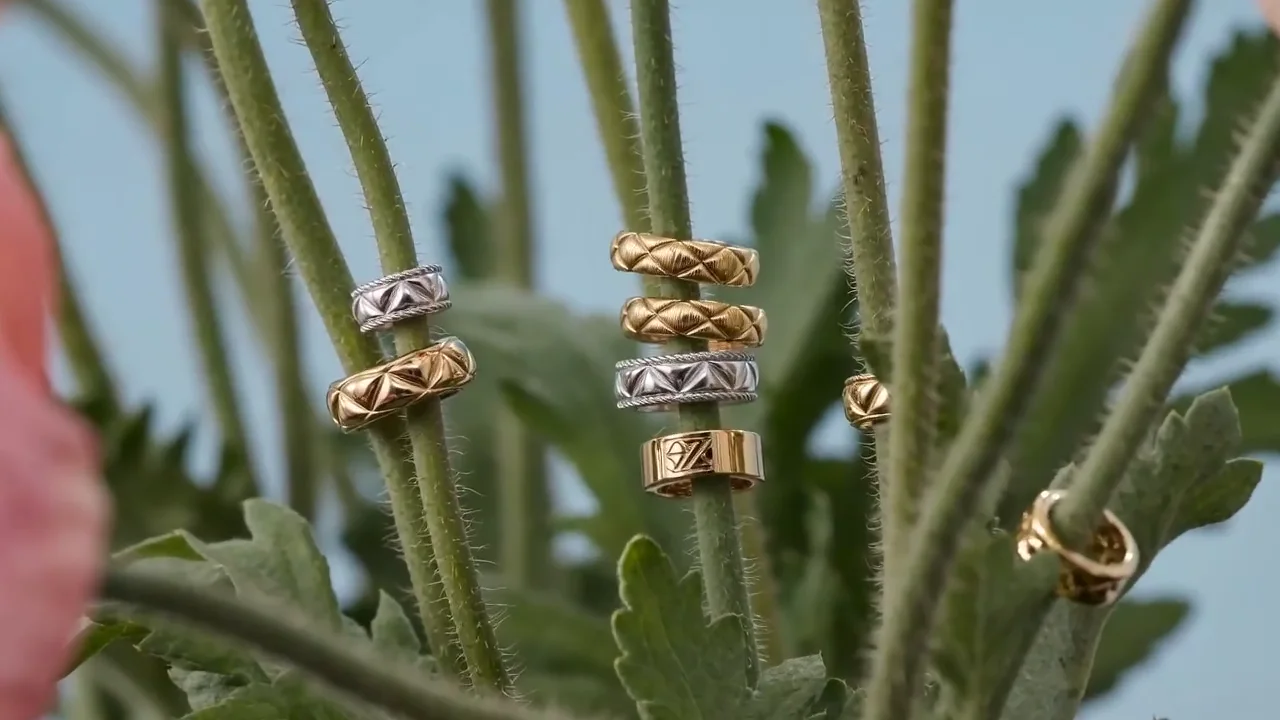
A fashion accessory spotlight clip with elegant rotation, premium lighting, crisp detail, refined product feel.

For accessories.

Example 08

Behind the Scenes

Video
A candid behind-the-scenes fashion clip with natural light, authentic moments, dynamic handheld feel, relatable and engaging.

For BTS content.

How to Use These Prompts

01

Start from the business goal

Define the audience, channel, output format, brand tone, and business outcome before generating.

02

Choose a matching model

Use the recommended models on this page as the first test set for the prompt style.

03

Adapt the prompt

Replace the generic product, audience, format, and tone details with your real campaign context.

04

Generate variants

Use the video workspace to create multiple directions and compare which result is strongest.

Recommended Models

Google DeepMind

Google DeepMind

Veo 3.1

Google's premium video generation model supporting up to 4K resolution with cinematic quality and precise detail.

Kling

Kuaishou

Kling

The Kling lineup on Unify, covering Kling 2.6, Kling 3.0, Omni, Motion Control, Video O1, and faster variants for different video workflows.

Related Use Cases

Frequently Asked Questions

What are the best prompts for ai fashion video?

This guide includes 8 ready-to-use prompt examples. AI fashion video prompt examples for campaigns and lookbooks. Copy-ready prompts with motion, lighting, and styling direction. Copy a prompt, adapt the details to your project, and generate on Unify.

Which models work best with these prompts?

These prompts are tuned for Veo 3.1, Kling, Runway Gen 4, all available on Unify.

How do I improve my prompt results?

Be specific about format, style, audience, and constraints, then generate several variants and keep the strongest. Unify makes it easy to iterate quickly across models.