What Is AI Video Generation?
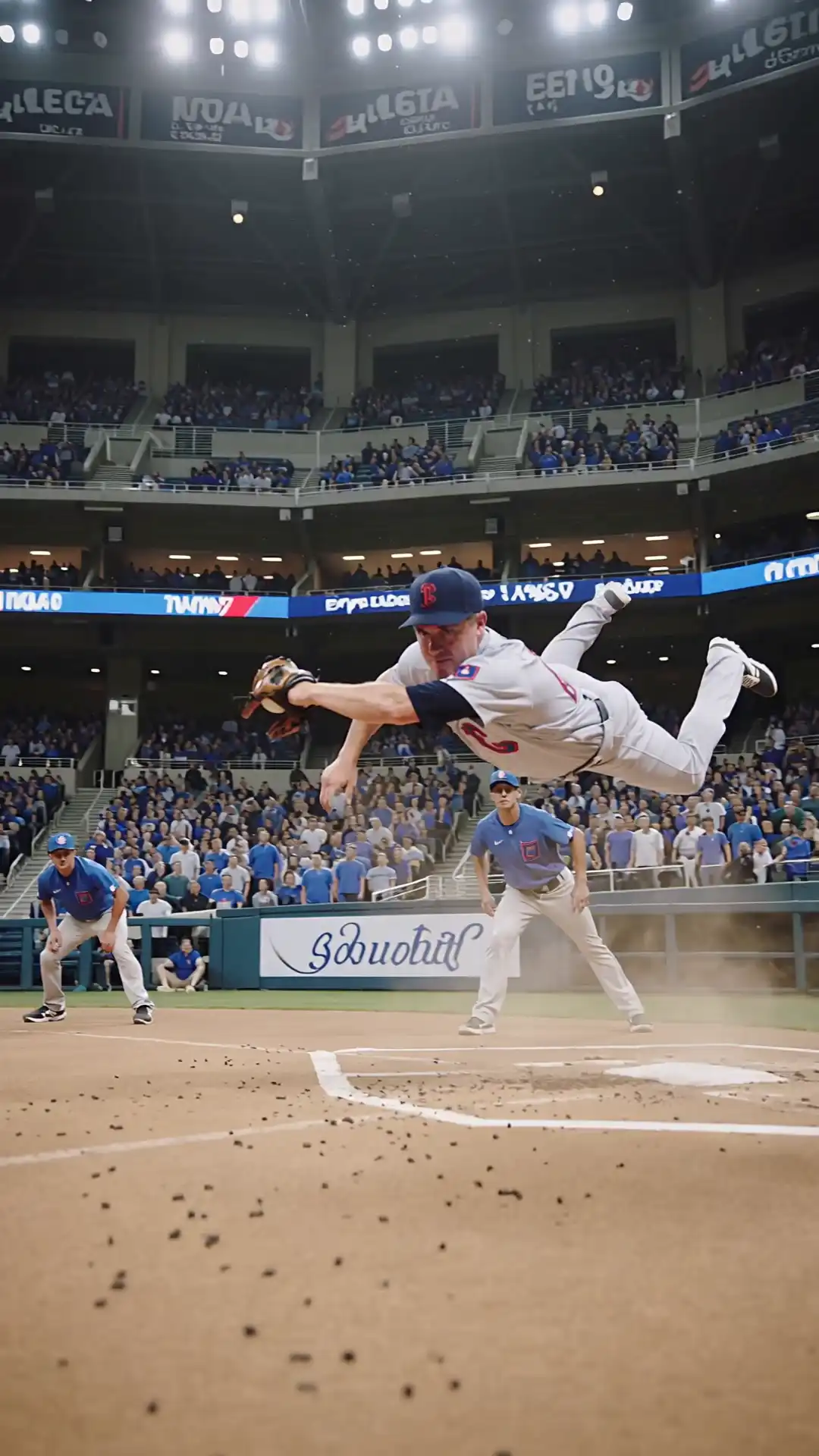
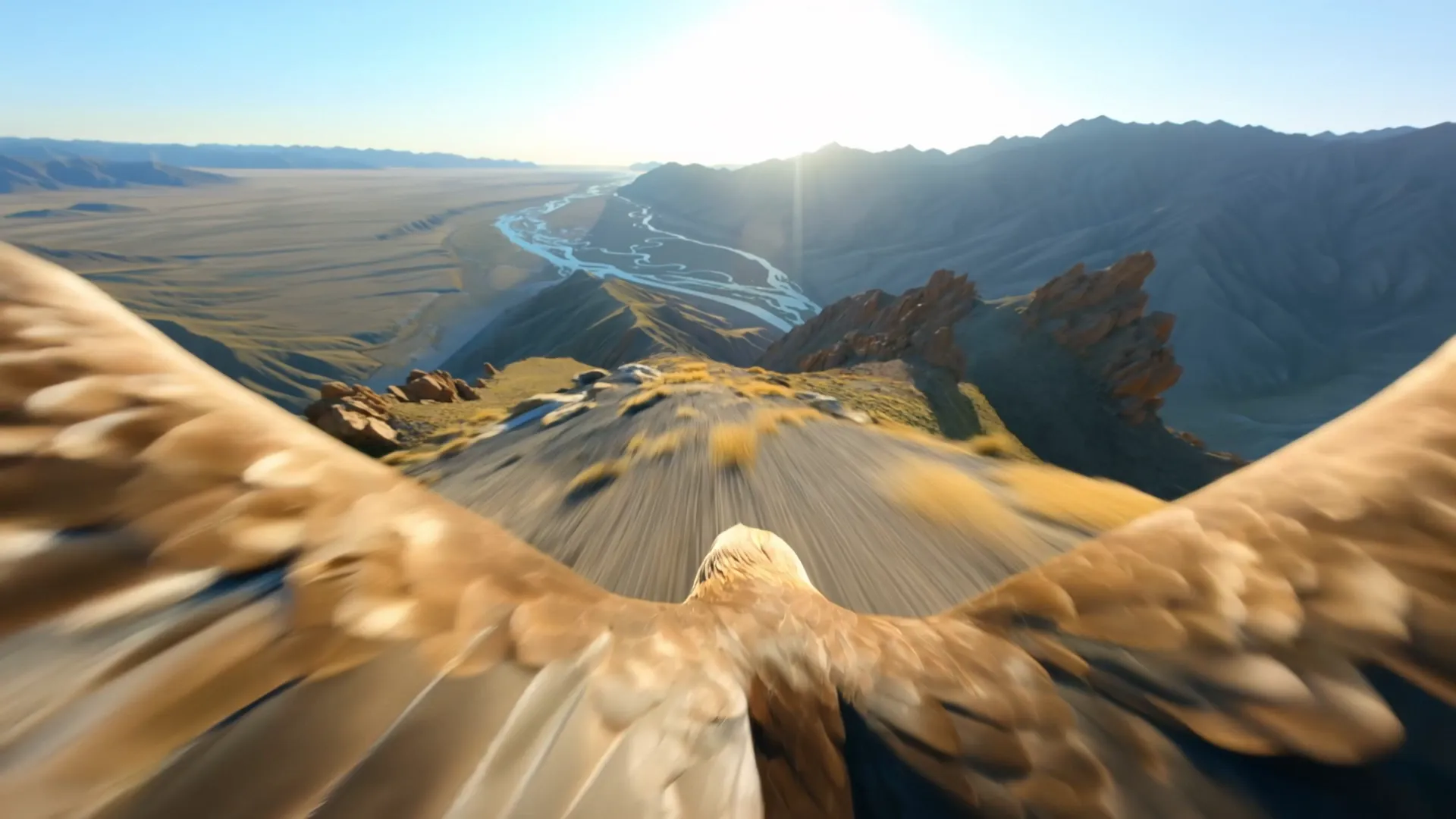
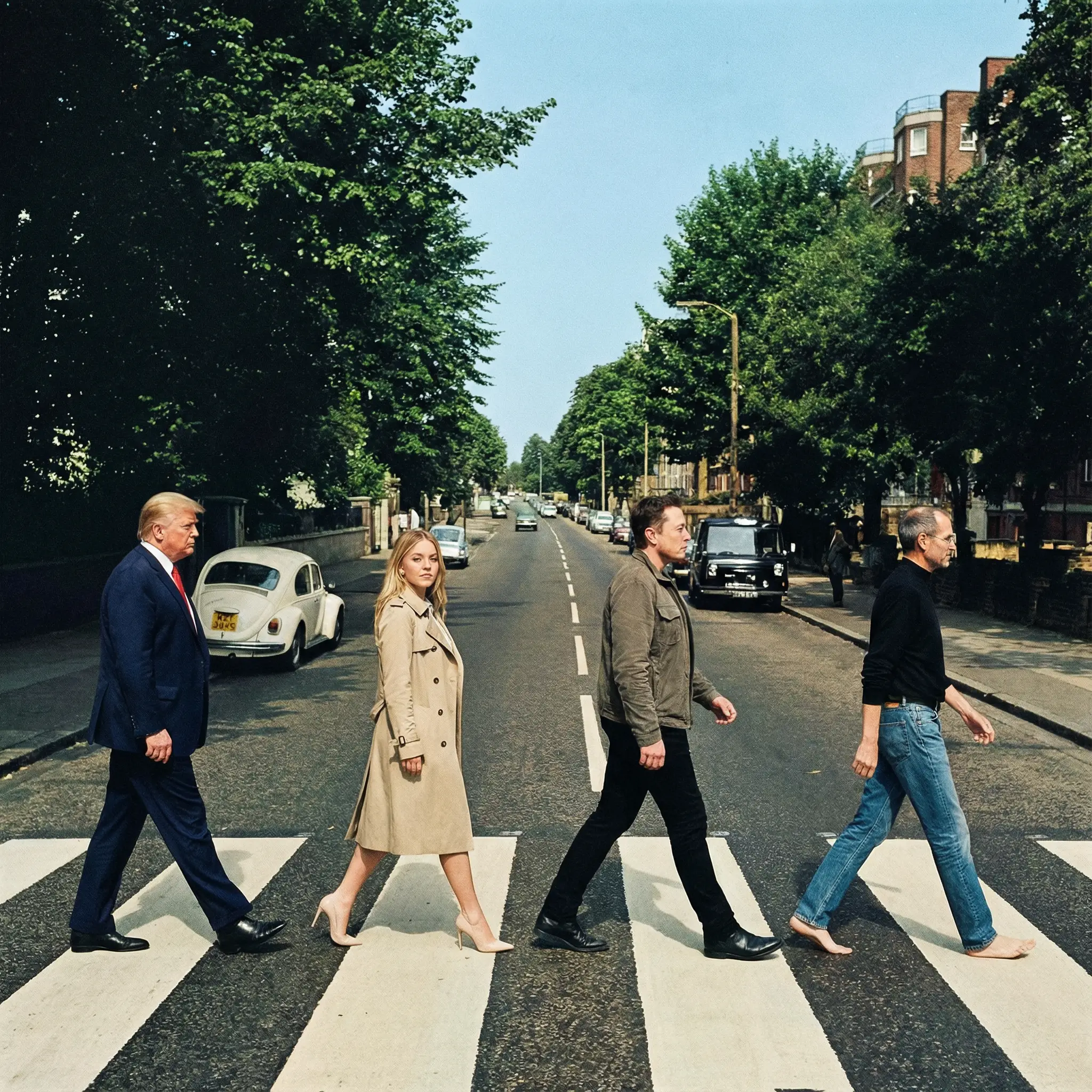
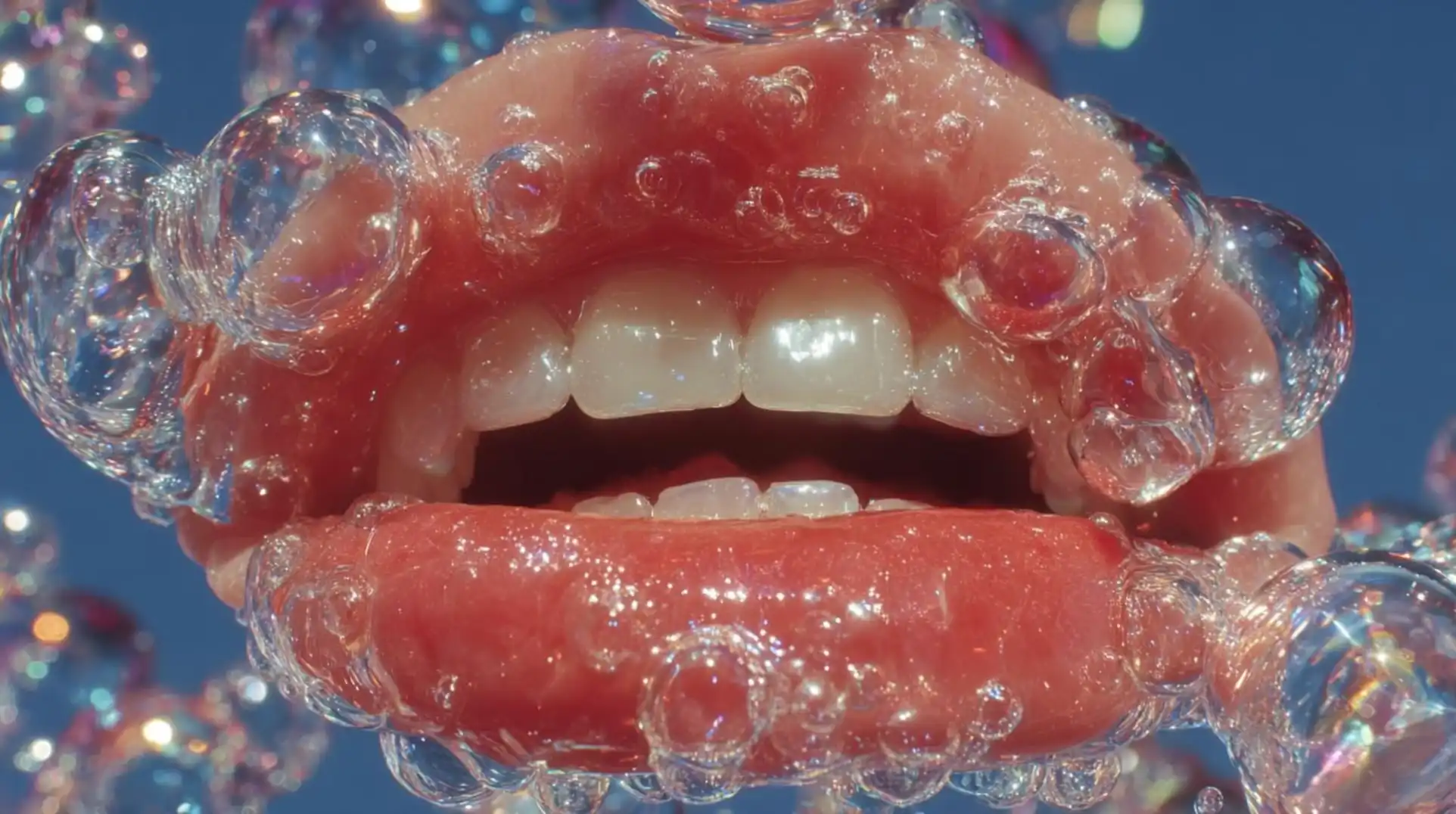
AI video generation uses machine learning models to create video content from text descriptions (prompts), images, or other videos. Instead of filming with a camera or animating frame by frame, you describe what you want and the AI creates it for you.
In 2026, AI video has reached a level where the output is virtually indistinguishable from real footage for many use cases.
Step 1: Choose Your Platform
To generate AI videos, you need access to AI video models. While you could subscribe to each provider separately (OpenAI for Sora, Google for Veo, etc.), platforms like Unify give you access to all models in one place with pay-per-use pricing.
Why Unify? Access all 17 video models — Sora, Veo, Kling, Ray, Runway Gen 4, Wan, and Grok Imagine — from a single account. No need for multiple subscriptions.
Step 2: Understand the Different Approaches
There are four main ways to create AI videos:
Text-to-Video
Describe your scene in words and the AI generates a video.
Example prompt: "A golden retriever running through a sunlit meadow in slow motion, cinematic quality, shallow depth of field"
Image-to-Video
Upload a still image and the AI brings it to life with motion.
Best for: Product photos, illustrations, concept art that you want to animate.
Motion Control
Use a reference video to control the movement in your generated video. The AI applies the motion from your reference to a new scene.
Best for: Dance videos, tutorials, precise action sequences.
Avatar / Lip Sync
Generate a talking head video from a photo, or sync audio to a character's mouth movements.
Best for: Social media content, presentations, explainer videos.
Step 3: Write Effective Prompts
The quality of your AI video depends heavily on your prompt. Here are some tips:
Be specific about:
- Camera angle (close-up, wide shot, aerial)
- Lighting (golden hour, studio lighting, neon)
- Movement (slow motion, dolly shot, pan)
- Style (cinematic, documentary, anime)
- Duration and pacing
Example of a great prompt:
"Cinematic close-up of a barista pouring steamed milk into a latte, creating rosetta latte art. Warm indoor lighting, shallow depth of field, steam rising from the cup. Shot on 35mm film, slow motion."
Example of a weak prompt:
"A person making coffee"
Step 4: Choose the Right Model
Unify gives you 17 video models to choose from. Here are the highlights by use case:
- Sora 2 / Sora 2 Pro — Best for cinematic, narrative videos (OpenAI)
- Veo 3.1 / Veo 3.1 Fast — Best for high-quality output with speed (Google)
- Veo 3 / Veo 3 Fast — Reliable quality, fastest from Google
- Kling 3.0 / Kling 3.0 Omni — Latest generation, highest quality from Kling AI
- Kling 3.0 Motion — Best for precise motion control
- Kling 2.6 — Best for avatars, lip sync, and motion transfer
- Kling 2.5 Turbo — Fast Kling generation
- Ray 2 / Ray 2 Flash — Best for photorealistic environments (Luma)
- Runway Gen 4 — Best for creative/stylistic control
- Wan 2.6 / Wan 2.5 — Strong image-to-video (Alibaba)
- Grok Imagine Video — Unique artistic style (xAI)
On Unify, you can easily switch between all 17 models to compare outputs.
Step 5: Generate and Iterate
- Enter your prompt
- Select your preferred model
- Click Generate
- Review the output
- Refine your prompt and try again if needed
Pro tip: Try the same prompt on 2-3 different models. You'll often find that one model captures your vision better than others.
Step 6: Download and Use
Once you're happy with your video, download it in high quality. AI-generated videos from Unify can be used for:
- Social media content (TikTok, Instagram Reels, YouTube Shorts)
- Marketing and advertising
- Product demos
- Presentations
- Creative projects
Common Mistakes to Avoid
- Vague prompts — Be as specific as possible
- Ignoring model strengths — Use Kling for motion control, Sora for cinematic
- Not iterating — Your first output rarely is the best. Refine and retry
- Overcomplicating — Start simple, add detail gradually
Getting Started Today
Ready to create your first AI video?
- Visit unifycore.ai
- Create a free account
- Go to the Video Generator
- Start with a simple prompt and experiment
Every new account gets free credits. Start creating today.