The Problem with Traditional Product Photography
Professional product photography is expensive. A single product shoot can cost $500-$5,000 when you factor in:
- Studio rental
- Photographer
- Lighting equipment
- Props and styling
- Post-production editing
For small businesses and startups, this creates a barrier to professional-looking product images. AI changes this completely.
What AI Can Do Today
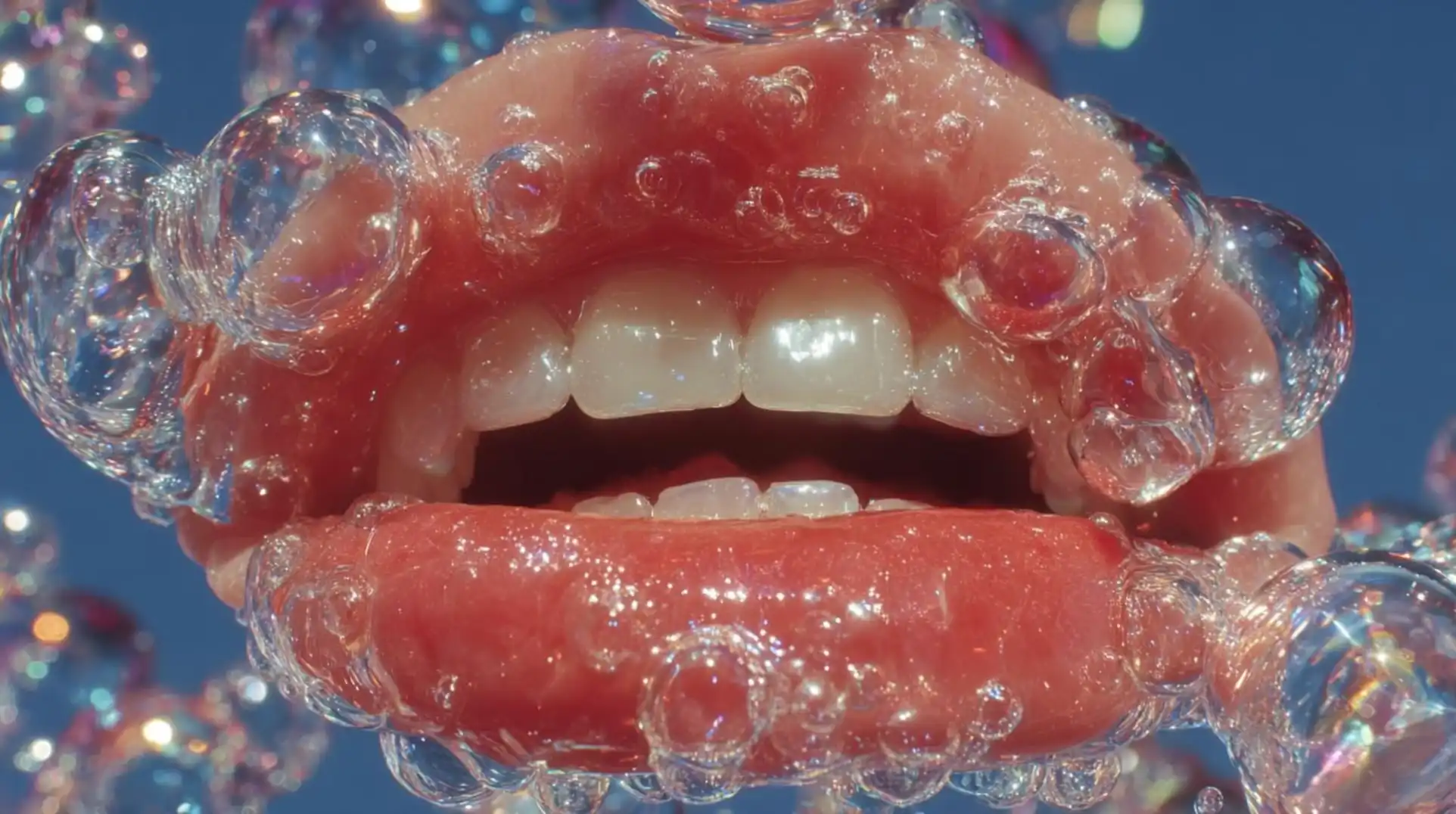
Modern AI image generators can create:
- Lifestyle product shots — Product in realistic environments
- Clean studio shots — White background, perfect lighting
- Flat-lay compositions — Overhead product arrangements
- Scale reference shots — Product in context showing size
- Detail/macro shots — Close-ups highlighting features
Best Models for Product Photography
Unify offers 14 image models. Here are the best picks for product photography:
Gemini Nanobanana Pro / Nanobanana 2 (Best for text + packaging)
Google's models render text on packaging accurately — critical for products with labels, logos, or text. Nanobanana 2 offers up to 4K resolution.
GPT Image 1.5 (Best for accuracy)
Follows complex descriptions precisely. If you need specific arrangements and compositions, this model delivers.
Luma Photon-1 (Best for photorealism)
Produces the most photorealistic results, especially for natural textures and materials. Luma Photon-Flash for faster iterations.
Grok Imagine Pro (Best for artistic product shots)
Creates bold, eye-catching product visuals with unique lighting and artistic aesthetics.
Runway Gen4 Image (Best for style consistency)
Maintains consistent style across multiple product photos — great for e-commerce catalogs.
Seedream 5.0 Lite (Best for speed)
Fastest generation for quick iterations and A/B testing product images.
Step-by-Step Guide
Step 1: Describe Your Product
Be precise about:
- Product category and name
- Materials (glass, metal, ceramic, fabric)
- Colors and finishes
- Key features visible in the image
- Size relative to surroundings
Step 2: Set the Scene
Choose a background/environment:
- Studio: "White seamless background, professional product photography lighting"
- Lifestyle: "Modern minimalist kitchen counter, morning sunlight"
- Flat-lay: "Overhead view on marble surface with complementary objects"
Step 3: Specify Lighting
Lighting makes or breaks product photography:
- "Soft diffused studio lighting" — Clean, even
- "Dramatic side lighting with shadows" — Premium feel
- "Natural window light" — Authentic, warm
- "Ring light front" — Even, flattering
Step 4: Generate and Refine
Example prompt for a skincare product:
"Professional product photography of a minimalist glass serum bottle with gold dropper cap, placed on a polished white marble surface. Natural bathroom setting in the background, blurred. Soft morning light from a window, casting subtle shadows. Clean, luxury aesthetic. Shot on Phase One IQ4, f/2.8."
Tips for Best Results
- Mention the camera — Referencing professional cameras improves quality
- Specify materials — "Frosted glass," "brushed aluminum," "matte ceramic"
- Use lighting terms — "Key light," "fill light," "rim light"
- Reference photography styles — "Editorial," "catalog," "lifestyle"
- Try multiple models — Compare outputs from different AI models
Generate Your First Product Photo
Visit the Image Generator on Unify and start creating professional product photos today. All top image generation models available in one place.