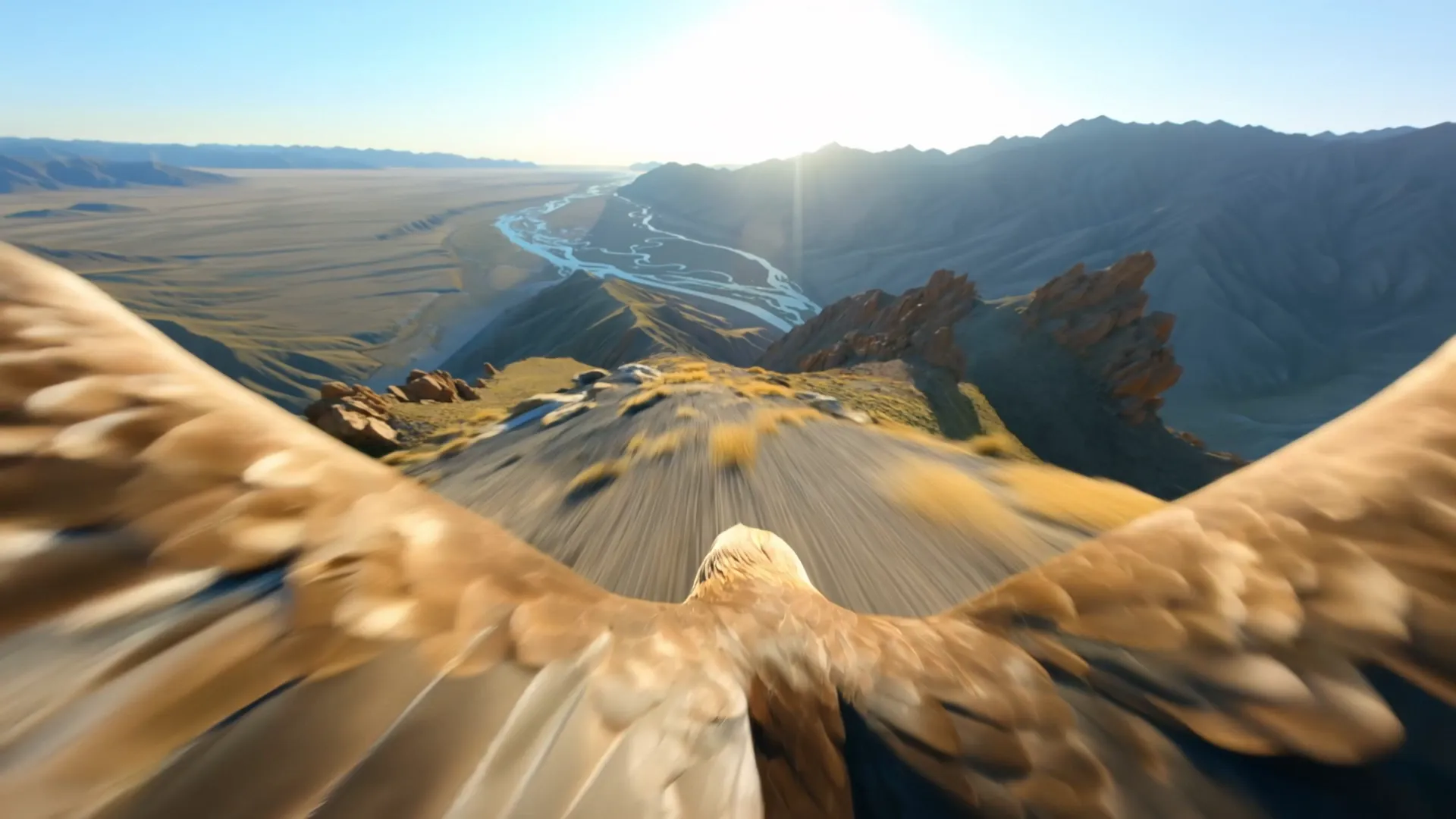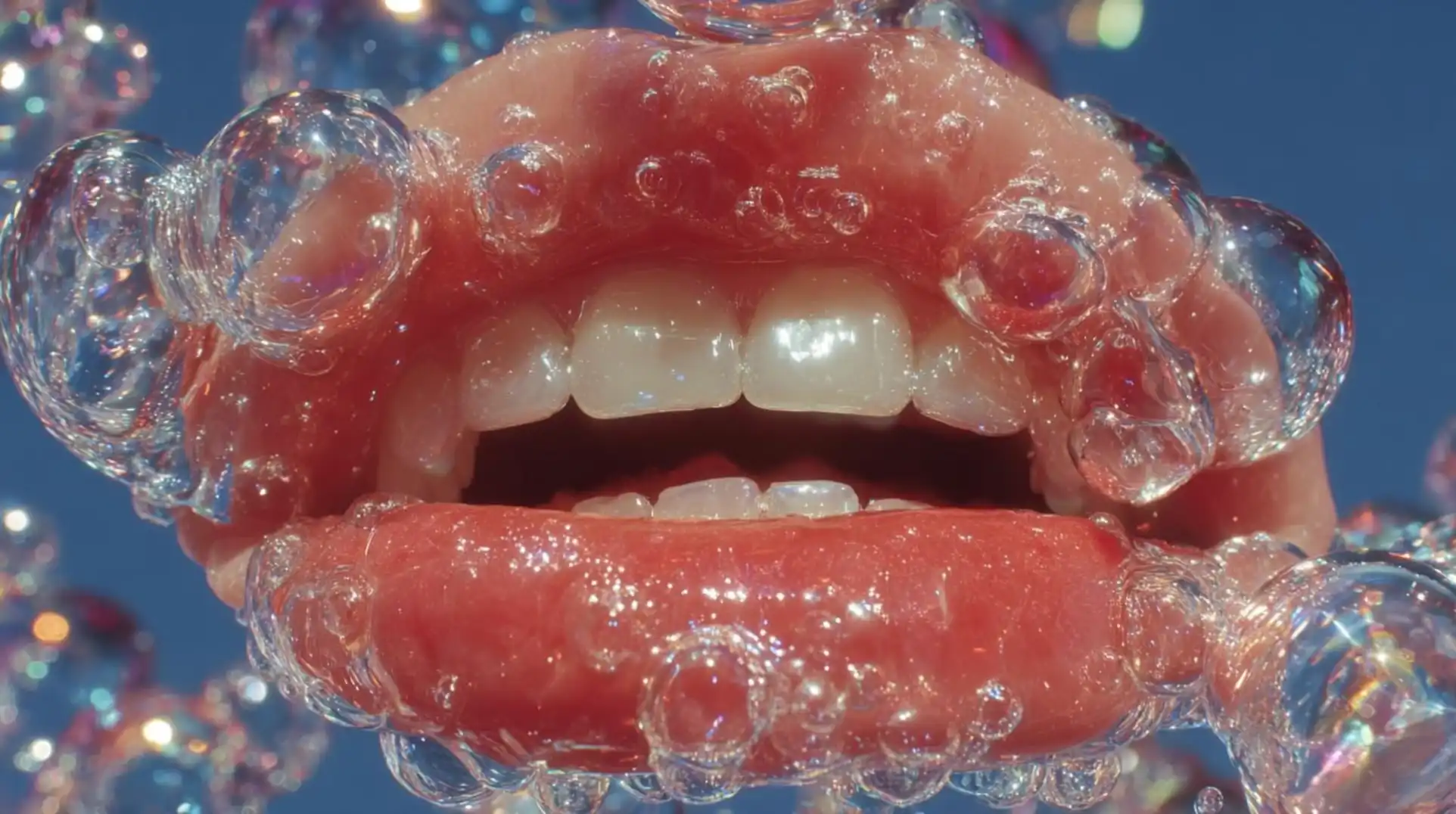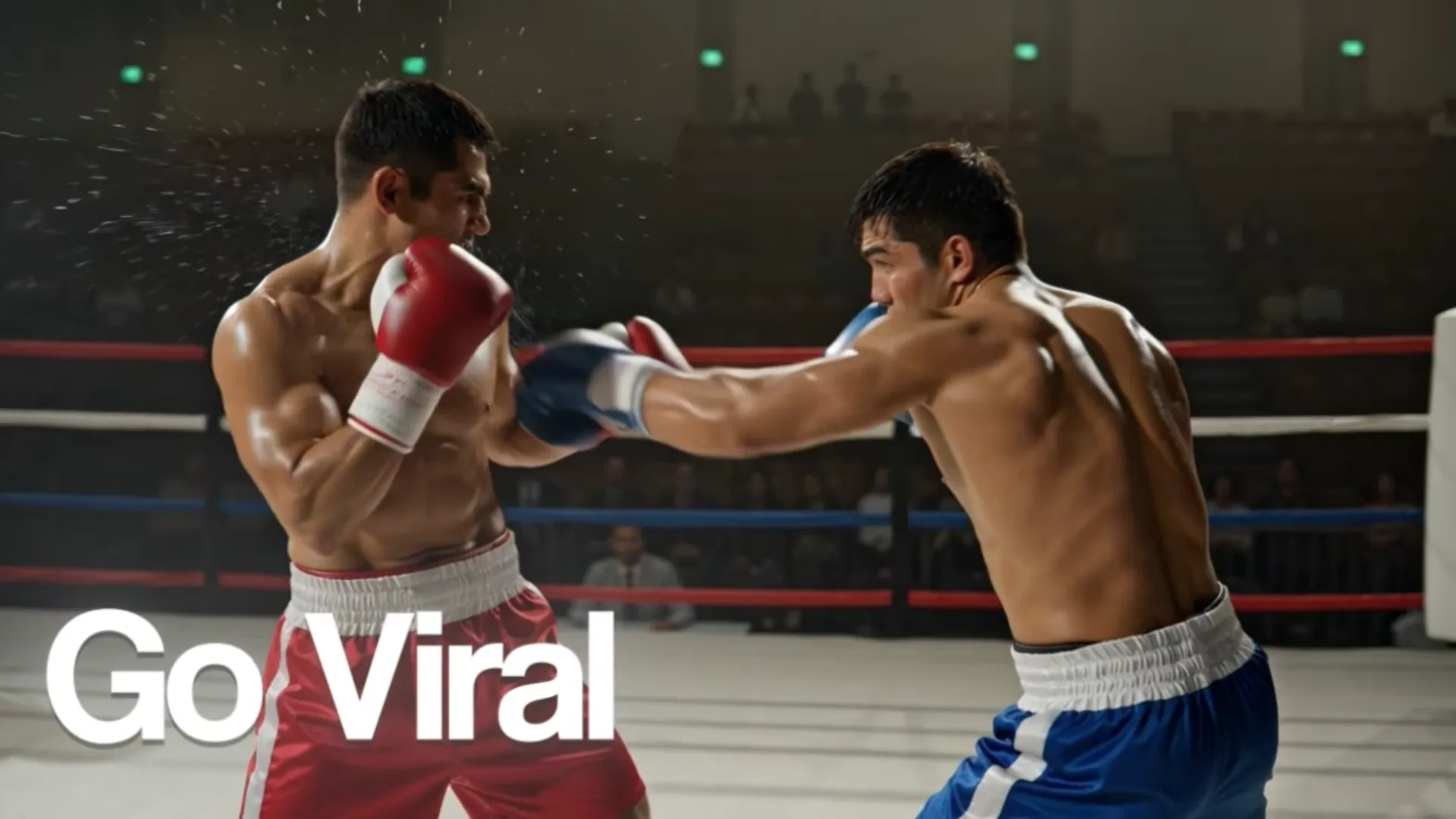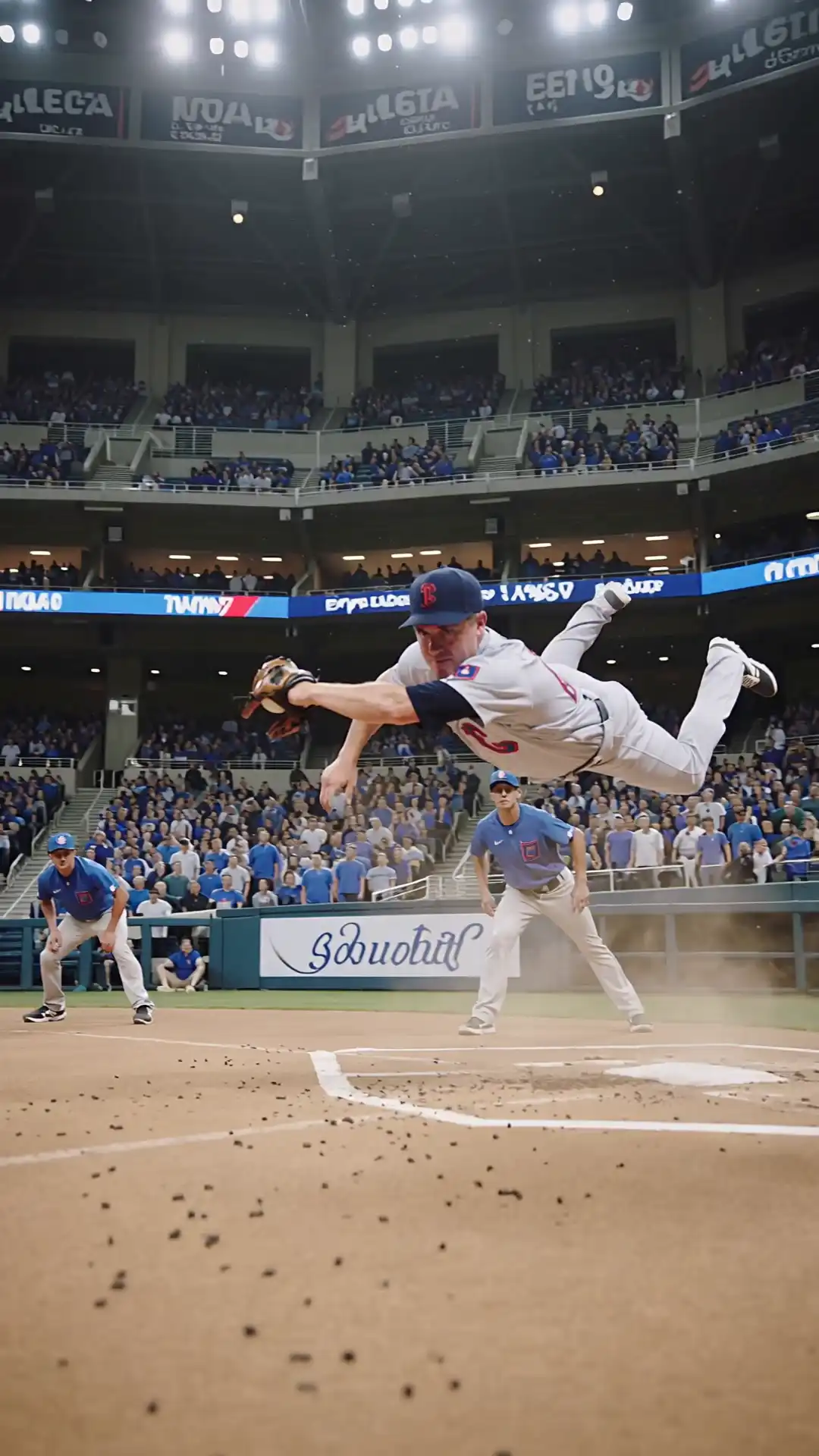
Why AI Video Ads?
Video ads have the highest engagement rates across every platform. But traditionally, creating quality video ads required studios, actors, equipment, and editors. AI changes everything.
With AI video generators on Unify, you can create professional video ads in minutes at a fraction of the cost. Here's how.
Step 1: Define Your Ad Strategy
Before touching any AI tool, answer these questions:
- Goal: Brand awareness, conversions, or retargeting?
- Platform: TikTok, Instagram, YouTube, or Facebook?
- Duration: 6s, 15s, 30s, or 60s?
- Audience: Who are you targeting?
Step 2: Write Your Script
A great video ad follows this structure:
- Hook (0-3 seconds): Grab attention immediately
- Problem (3-8 seconds): Show the pain point
- Solution (8-20 seconds): Present your product/service
- Proof (20-25 seconds): Show results or testimonials
- CTA (last 5 seconds): Clear call to action
Pro tip: Use GPT-5 or Claude on Unify to help write your ad script. They're excellent at crafting persuasive copy.
Step 3: Choose Your AI Video Model
Unify offers 17 video models. Here are the best picks for ads:
| Model | Best For |
|---|---|
| Sora 2 / Sora 2 Pro | Cinematic brand films |
| Veo 3.1 Fast | Fast social media ads |
| Veo 3.1 | Premium marketing campaigns |
| Kling 3.0 Omni | Multi-format creative |
| Kling 2.6 | Product demos with avatars and lip sync |
| Kling 2.5 Turbo | High-volume ad variants |
| Ray 2 | Real estate and travel ads |
| Runway Gen 4 | Stylistic brand content |
| Wan 2.6 | Product photo-to-video animation |
Step 4: Generate Scene by Scene
Don't try to generate your entire ad in one prompt. Break it into scenes:
Scene 1 (Hook): "Close-up of a frustrated person looking at a laptop screen, worried expression, office environment, warm lighting"
Scene 2 (Solution): "Smooth product reveal shot of a sleek SaaS dashboard on a modern computer, clean interface, bright office, professional"
Scene 3 (CTA): "Text overlay 'Start Free Today' on a gradient background with subtle particles"
Step 5: Generate Supporting Assets
Use AI image generation for:
- Thumbnail images
- Banner versions
- Social media cards
- GIF versions
All available in the Image Generator on Unify.
Step 6: Edit and Assemble
Combine your AI-generated scenes into a final ad. You can use:
- Unify's built-in Studio for quick edits
- Export scenes and edit in your preferred tool
Tips for High-Converting AI Ads
- Keep it short — 15 seconds or less for social media
- Hook fast — You have 2 seconds to grab attention
- Show, don't tell — AI video is visual by nature, use it
- Test variations — Generate multiple versions with different models
- Add text overlays — Use AI image generation for text frames
Real Cost Comparison
| Method | Estimated Cost | Time |
|---|---|---|
| Traditional video production | $5,000-$50,000 | 2-4 weeks |
| Freelance editor + stock | $500-$2,000 | 1-2 weeks |
| AI on Unify | $1-$10 | Minutes |
Get Started
Create your first AI video ad today:
- Visit unifycore.ai
- Use AI Chat to write your script
- Use Video Generator to create each scene
- Use Image Generator for thumbnails and cards
Free credits included for new accounts.