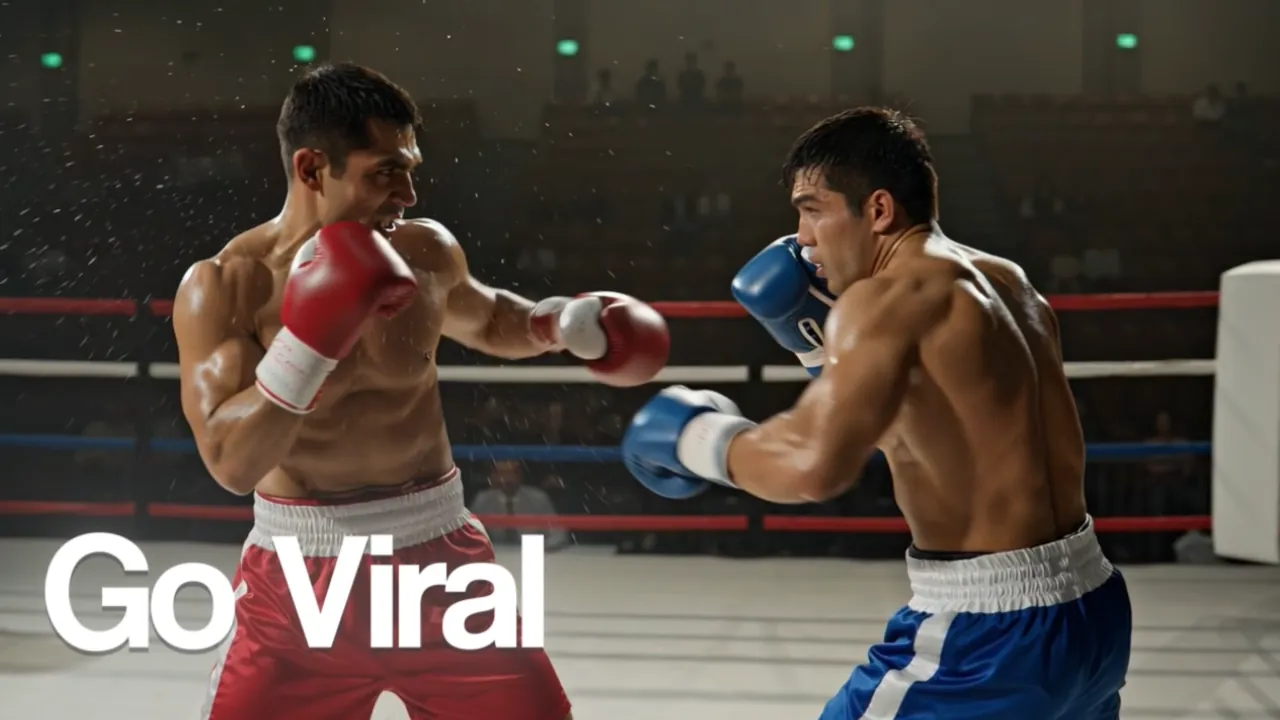
Why Prompts Matter
The difference between a mediocre AI output and an amazing one often comes down to how you write your prompt. Whether you're chatting with GPT-5, generating images with Nanobanana, or creating videos with Sora — better prompts mean better results.
Here are 10 expert techniques to dramatically improve your AI outputs.
1. Be Specific, Not Vague
Bad: "Write about dogs"
Good: "Write a 500-word blog post about the top 5 dog breeds for apartment living, focusing on temperament, size, and exercise needs."
The more detail you provide, the more the AI can deliver exactly what you want.
2. Set the Role
Tell the AI who it should be:
Example: "You are an experienced product photographer. Describe a studio setup for photographing small electronics for an e-commerce store."
This frames the AI's response from the perspective of an expert.
3. Provide Examples
Show the AI what you want:
Example: "Write product descriptions in this style: 'The CloudWalk Pro isn't just a sneaker — it's a declaration that comfort and style aren't mutually exclusive. Built with aerospace-grade foam...'"
4. Use Structured Formats
Ask for specific output formats:
- "Respond in bullet points"
- "Create a table comparing X, Y, and Z"
- "Format as: Problem → Solution → Result"
- "Use H2 and H3 headings"
5. Set Constraints
Constraints help focus the output:
- "Keep it under 200 words"
- "Use only simple language (8th-grade level)"
- "Don't include any technical jargon"
- "Focus only on the business impact"
6. Chain Your Prompts
Don't try to do everything in one prompt. Break complex tasks into steps:
- First: "Research the top 10 AI video models available today"
- Then: "Now compare the top 3 based on quality, speed, and price"
- Finally: "Write a recommendation for a small business owner"
7. For Images: Describe the Shot
When generating AI images, think like a photographer:
Include:
- Camera angle (wide, close-up, overhead)
- Lighting (golden hour, studio, neon, dramatic shadows)
- Depth of field (shallow for bokeh, deep for landscapes)
- Film/lens type (35mm, macro, telephoto)
- Style reference (cinematic, editorial, documentary)
Example: "Overhead flat-lay photograph of a minimalist desk setup on a white marble surface. MacBook Pro, ceramic coffee cup, succulent plant. Soft natural window light from the left, shallow depth of field. Shot on Hasselblad, editorial style."
8. For Videos: Set the Scene
For AI video generation, describe movement and time:
- Camera movement (dolly in, pan left, crane up)
- Subject movement (walking, turning, gesturing)
- Pace (slow motion, real-time, timelapse)
- Ambient details (wind, rain, crowd noise)
9. Iterate, Don't Restart
If the output isn't right, don't start over. Refine:
- "Make it more concise"
- "Add more technical detail to section 3"
- "Change the tone to be more casual"
- "Keep everything but rewrite the introduction"
10. Try Multiple Models
Different AI models have different strengths. On Unify, you can try the same prompt on 13 different chat models — GPT-5.4, GPT-5, Claude Opus 4.6, Claude Sonnet 4.6, Claude Sonnet 4, Gemini 3 Pro, Gemini 2.5 Pro, Grok 4, Grok 4 Fast, Grok Code Fast 1, and three Perplexity Sonar models for research.
Often, one model will nail your request while another won't. Having access to all 13 lets you pick the best result every time.
Start Practicing
The best way to improve your prompting is to practice. Sign up at unifycore.ai and start experimenting with all top AI models in one place. Free credits included.