Example 01
Studio Portrait
A realistic studio portrait of a person, soft key light with subtle fill, neutral backdrop, shallow depth of field, natural skin texture, 85mm lens look, professional and flattering.
Clean all-purpose portrait.
Prompt Guide
AI portrait prompt examples for realistic, stylized, and character portraits. Copy-ready prompts with lighting, lens, and mood direction.
Use these as starting structures. Replace generic product, audience, channel, and brand details with your real campaign context.
Example 01
A realistic studio portrait of a person, soft key light with subtle fill, neutral backdrop, shallow depth of field, natural skin texture, 85mm lens look, professional and flattering.
Clean all-purpose portrait.
Example 02
A cinematic portrait with dramatic side lighting, deep shadows, moody color grade, film grain, intense expression, shot on a fast prime lens for creamy bokeh.
For striking profile images.
Example 03
A natural outdoor portrait at golden hour, warm backlight, soft rim light on hair, blurred greenery background, candid relaxed expression, lifestyle photography style.
Warm, approachable look.
Example 04
A high-contrast black-and-white editorial portrait, strong directional light, sharp eyes, textured background, timeless and dramatic magazine aesthetic.
For editorial impact.
Example 05
An environmental portrait of a person in their workspace, natural light, contextual background that tells their story, candid pose, documentary feel.
For about pages and features.
Example 06
A detailed fantasy character portrait with intricate costume, atmospheric lighting, painterly rendering, expressive face, concept-art quality on a simple background.
For character concepts.
Example 07
A polished beauty close-up with even soft lighting, flawless natural skin, catchlights in the eyes, minimal background, clean commercial beauty style.
For beauty and cosmetics.
Example 08
A vintage film-style portrait with muted tones, soft focus, light leaks, nostalgic 35mm aesthetic, warm and timeless mood.
For retro aesthetics.
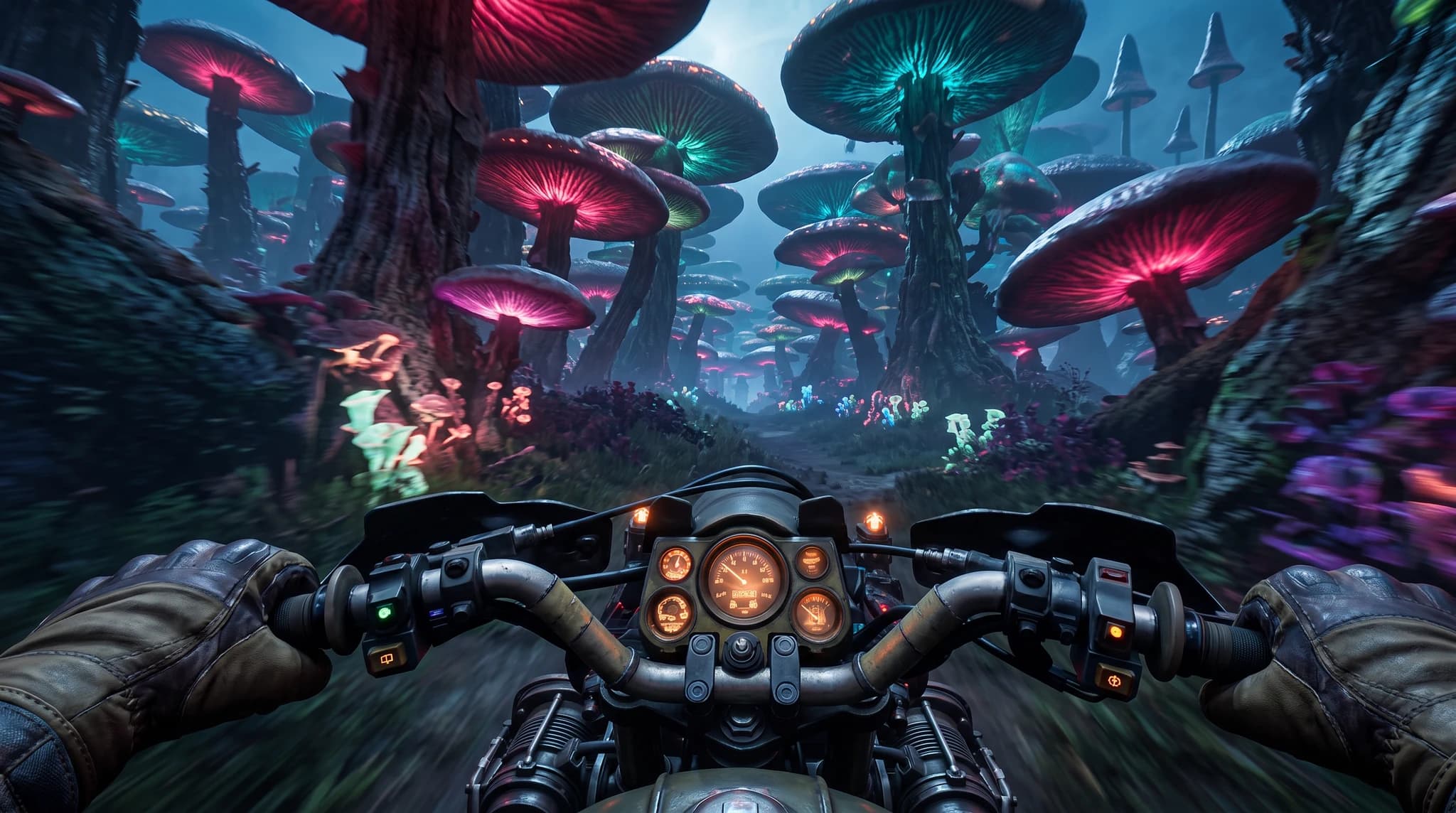
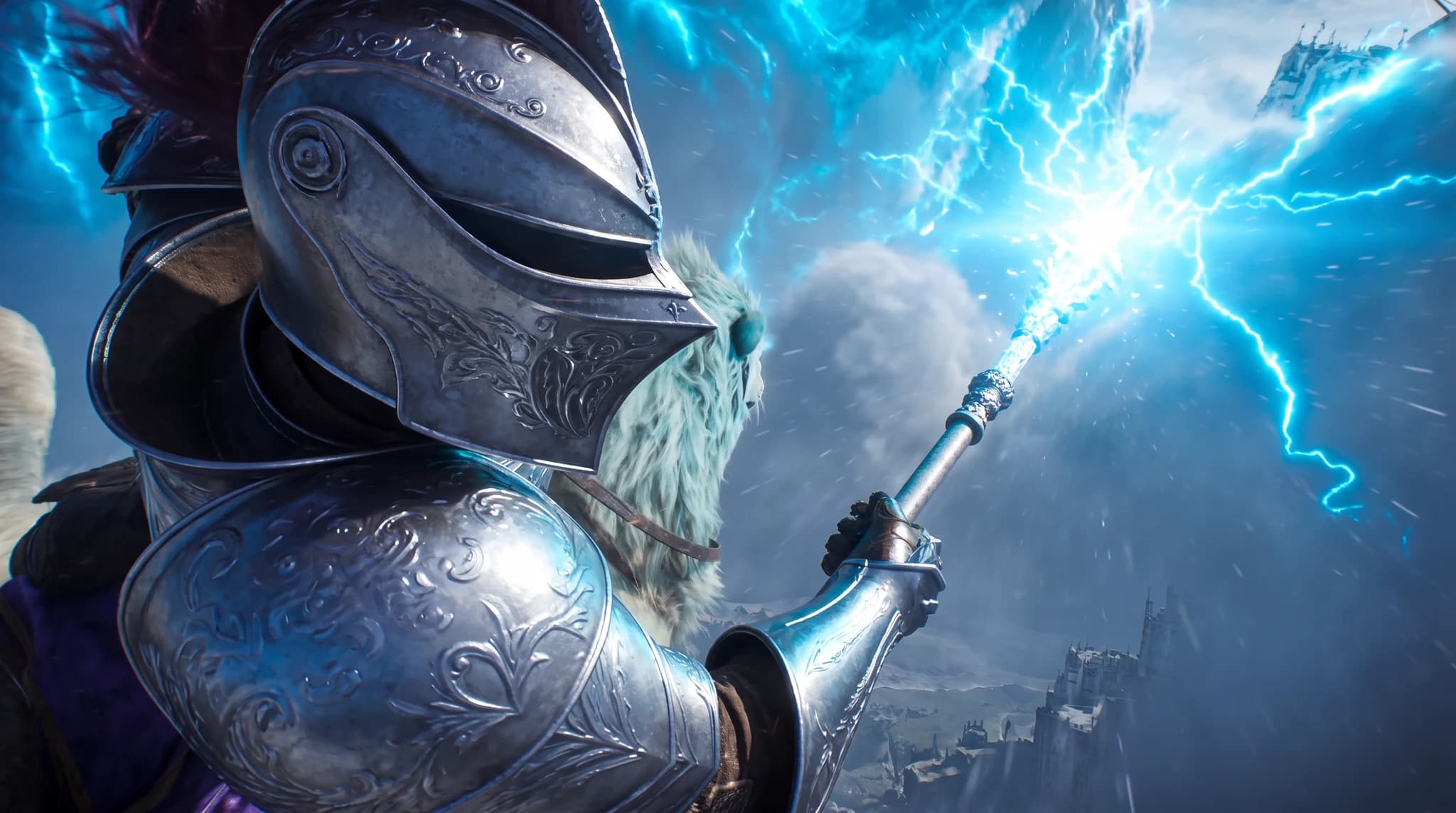
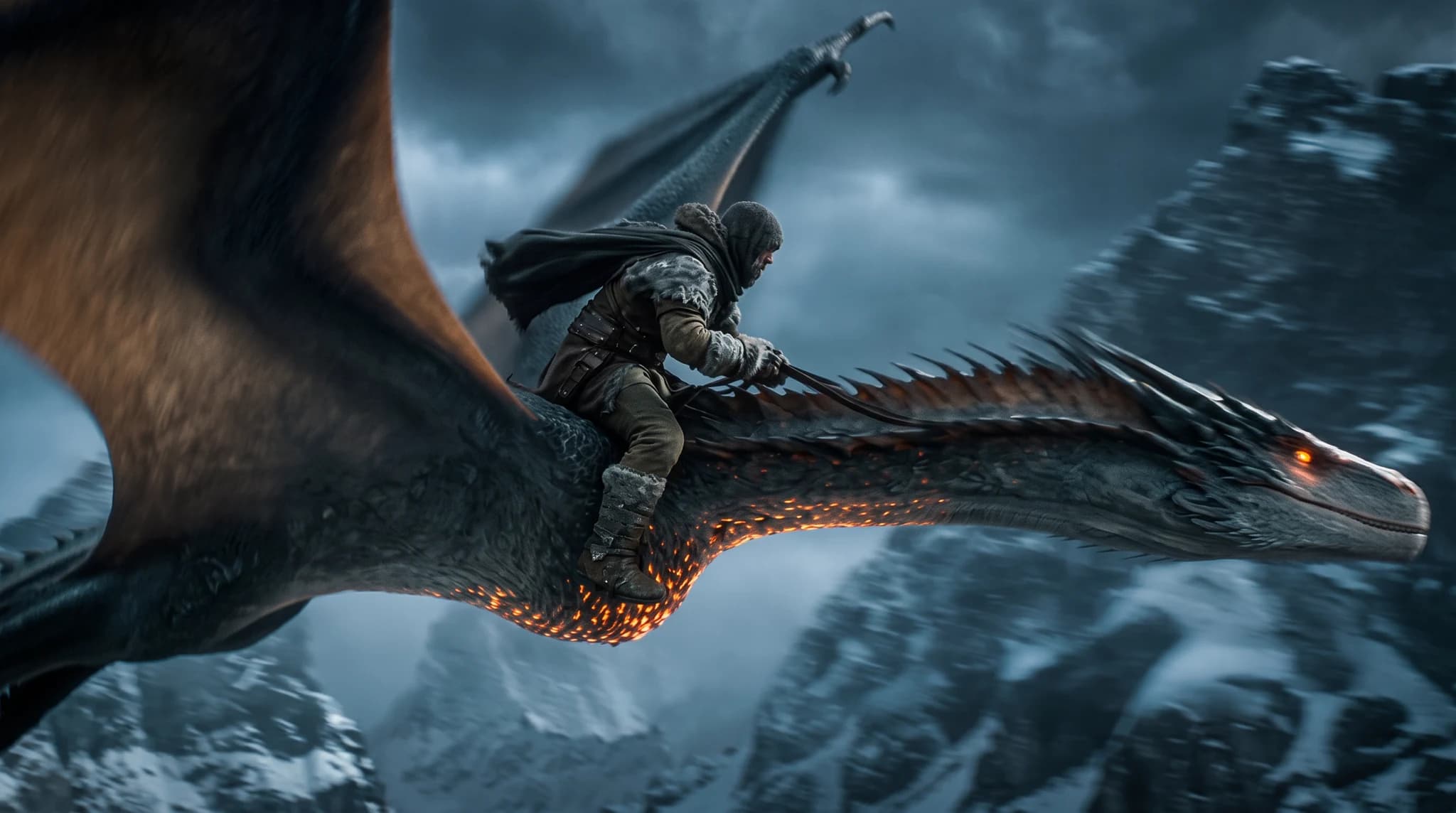
Output produced on Unify, shown with the exact prompt that created it. Copy any of them as a structure for your own scenes.
Exact prompt used
First-person POV from Atlas riding a rugged motorcycle at high speed through an alien neon forest of towering bioluminescent mushrooms, cyan and magenta glow, gloved hands gripping the handlebars, motion-blurred foliage, cinematic realism, 16:9
Exact prompt used
A cinematic over-the-shoulder close-up of Atlas reimagined as an ornate silver storm knight, raising a staff that erupts with brilliant blue lightning above a frozen castle in the clouds, dramatic energy burst, photorealistic fantasy, 16:9
Exact prompt used
A cinematic side-tracking shot of Kai dressed as a rugged winter dragon rider, flying at high speed on a massive black dragon with glowing orange scales above jagged snow-covered mountains, storm clouds, windblown cape, strong motion blur, photorealistic fantasy, 16:9
Define the audience, channel, output format, brand tone, and business outcome before generating.
Use the recommended models on this page as the first test set for the prompt style.
Replace the generic product, audience, format, and tone details with your real campaign context.
Use the image workspace to create multiple directions and compare which result is strongest.

OpenAI
GPT Image 2OpenAI's newest image model with flexible aspect ratios, up to 4K output, and strong prompt adherence for both generation and editing.

Google's advanced image generation with support for up to 4K resolution and sharp text rendering.

ByteDance
SeedreamThe Seedream lineup on Unify, covering Seedream 4.5 and Seedream 5.0 Lite for fast, high-fidelity image generation across multiple styles.
AI Headshot Generator
Create professional headshots with AI. Generate clean, consistent profile photos for teams, LinkedIn, and personal branding without a studio.
AI Character Design
Design unique characters for games, animations, and creative projects with AI-powered generation.
AI Social Media Content Creator
Generate engaging social media content with AI. Create posts, images, and videos optimized for every platform.
This guide includes 8 ready-to-use prompt examples. AI portrait prompt examples for realistic, stylized, and character portraits. Copy-ready prompts with lighting, lens, and mood direction. Copy a prompt, adapt the details to your project, and generate on Unify.
These prompts are tuned for GPT Image 2, Nano Banana Pro, Seedream, all available on Unify.
Be specific about format, style, audience, and constraints, then generate several variants and keep the strongest. Unify makes it easy to iterate quickly across models.