Example 01
Process Steps
A clean infographic showing a numbered step-by-step process with simple icons, clear arrows, balanced layout, limited palette, modern flat design.
For how-to content.
Prompt Guide
AI infographic prompt examples for data visuals and explainers. Copy-ready prompts with layout, icon, and hierarchy direction.
Use these as starting structures. Replace generic product, audience, channel, and brand details with your real campaign context.
Example 01
A clean infographic showing a numbered step-by-step process with simple icons, clear arrows, balanced layout, limited palette, modern flat design.
For how-to content.
Example 02
A clear comparison infographic with two columns, icons, checkmarks, and concise labels, balanced spacing, professional and easy to scan.
For comparisons.
Example 03
A bold stats infographic featuring large numbers, simple icons, accent colors, generous spacing, designed for social sharing.
For stat callouts.
Example 04
A horizontal timeline infographic with milestone markers, dates, small icons, clean line, consistent style, easy to follow.
For roadmaps and history.
Example 05
A tidy tips-list infographic with numbered points, simple icons, clear hierarchy, cohesive palette, friendly modern design.
For listicle content.
Example 06
A simple breakdown infographic with a clean chart, labeled segments, accent colors, minimal clutter, clear legend.
For data breakdowns.
Example 07
A balanced pros-and-cons infographic with two clearly divided sections, icons, concise points, readable layout.
For decision content.
Example 08
A branded explainer infographic with cohesive colors, simple icon system, clear sections, professional and on-brand look.
For brand content.
Output produced on Unify, shown with the exact prompt that created it. Copy any of them as a structure for your own scenes.
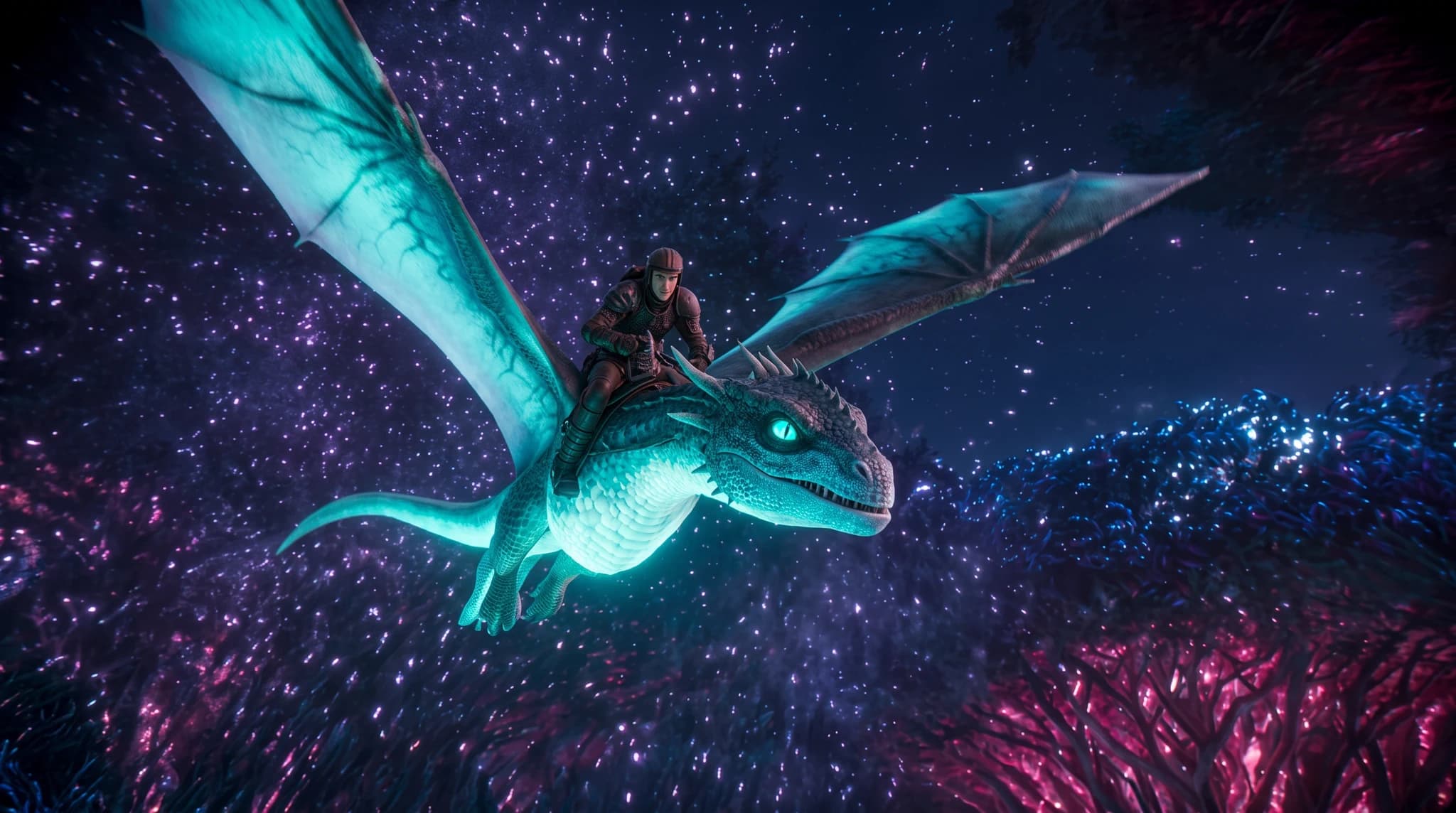
Exact prompt used
A wide cinematic aerial shot of Kai in dark leather armor riding a luminous cyan dragon through a vast bioluminescent neon forest, magenta trees, sparkling cosmic night sky, glowing particles and dramatic fantasy lighting, photorealistic, 16:9

Exact prompt used
A cinematic rear wide shot of Kai in a dark futuristic exploration suit running across a metallic platform above the clouds toward a colossal circular gateway, brilliant cyan and magenta energy trails exploding from its center, epic scale, photorealistic science fiction, 16:9
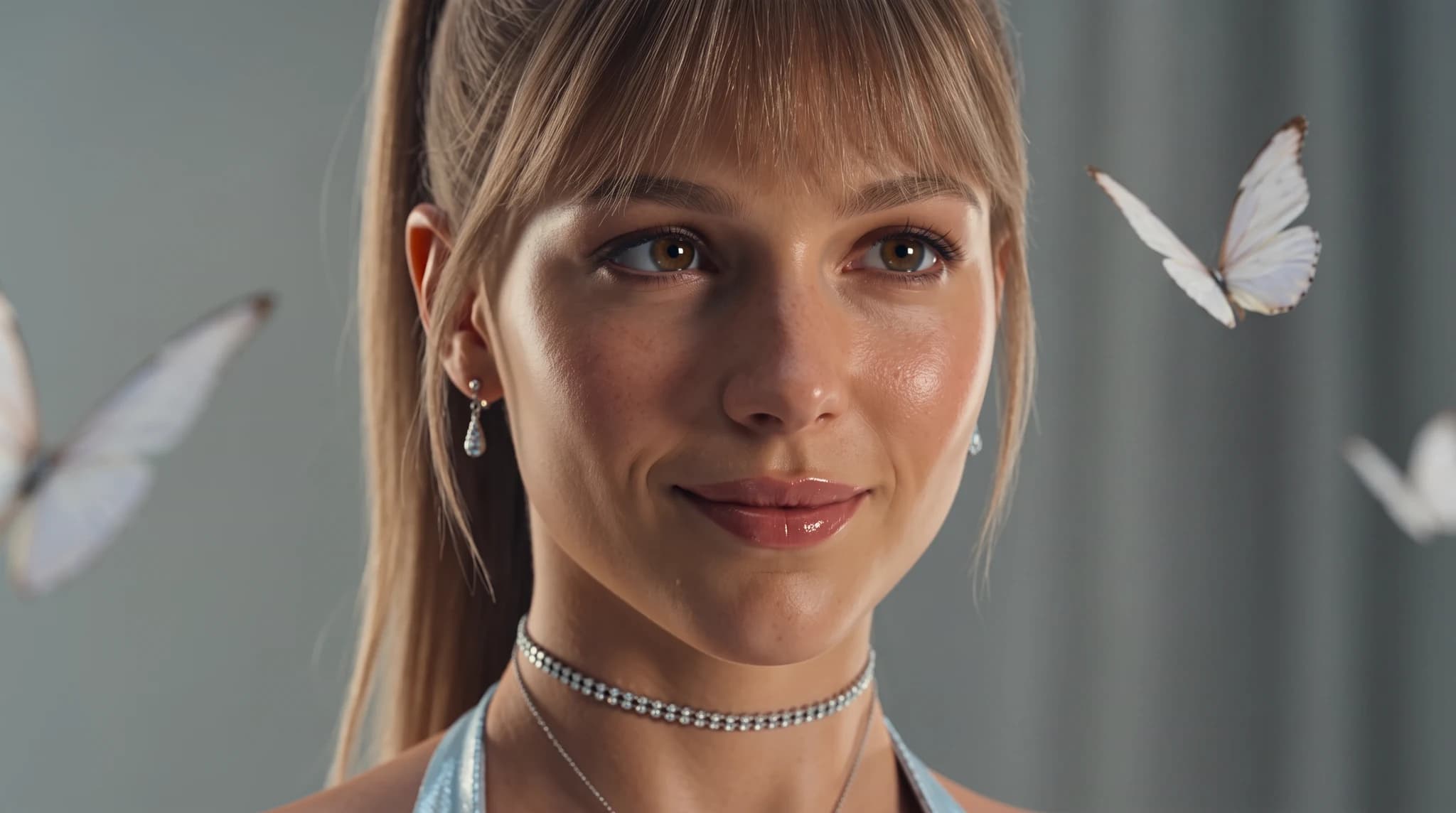
Exact prompt used
An extreme close-up beauty portrait of Janice with a sleek high ponytail and soft bangs, delicate crystal earrings and a sparkling choker, surrounded by floating white butterflies against a cool pale-gray background, natural luminous skin, soft diffused studio lighting, shallow depth of field, photorealistic, 16:9
Define the audience, channel, output format, brand tone, and business outcome before generating.
Use the recommended models on this page as the first test set for the prompt style.
Replace the generic product, audience, format, and tone details with your real campaign context.
Use the image workspace to create multiple directions and compare which result is strongest.

OpenAI
GPT Image 2OpenAI's newest image model with flexible aspect ratios, up to 4K output, and strong prompt adherence for both generation and editing.

Google's advanced image generation with support for up to 4K resolution and sharp text rendering.

xAI
Grok ImagineGenerate images from text or edit one reference image with Grok Imagine. Choose 1K or 2K output, set the aspect ratio, and review generation credits in Unify.
AI Content Writing Assistant
Write better content faster with AI. Blog posts, articles, marketing copy, and more with top language models.
AI Social Media Content Creator
Generate engaging social media content with AI. Create posts, images, and videos optimized for every platform.
AI Brand Ad Creative Generator
Create brand ad concepts across copy, images, video, and music so marketing teams can test more campaign directions faster.
This guide includes 8 ready-to-use prompt examples. AI infographic prompt examples for data visuals and explainers. Copy-ready prompts with layout, icon, and hierarchy direction. Copy a prompt, adapt the details to your project, and generate on Unify.
These prompts are tuned for GPT Image 2, Nano Banana Pro, Grok Imagine, all available on Unify.
Be specific about format, style, audience, and constraints, then generate several variants and keep the strongest. Unify makes it easy to iterate quickly across models.