Example 01
Product Render
A clean 3D product render on a gradient backdrop, soft studio lighting, realistic materials, subtle reflections, premium octane-style quality.
For product visuals.
Prompt Guide
AI 3D render prompt examples for products, characters, and scenes. Copy-ready prompts with material, lighting, and render-style direction.
Use these as starting structures. Replace generic product, audience, channel, and brand details with your real campaign context.
Example 01
A clean 3D product render on a gradient backdrop, soft studio lighting, realistic materials, subtle reflections, premium octane-style quality.
For product visuals.
Example 02
A cute soft 3D icon with rounded shapes, glossy clay material, pastel colors, gentle lighting, modern app-icon style on a plain background.
For UI and icons.
Example 03
A detailed isometric 3D scene with miniature elements, clean materials, soft shadows, balanced composition, playful and tidy.
For illustrations.
Example 04
An abstract 3D composition of flowing organic shapes, soft gradient materials, smooth lighting, modern and elegant.
For backgrounds.
Example 05
A stylized 3D character model with clean topology look, soft shading, expressive design, neutral pose, render-ready presentation.
For character concepts.
Example 06
A 3D render of glossy glass and chrome objects with realistic refraction and reflections, studio lighting, premium futuristic feel.
For premium visuals.
Example 07
A stylized 3D food render with appetizing materials, soft lighting, clean composition, playful commercial style.
For food branding.
Example 08
A sleek 3D render of a tech gadget with brushed metal and matte plastic, dramatic lighting, floating presentation, modern ad aesthetic.
For tech products.
Output produced on Unify, shown with the exact prompt that created it. Copy any of them as a structure for your own scenes.
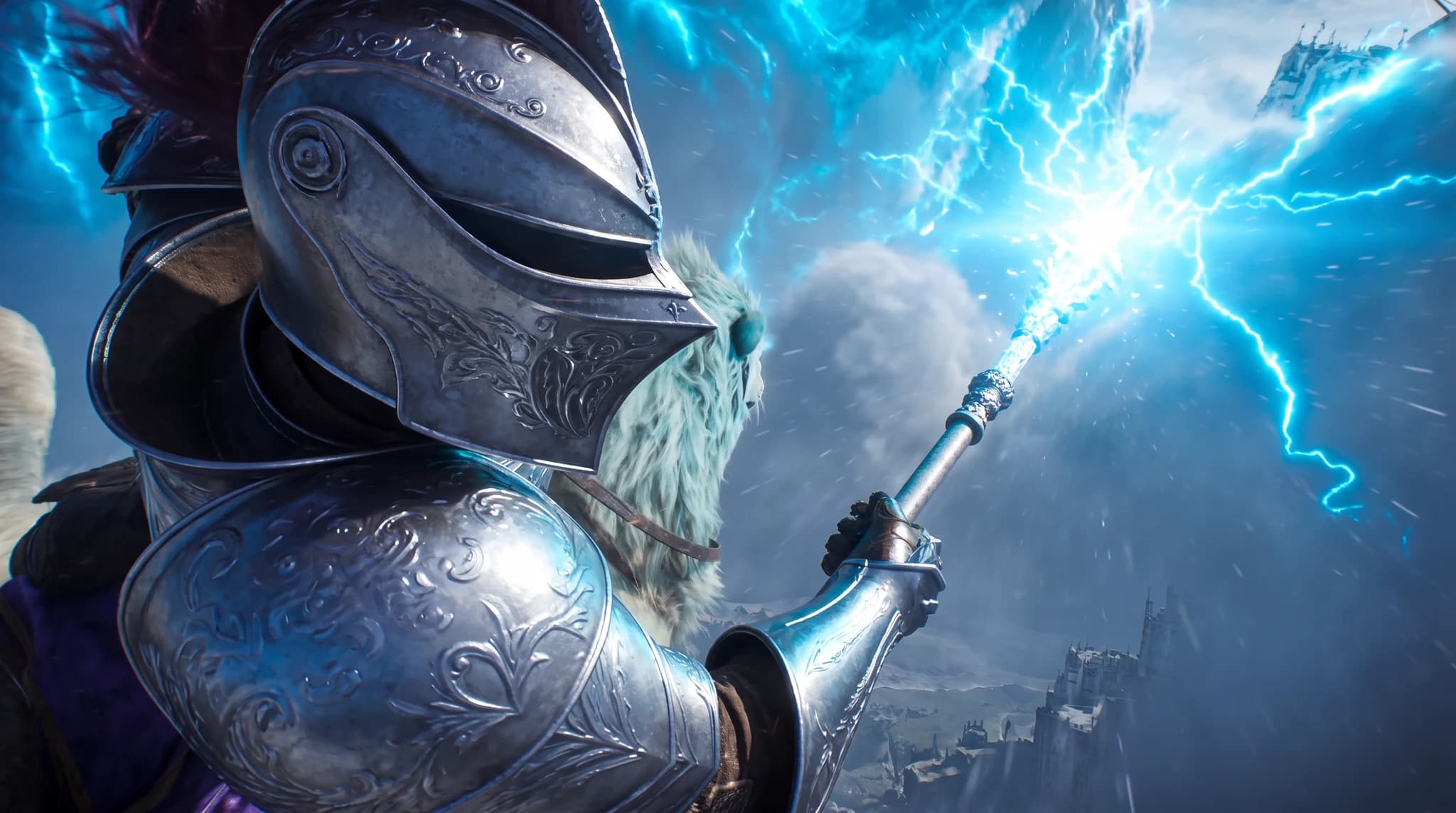
Exact prompt used
A cinematic over-the-shoulder close-up of Atlas reimagined as an ornate silver storm knight, raising a staff that erupts with brilliant blue lightning above a frozen castle in the clouds, dramatic energy burst, photorealistic fantasy, 16:9
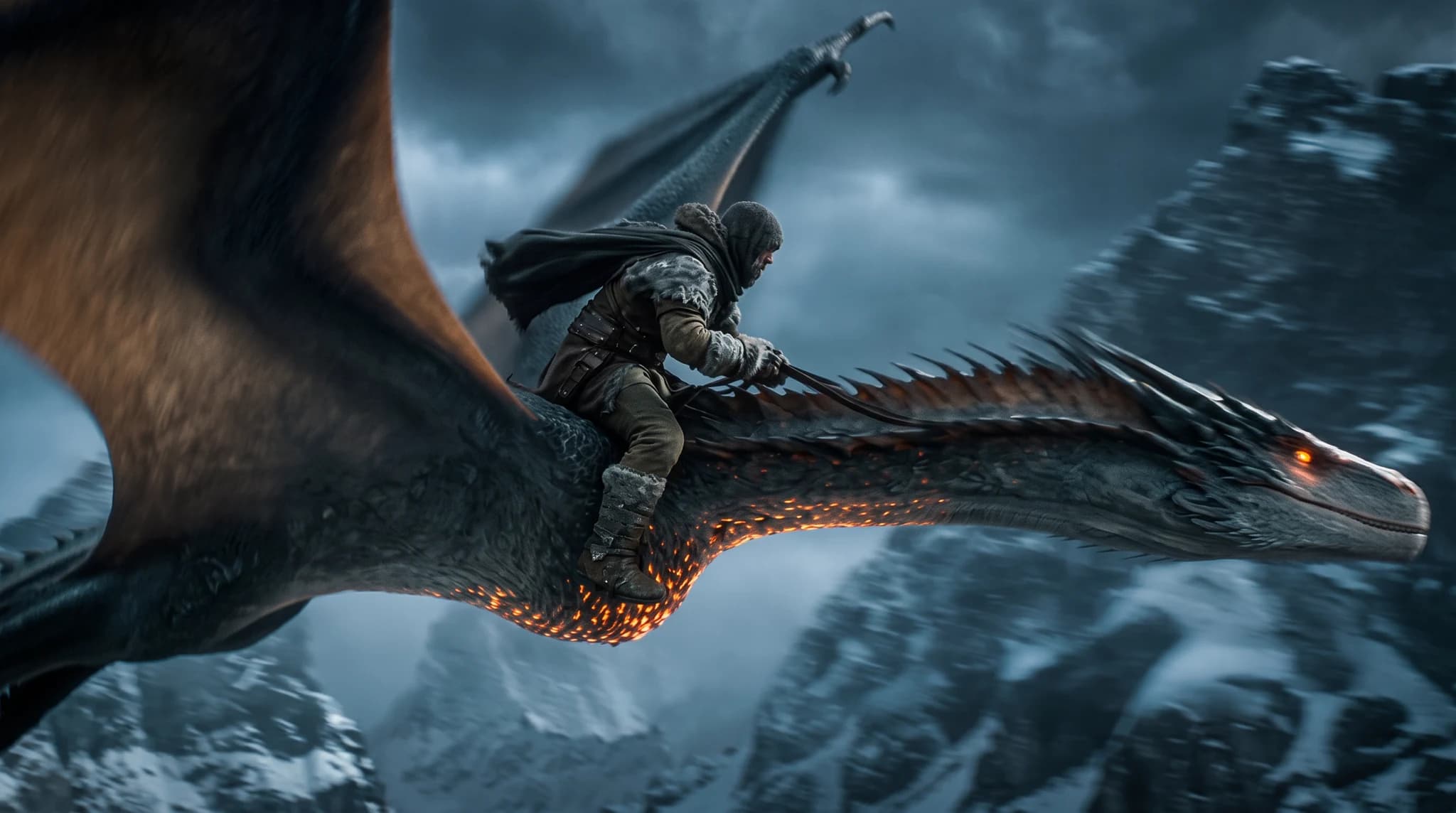
Exact prompt used
A cinematic side-tracking shot of Kai dressed as a rugged winter dragon rider, flying at high speed on a massive black dragon with glowing orange scales above jagged snow-covered mountains, storm clouds, windblown cape, strong motion blur, photorealistic fantasy, 16:9
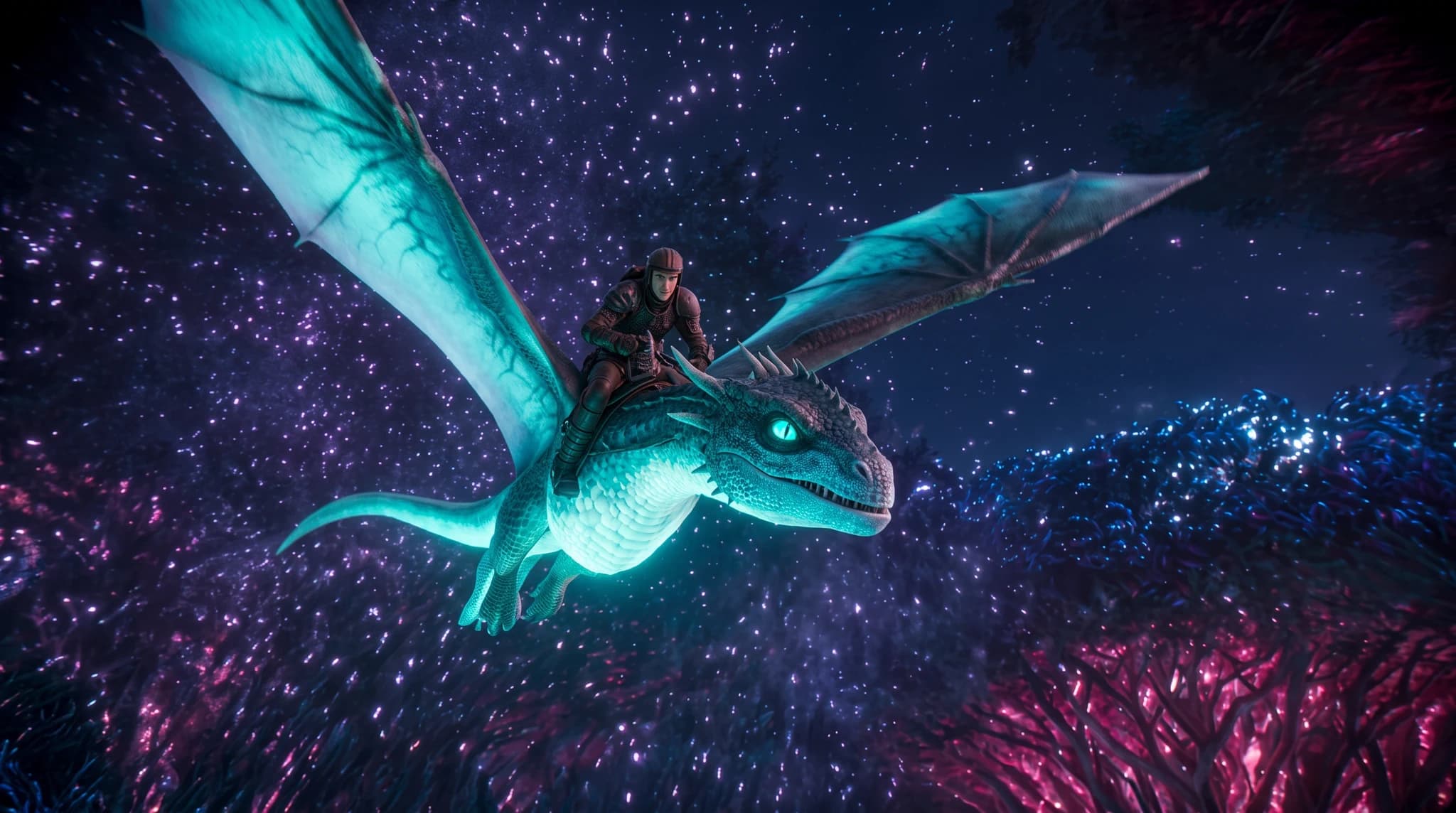
Exact prompt used
A wide cinematic aerial shot of Kai in dark leather armor riding a luminous cyan dragon through a vast bioluminescent neon forest, magenta trees, sparkling cosmic night sky, glowing particles and dramatic fantasy lighting, photorealistic, 16:9
Define the audience, channel, output format, brand tone, and business outcome before generating.
Use the recommended models on this page as the first test set for the prompt style.
Replace the generic product, audience, format, and tone details with your real campaign context.
Use the image workspace to create multiple directions and compare which result is strongest.

OpenAI
GPT Image 2OpenAI's newest image model with flexible aspect ratios, up to 4K output, and strong prompt adherence for both generation and editing.

ByteDance
SeedreamThe Seedream lineup on Unify, covering Seedream 4.5 and Seedream 5.0 Lite for fast, high-fidelity image generation across multiple styles.

Luma AI
Luma PhotonCutting-edge photorealistic image generation for cinematic visuals and lifelike textures.
AI E-Commerce Product Image Generator
Generate product images, lifestyle shots, marketplace creatives, and merchandising visuals for e-commerce teams with AI.
AI Character Design
Design unique characters for games, animations, and creative projects with AI-powered generation.
AI Brand Ad Creative Generator
Create brand ad concepts across copy, images, video, and music so marketing teams can test more campaign directions faster.
This guide includes 8 ready-to-use prompt examples. AI 3D render prompt examples for products, characters, and scenes. Copy-ready prompts with material, lighting, and render-style direction. Copy a prompt, adapt the details to your project, and generate on Unify.
These prompts are tuned for GPT Image 2, Seedream, Luma Photon, all available on Unify.
Be specific about format, style, audience, and constraints, then generate several variants and keep the strongest. Unify makes it easy to iterate quickly across models.