Example 01
Modern Living Room
A photorealistic modern living room with neutral palette, natural light, mid-century furniture, indoor plants, layered textures, warm and inviting interior design photography.
Versatile modern concept.
Prompt Guide
AI interior design prompt examples for room concepts, makeovers, and mood boards. Copy-ready prompts with style and lighting direction.
Use these as starting structures. Replace generic product, audience, channel, and brand details with your real campaign context.
Example 01
A photorealistic modern living room with neutral palette, natural light, mid-century furniture, indoor plants, layered textures, warm and inviting interior design photography.
Versatile modern concept.
Example 02
A bright Scandinavian bedroom with white walls, light wood, cozy linen bedding, minimal decor, soft daylight, calm and airy aesthetic.
For minimalist styling.
Example 03
A luxury kitchen with marble countertops, matte cabinetry, brass fixtures, statement lighting, large island, premium realistic finishes.
For high-end concepts.
Example 04
A cozy reading nook by a window, warm lamp light, plush armchair, bookshelves, soft textiles, inviting and intimate atmosphere.
For lifestyle visuals.
Example 05
An industrial loft interior with exposed brick, concrete floors, large factory windows, leather and steel furniture, moody natural light.
For urban styling.
Example 06
A stylish outdoor patio with lounge seating, string lights, greenery, natural wood, golden-hour ambiance, relaxed entertaining space.
For outdoor spaces.
Example 07
A before-to-after style room makeover showing a refreshed space with new color scheme, updated furniture, and improved lighting, realistic and aspirational.
For client proposals.
Example 08
An interior design mood board with coordinated color swatches, material samples, furniture references, and textures arranged neatly on a clean background.
For concept presentation.
Output produced on Unify, shown with the exact prompt that created it. Copy any of them as a structure for your own scenes.
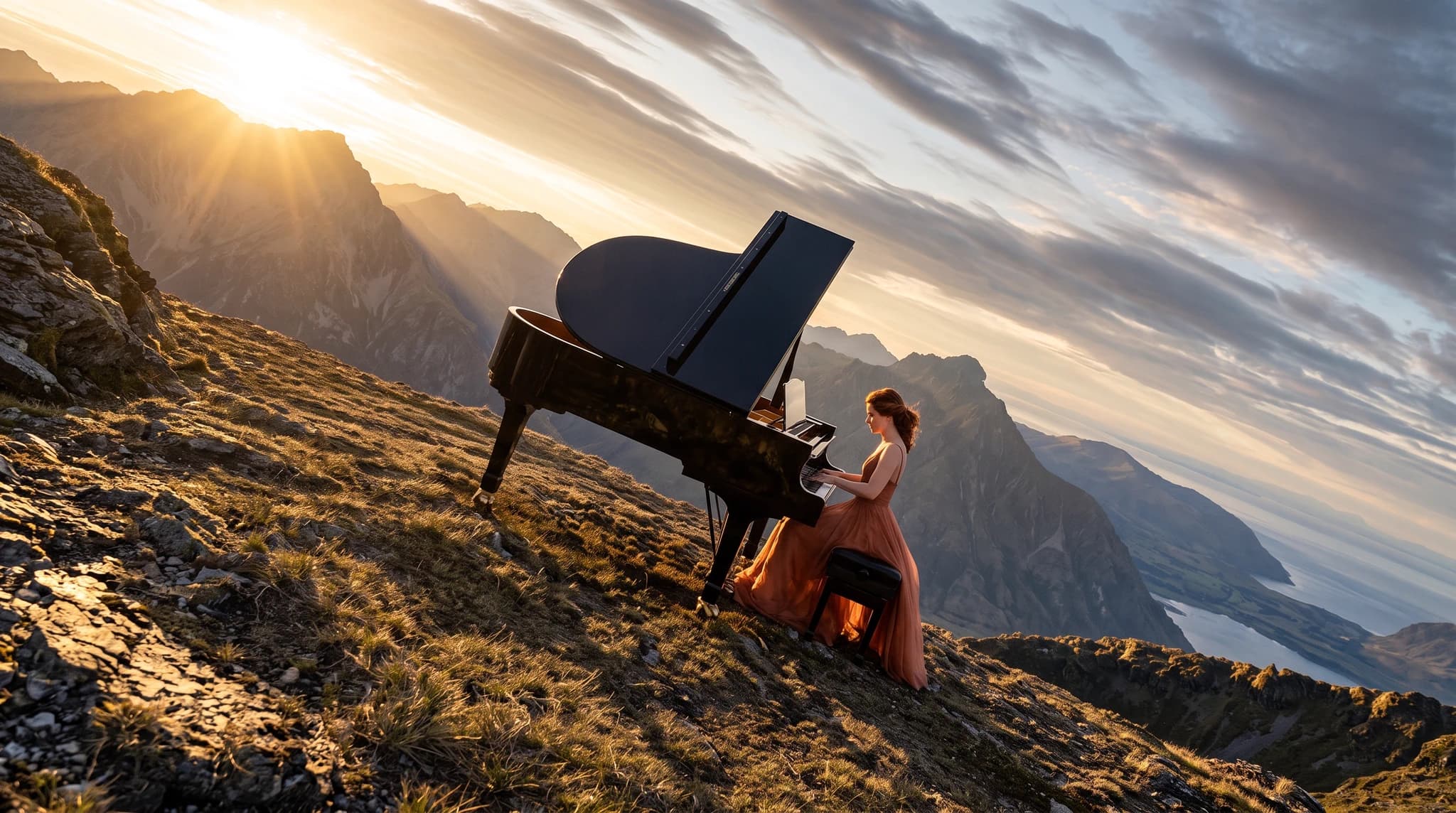
Exact prompt used
A sweeping cinematic wide shot of Janice in a flowing coral evening gown playing a glossy black grand piano on a high alpine ridge above the clouds, warm sunrise rays breaking over dramatic mountain peaks, tilted editorial composition, serene epic atmosphere, photorealistic, 16:9

Exact prompt used
A cinematic side-tracking shot of Atlas, a weathered futuristic rider in black armor and a torn cape, speeding on a dirt bike through a frozen crystal canyon with towering translucent blue ice spires, snow spray, strong motion blur, cold diffused daylight, photorealistic, 16:9
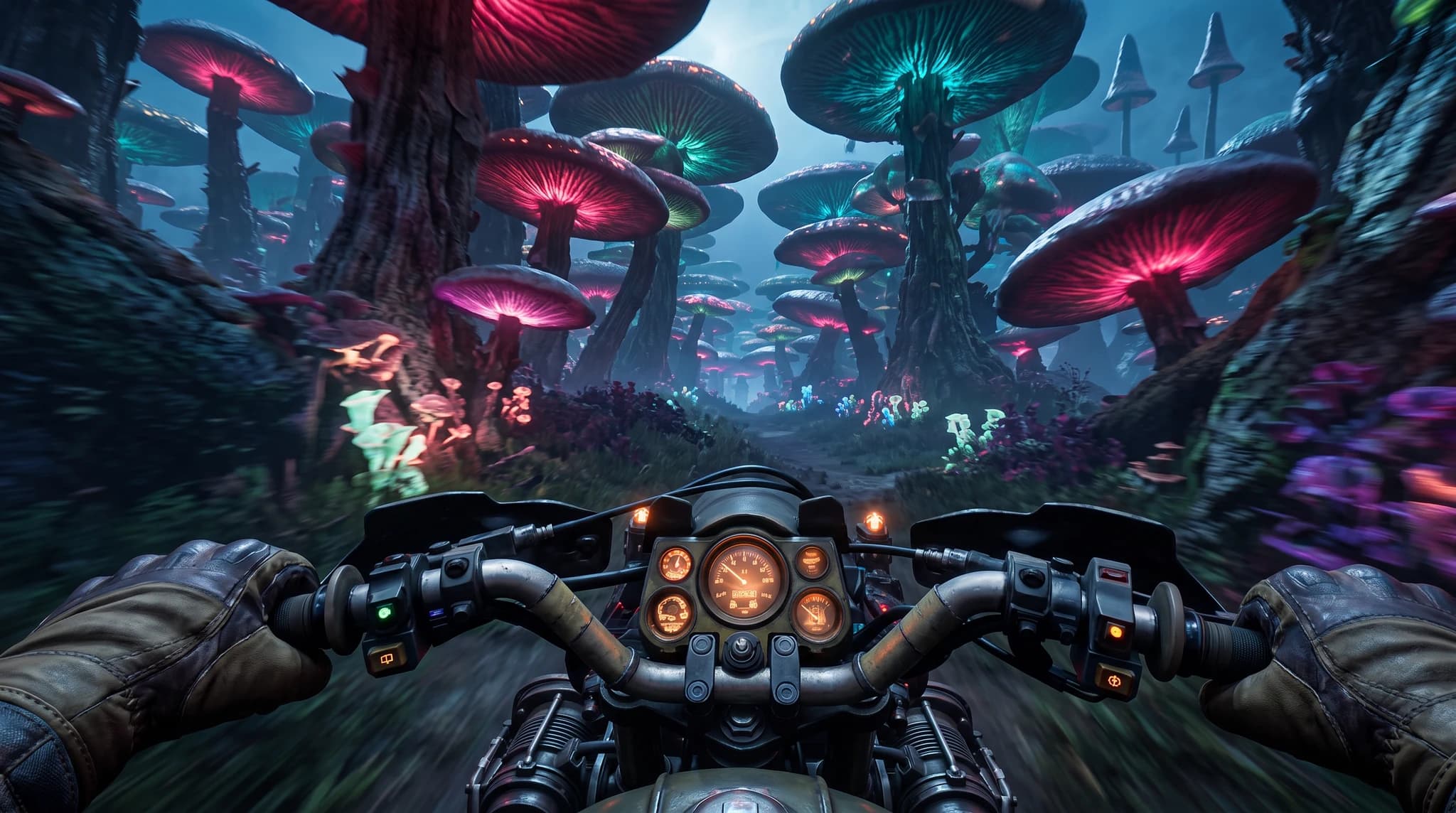
Exact prompt used
First-person POV from Atlas riding a rugged motorcycle at high speed through an alien neon forest of towering bioluminescent mushrooms, cyan and magenta glow, gloved hands gripping the handlebars, motion-blurred foliage, cinematic realism, 16:9
Define the audience, channel, output format, brand tone, and business outcome before generating.
Use the recommended models on this page as the first test set for the prompt style.
Replace the generic product, audience, format, and tone details with your real campaign context.
Use the image workspace to create multiple directions and compare which result is strongest.

OpenAI
GPT Image 2OpenAI's newest image model with flexible aspect ratios, up to 4K output, and strong prompt adherence for both generation and editing.

Google's advanced image generation with support for up to 4K resolution and sharp text rendering.

Luma AI
Luma PhotonCutting-edge photorealistic image generation for cinematic visuals and lifelike textures.
AI Interior Design Generator
Visualize interior design concepts with AI. Generate room makeovers, mood boards, and styling directions from a prompt or reference.
AI Social Media Content Creator
Generate engaging social media content with AI. Create posts, images, and videos optimized for every platform.
AI Marketing Video Generator
Create compelling marketing videos with AI. Perfect for product launches, brand stories, and promotional content.
This guide includes 8 ready-to-use prompt examples. AI interior design prompt examples for room concepts, makeovers, and mood boards. Copy-ready prompts with style and lighting direction. Copy a prompt, adapt the details to your project, and generate on Unify.
These prompts are tuned for GPT Image 2, Nanobanana Pro, Luma Photon, all available on Unify.
Be specific about format, style, audience, and constraints, then generate several variants and keep the strongest. Unify makes it easy to iterate quickly across models.