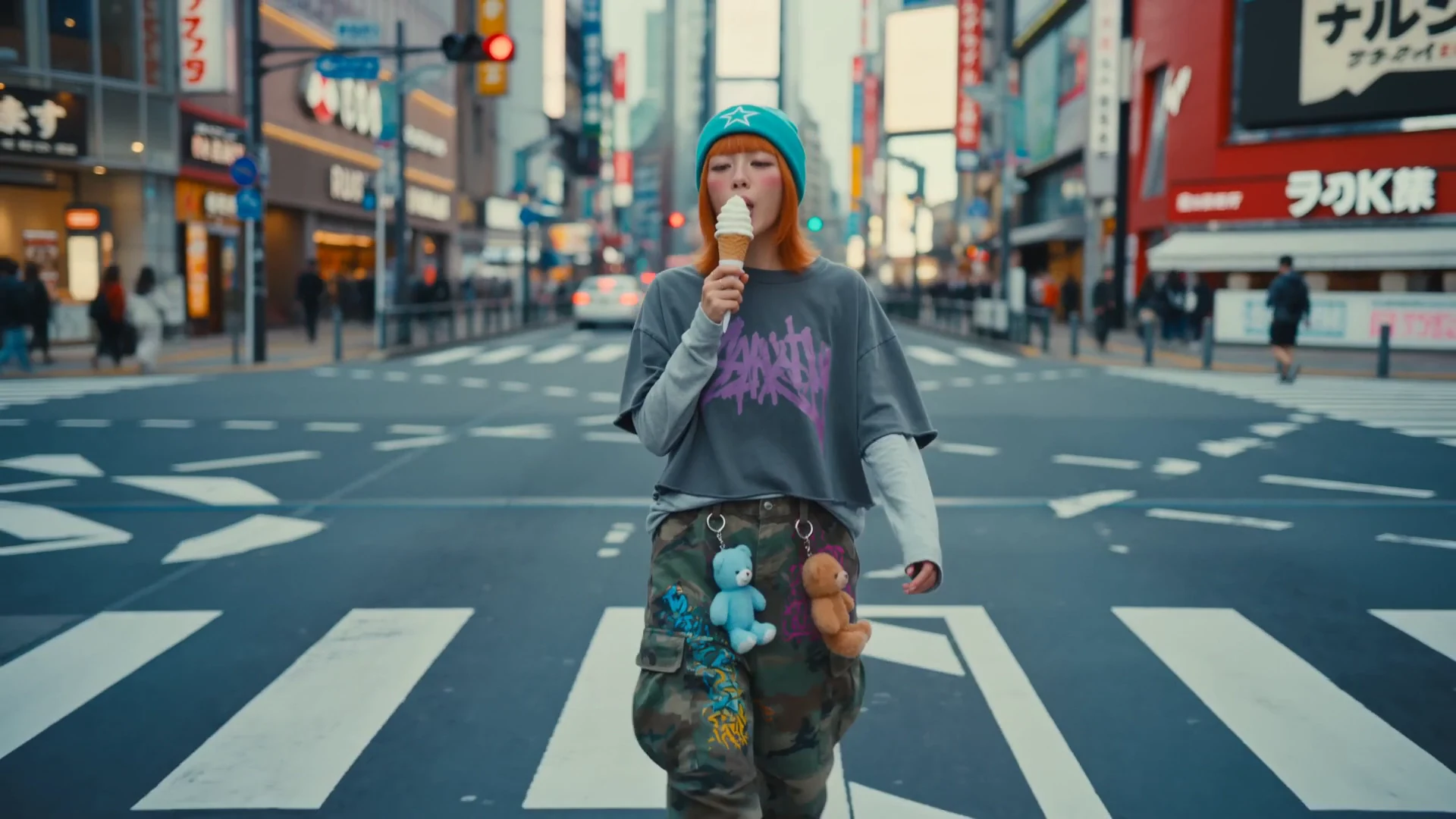
Example video
Stunning quality

Model Profile
Google's premium video generation model supporting up to 4K resolution with cinematic quality and precise detail.
Provider
Google DeepMind
Workflow
AI Video Generation
Key features
4
Media below is reused from the Unify landing page model viewer so each model page has a concrete example section instead of text alone.
Example video
Stunning quality
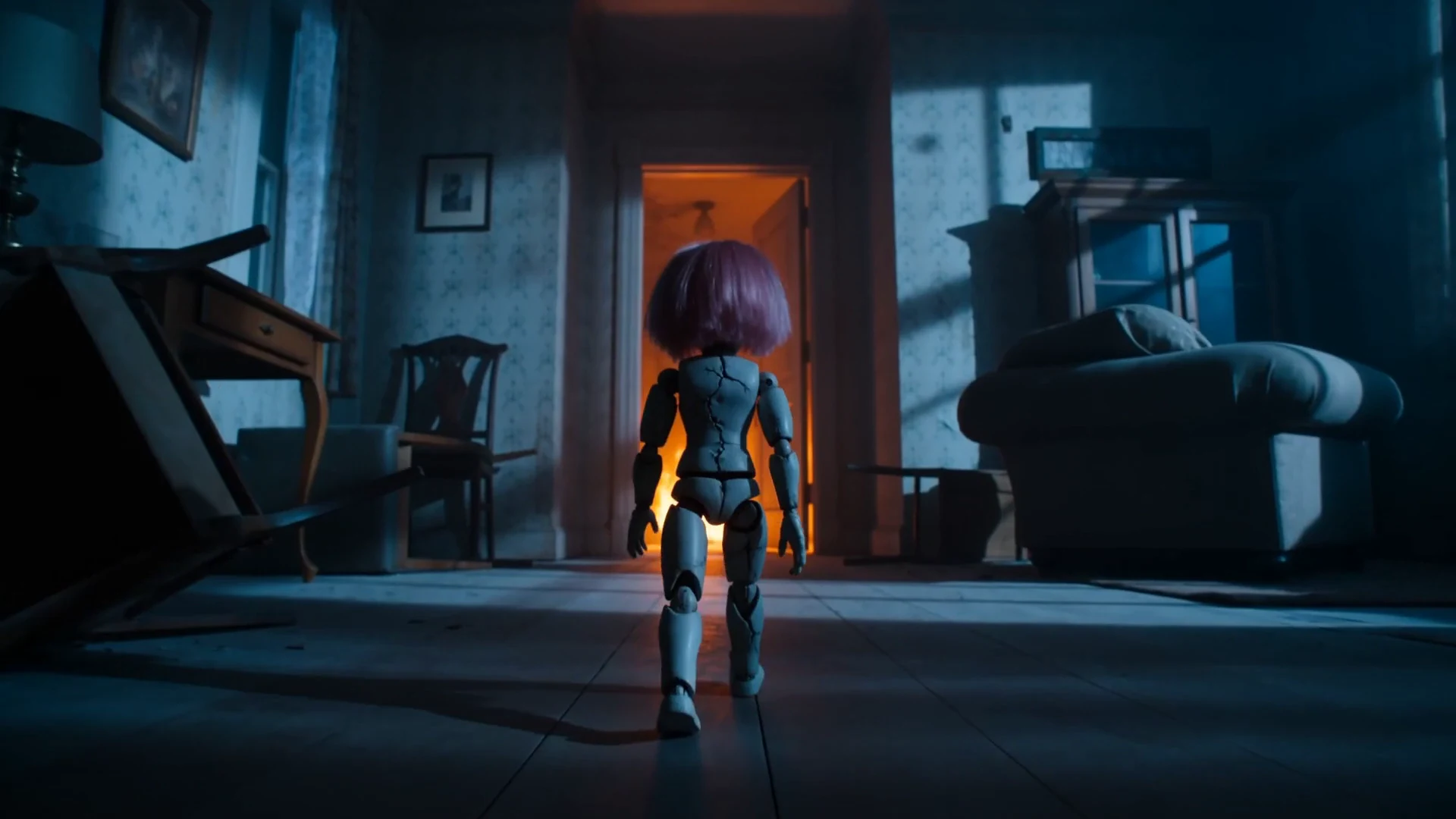
Example video
Movie-like shots
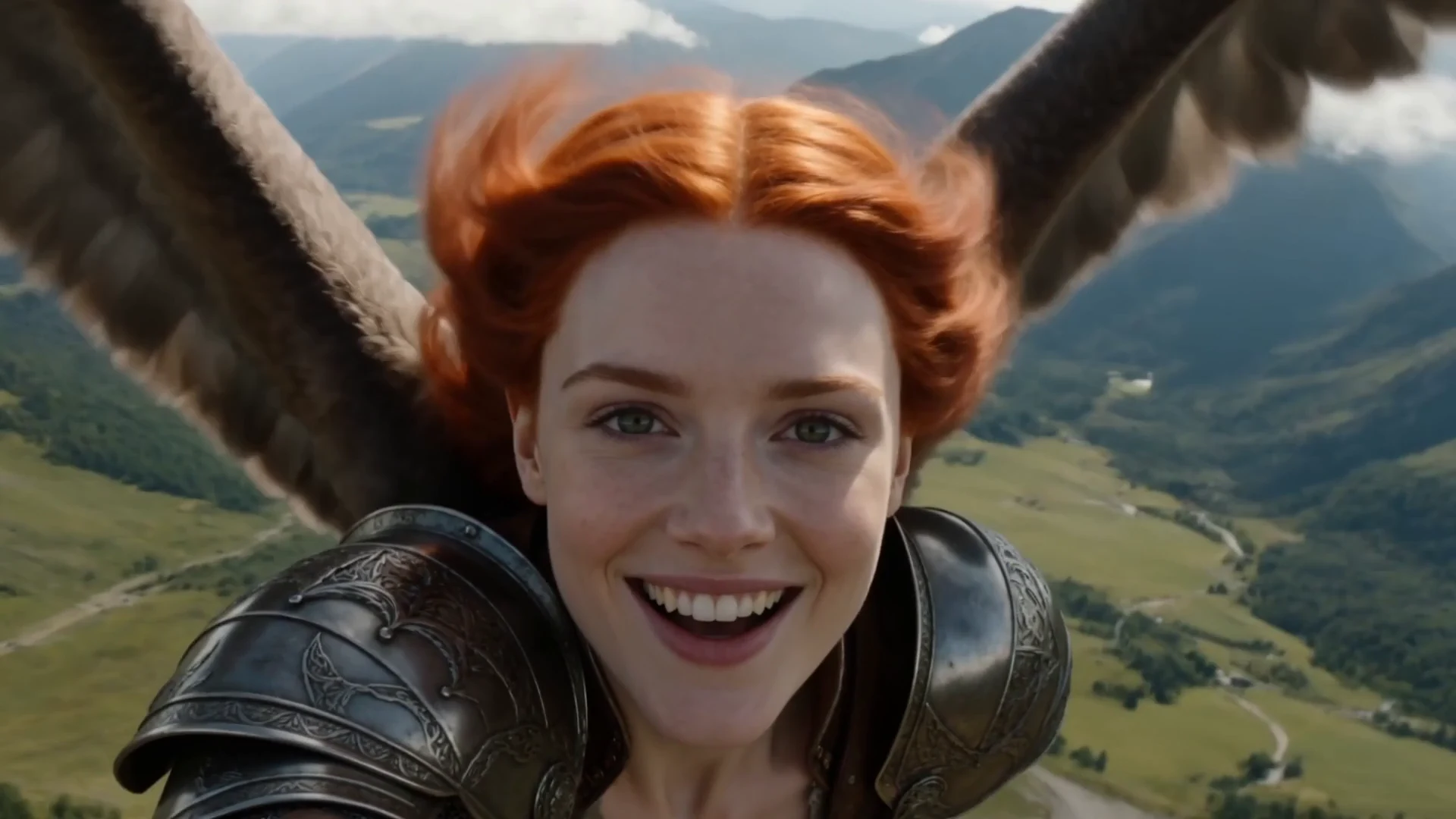
Example video
Ultra realistic
The models below cover the Veo variants we aggregate on Unify.

Google DeepMind
Veo 3
Google DeepMind's third-generation video model for cinematic text-to-video and image-to-video generation.
Google DeepMind
Veo 3 Fast
A faster Veo 3 variant built for quicker iterations, drafts, and lower-friction video generation.
Google DeepMind
Veo 3.1
Google's premium video generation model supporting up to 4K resolution with cinematic quality and precise detail.
Google DeepMind
Veo 3.1 Fast
The faster Veo 3.1 variant for quicker cinematic drafts and lower-latency production workflows.
Veo 3.1 is Google DeepMind's premium video generation model supporting up to 4K resolution for the highest-quality cinematic video output. It delivers superior detail, richer colors, and more precise motion compared to the fast variant. Veo 3.1 is the top choice for professional video content, advertising, and cinematic projects where visual quality is the top priority.
Up to 4K
Cinematic quality
High fidelity
Premium output
4K video production
Professional advertising
Cinematic projects
Premium visual content
Up to 4K resolution
Premium visual quality
Superior detail
Best-in-class fidelity
Higher cost (6-11 credits/s)
Slower generation
Premium pricing tier
Create your Unify account in seconds. No credit card required.
Choose Veo 3.1 from the model selector in the video interface.
Enter your prompt and let Veo 3.1 generate amazing results.
Google DeepMind
Veo 3
Google DeepMind's third-generation video model for cinematic text-to-video and image-to-video generation.
Google DeepMind
Veo 3 Fast
A faster Veo 3 variant built for quicker iterations, drafts, and lower-friction video generation.

OpenAI
Sora 2
OpenAI's standard Sora 2 model for realistic motion, strong scene generation, and general text-to-video work.
OpenAI
Sora 2 Pro
OpenAI's premium video generation model with extended duration and enhanced quality.
AI Video Ads Generator
Create professional video advertisements with AI. Generate e...
AI Motion Control Video Generator
Transfer motion from reference videos to still images with A...
AI Avatar Video Generator
Create talking avatars and virtual presenters with AI. Gener...
AI Product Demo Video Generator
Turn product ideas, screenshots, and campaign briefs into AI...
Join thousands of creators using Unify to access the best AI models in one place.