Example 01
Before/After Split
A bold YouTube thumbnail split into a cluttered chaotic side and a clean automated side, bright contrasting colors, bold readable text space.
For efficiency-themed videos.
Prompt Guide
AI thumbnail prompt examples for AI automation and workflow channels. Copy-ready prompts for bold, click-worthy tech thumbnails.
Use these as starting structures. Replace generic product, audience, channel, and brand details with your real campaign context.
Example 01
A bold YouTube thumbnail split into a cluttered chaotic side and a clean automated side, bright contrasting colors, bold readable text space.
For efficiency-themed videos.
Example 02
A thumbnail featuring a stylized glowing dashboard or workflow diagram, dark background, neon accent color, dramatic lighting, high contrast.
For SaaS or tool reviews.
Example 03
A thumbnail-style composite of an expressive reaction face paired with a tech or automation icon, bold color pop, high contrast for small-screen visibility.
For reaction-style hooks.
Example 04
A thumbnail with bold large-number space such as hours saved as the focal point, clean modern background, minimal supporting graphics.
For results-driven titles.
Example 05
A thumbnail composition featuring a clean grid of abstract tool icons connected by lines, dark background, single bold accent color.
For tool roundup videos.
Example 06
A thumbnail with a subtle, modern AI motif icon integrated cleanly, bold color background, plenty of readable text space.
For AI-agent topics.
Example 07
A high-contrast thumbnail using a bold alert or warning visual motif to signal a mistake-to-avoid video, bright red or yellow accent, punchy composition.
For mistake or warning-style hooks.
Output produced on Unify, shown with the exact prompt that created it. Copy any of them as a structure for your own scenes.
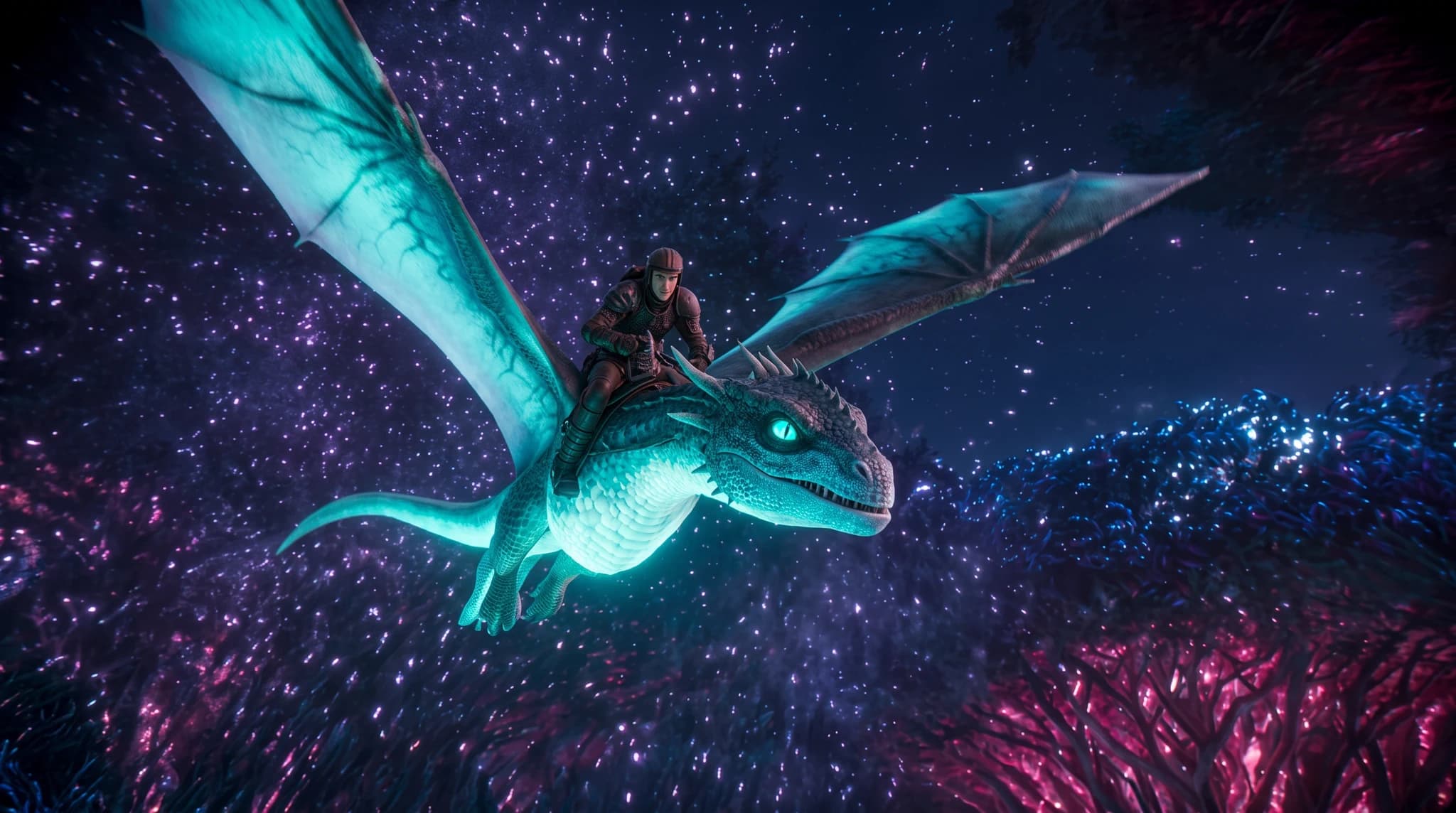
Exact prompt used
A wide cinematic aerial shot of Kai in dark leather armor riding a luminous cyan dragon through a vast bioluminescent neon forest, magenta trees, sparkling cosmic night sky, glowing particles and dramatic fantasy lighting, photorealistic, 16:9
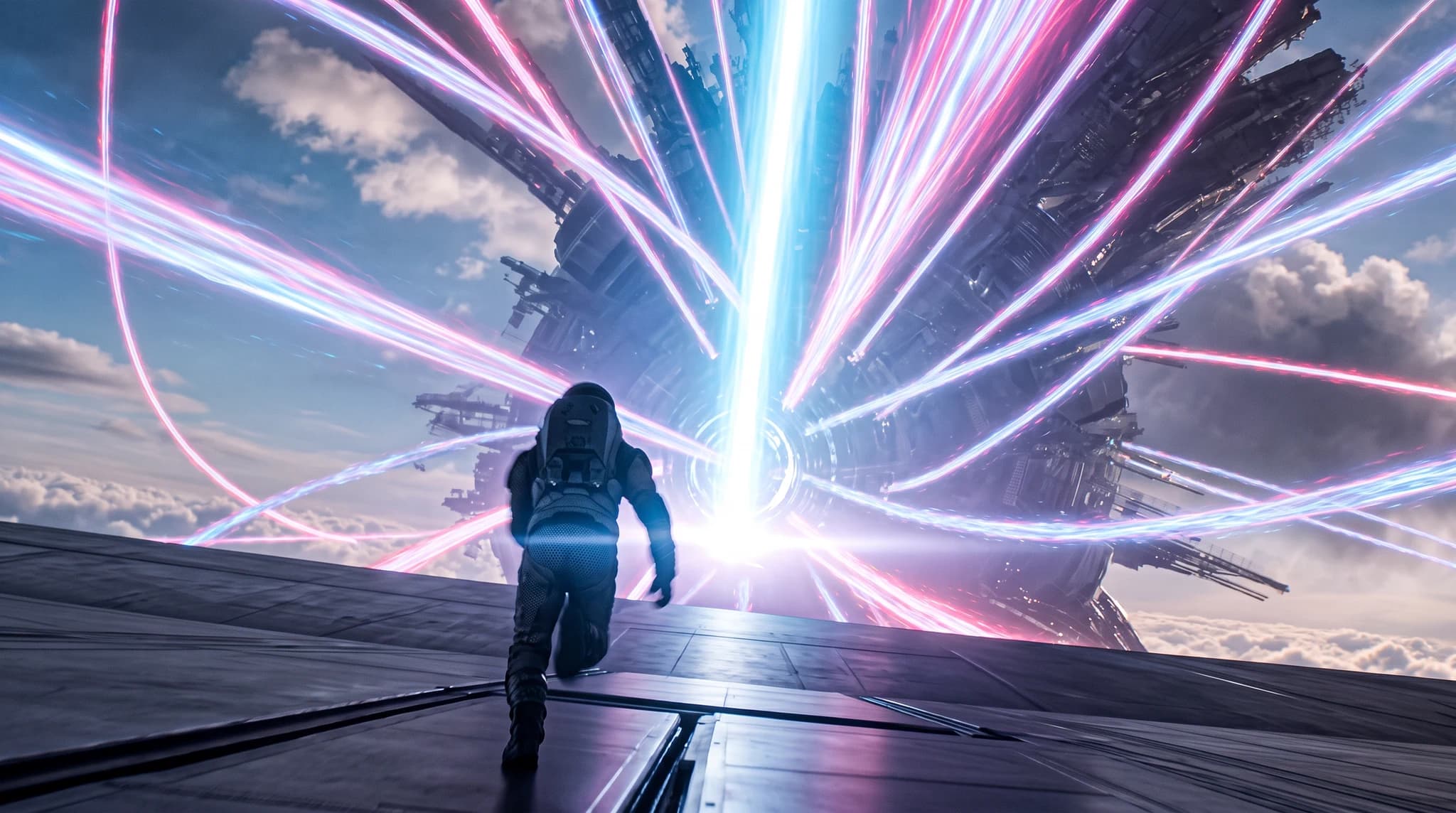
Exact prompt used
A cinematic rear wide shot of Kai in a dark futuristic exploration suit running across a metallic platform above the clouds toward a colossal circular gateway, brilliant cyan and magenta energy trails exploding from its center, epic scale, photorealistic science fiction, 16:9
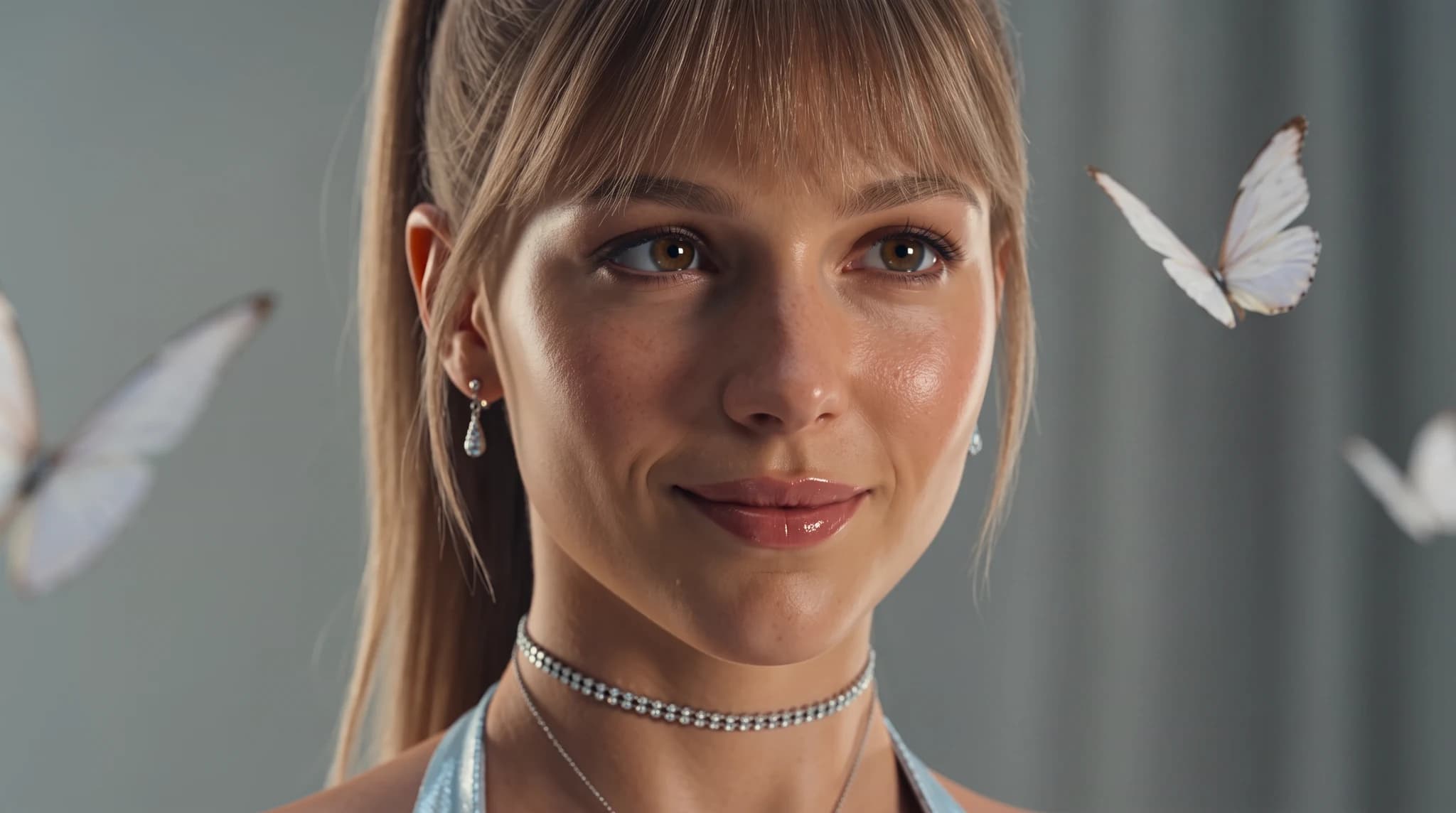
Exact prompt used
An extreme close-up beauty portrait of Janice with a sleek high ponytail and soft bangs, delicate crystal earrings and a sparkling choker, surrounded by floating white butterflies against a cool pale-gray background, natural luminous skin, soft diffused studio lighting, shallow depth of field, photorealistic, 16:9
Define the audience, channel, output format, brand tone, and business outcome before generating.
Use the recommended models on this page as the first test set for the prompt style.
Replace the generic product, audience, format, and tone details with your real campaign context.
Use the image workspace to create multiple directions and compare which result is strongest.

OpenAI
GPT Image 2OpenAI's newest image model with flexible aspect ratios, up to 4K output, and strong prompt adherence for both generation and editing.

Google's advanced image generation with support for up to 4K resolution and sharp text rendering.

ByteDance
SeedreamThe Seedream lineup on Unify, covering Seedream 4.5 and Seedream 5.0 Lite for fast, high-fidelity image generation across multiple styles.
AI YouTube Thumbnail Generator
Create eye-catching YouTube thumbnails with AI. Increase click-through rates with professional, attention-grabbing designs.
AI Social Media Content Creator
Generate engaging social media content with AI. Create posts, images, and videos optimized for every platform.
AI Logo Design
Design unique logos with AI assistance. Create professional brand identities quickly and affordably.
This guide includes 7 ready-to-use prompt examples. AI thumbnail prompt examples for AI automation and workflow channels. Copy-ready prompts for bold, click-worthy tech thumbnails. Copy a prompt, adapt the details to your project, and generate on Unify.
These prompts are tuned for GPT Image 2, Nanobanana Pro, Seedream, all available on Unify.
Be specific about format, style, audience, and constraints, then generate several variants and keep the strongest. Unify makes it easy to iterate quickly across models.