AI Insights & Guides
Tutorials, in-depth comparisons, and expert guides to help you get the most out of AI. From video generation to image creation, master every tool.
Featured
Latest Articles
Seedream vs Seedance: What Is the Difference?
Seedream and Seedance are not rivals. Both come from ByteDance's Seed team, but Seedream is an image model and Seedance is a video model. Use Seedream to create or edit a still picture, and Seedance to turn a prompt, a picture or a set of references into a video clip with sound. Many creators use both: they design the first frame in Seedream and animate it in Seedance.
Kling 3.0 vs Kling 3.0 Omni: Differences and When to Use Each
Use Kling 3.0 when you direct the shot yourself: a prompt, a start frame and an optional end frame, with 4K and sound available together. Use Kling 3.0 Omni when an existing video should shape the result, either by following its style and camera or by editing it directly. Without sound, Omni costs about the same as Kling 3.0 per second; with sound at 1080p, it costs about 17% less than Kling 3.0.
Veo 3.1 vs Seedance 2.5: Which AI Video Model Fits Your Shot?
Pick Veo 3.1 for short, polished shots of 4 to 8 seconds, especially when you want 4K or a fixed first and last frame. Pick Seedance 2.5 for longer scenes of up to 30 seconds that depend on many references, edits or extensions. At 720p, Seedance 2.5 costs about 51% less than Veo 3.1 per second; at 1080p it costs about 19% more than Veo 3.1.
Grok Imagine vs Seedance: Which AI Video Model Should You Use?
Grok Imagine is the low-cost way to test an idea: 1 to 15 second clips at 480p or 720p from text or a picture, and a new Unify account can make a 4-second clip free. Seedance 2.5 is the model for finished scenes: up to 30 seconds, up to 1080p (4K in the video generator) and up to 30 images, 10 video clips and 10 audio clips as references. At 720p, Grok Imagine costs about 63% less than Seedance 2.5 per second.
Seedance 2.5 on Unify: Features, Settings and How to Use It
Seedance 2.5 is ByteDance's video model for long, reference-heavy scenes. On Unify it makes clips of 4 to 30 seconds at 480p, 720p or 1080p (4K in the video generator), with native sound, and it accepts up to 30 images, 10 video clips and 10 audio clips that you mention in the prompt as @Image1, @Video1 and @Audio1. Open the video generator, choose Seedance 2.5, add your references, describe the scene and generate.
Seedance 2.5 Prompting Guide: 10 Prompts and How to Write Your Own
A strong Seedance 2.5 prompt names one subject, one action, the setting, one camera move, the light and the sound, in that order. When you use references, say what each one is for ("@Image1 is the character"). For clips longer than 8 seconds, split the action into timed beats such as "0–4s" and "4–8s". Put spoken lines in quotation marks.
Seedance 2.5 Pricing on Unify: What a Clip Costs and How to Save
On Unify, Seedance 2.5 is charged in credits per second of video, and the video generator shows the exact credit price before you generate. Resolution matters most: a second at 720p costs about 2.2× a second at 480p, 1080p about 5.4× and 4K about 8.7×. Plans start at $9.99 a month, and Pro, Scale and Ultra include a Seedance 2.5 Unlimited window.
Seedance 2.0 on Unify: Settings, Cost and When to Use It
Seedance 2.0 is the earlier ByteDance video model, still available on Unify. It creates 4 to 15 second clips at 480p, 720p, 1080p or 4K with native sound, and takes up to 9 images, 3 video clips and 3 audio clips as references. Per second it costs about 22% less than Seedance 2.5 at 720p, so it suits shorter clips and 4K outside the video generator.

Seedream 5.5: Features, Settings and How to Use It
Seedream 5.5 is ByteDance's newest image model on Unify, built for precise edits, realistic detail and accurate text. It renders at 1K, 1.5K or 2K, takes up to 10 reference images and can export a transparent PNG. Open the image generator, choose Seedream 5.5, add references if you have them and describe the picture or the change.
Kling 4.0 Guide: Features, Settings and Cost on Unify
Kling 4.0 is Kling AI's newest video model and is live on Unify. It creates 3–30 second clips in 720p, 1080p or 4K with native stereo sound and lip-sync, and combines images, 2–10 keyframes, up to 5 reference videos and up to 3 voice references in one request. Open the video generator, choose Kling 4.0, add what the shot needs and generate.
How to Keep an AI Character Consistent Across Images and Videos
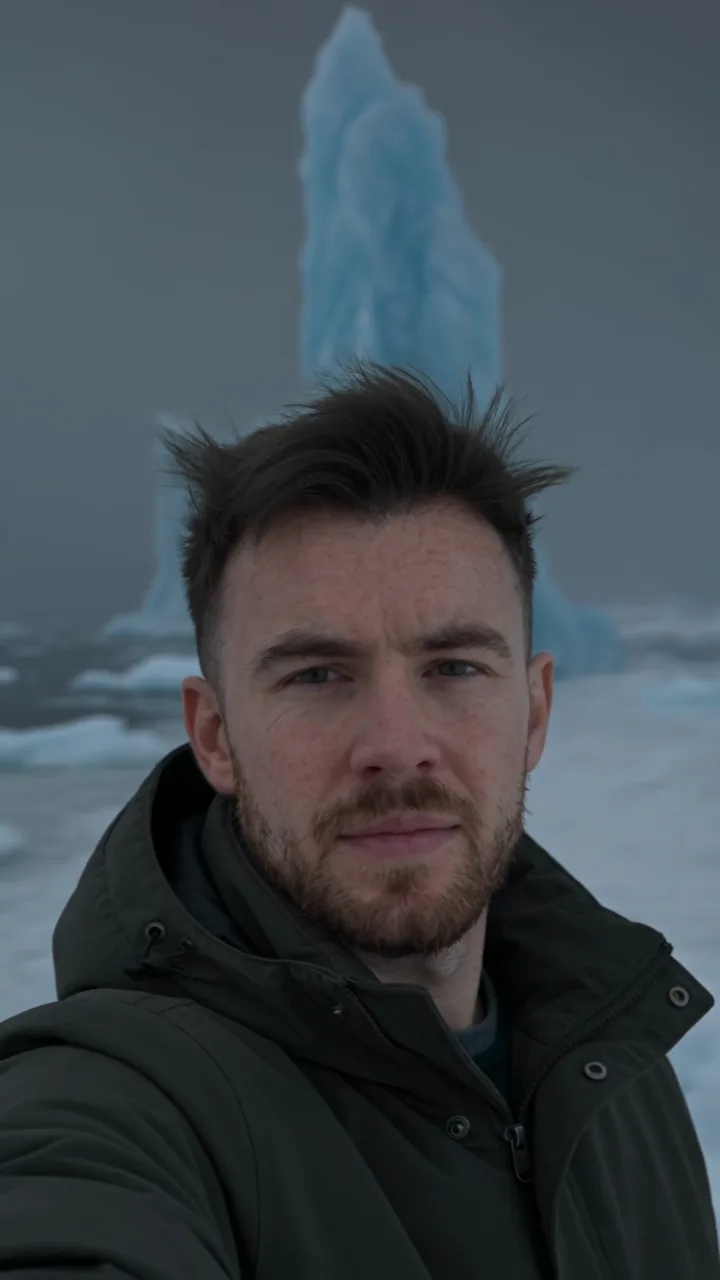
To keep an AI character consistent, design the character once as a set of reference images, then feed those same references into every image and video you make. On Unify that means reference images in Seedance 2.5 or Seedream 5.5, character elements in Kling, the same first frame for every shot, and a fixed description of the character in every prompt. Fix any drift with face swap before you publish.
How to Control Camera Movement, Angles and Lenses in AI Video
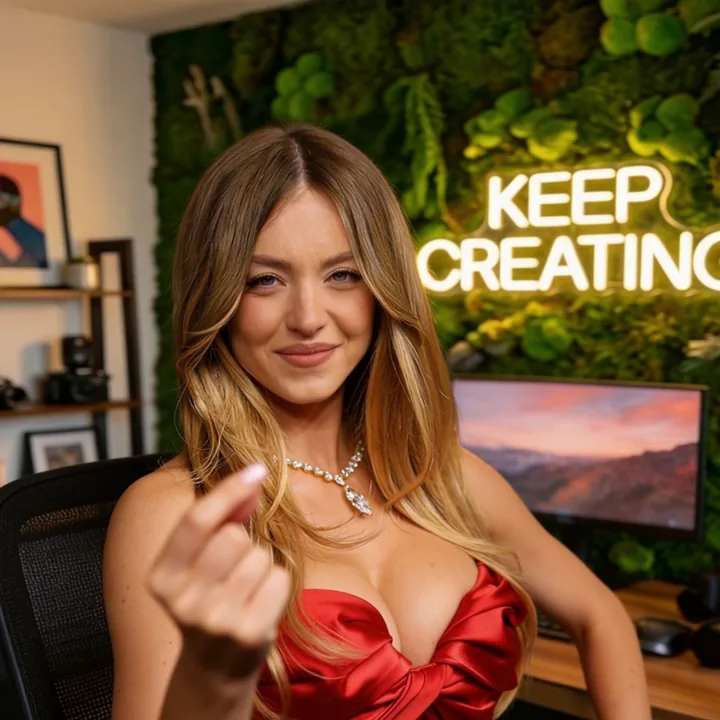
You control the camera in AI video in four ways: name one camera move, a shot size and a lens in the prompt; show the move with a reference video; fix where the shot starts and ends with first and last frames or keyframes; or pick the move from a menu in Unify's Movie Director. One clear move per shot works better than several.
How to Create an AI Influencer in 2026: A Step-by-Step Guide
To create an AI influencer, define the persona, design one original face with an image model, turn it into a reference sheet, then use those references for every photo and video. Talking videos come from a model with native voice and lip-sync such as Kling 4.0, the voice from Voice Studio, and the final edit and captions from Unify Studio. Label the content as AI-generated where platforms require it.
Best AI Music Generators in 2026: Current Models Compared
The leading AI music generators in late 2026 serve different jobs. Suno v6 is a strong pick for complete songs and experimentation; ElevenLabs Music v2.5 for polished, editable tracks and production audio; and Google Lyria 3.5 for prompt-directed songs in Google's creative tools. No model guarantees a publishable track in one pass. Evaluate structure, vocals, export options and usage rights for the specific product and plan before choosing.

Best AI Image Generators in 2026: Current Models Compared
The best AI image generator in 2026 depends on the job: GPT Image 2.5 Sunburst is a strong pick for precise, repeated edits; Nano Banana 2.1 for complex instructions and reference-led visuals; Ideogram 4.5 for typography and targeted edits; Midjourney V8.2 for exploratory aesthetics; and Seedream 5.0 Pro for information-rich design. These are use-case recommendations based on provider documentation, not a head-to-head lab ranking.